Blog November 2025
LINKS
Exploring Workflows
🌹 That Easy Fix
🌹 FluxGym with 16 Images
Flux Kontext Prompts
🌹 Reasons for Art
🌹 Don't I Wish
Emily And I
🌹 OpenAI Still Censors
Ongoing Projects
🌹 My Dress Collection
🌹 Improving Resolution
Exploring Workflows
02.11.2025
Generally speaking, I've had less than stellar experiences trying other people's workflows. If they're simple enough for me to get my 70-odd (emphasis on the 'odd') year head around it, I can generally get things to work. But sometimes things are a bit too bespoke and I get lost in the weeds. Go to install nodes or models or stuff the workflow asks for and come to find out that I'm on the wrong version of Python.
And basically stuff up my ComfyUI install and have to start from scratch.
ComfyUI is becoming more robust, so stuffing up one's install has become less of a problem.
Whilst the fact that 'my' little workflow on Reddit has enjoyed, to date, 3200+ views and 8 likes, no one is asking for help with it. The only comments on the page are mine. Which tells me: no-one is interested in static images anymore, they want video.
Fine, whatever. Done my bit, shared with the community.
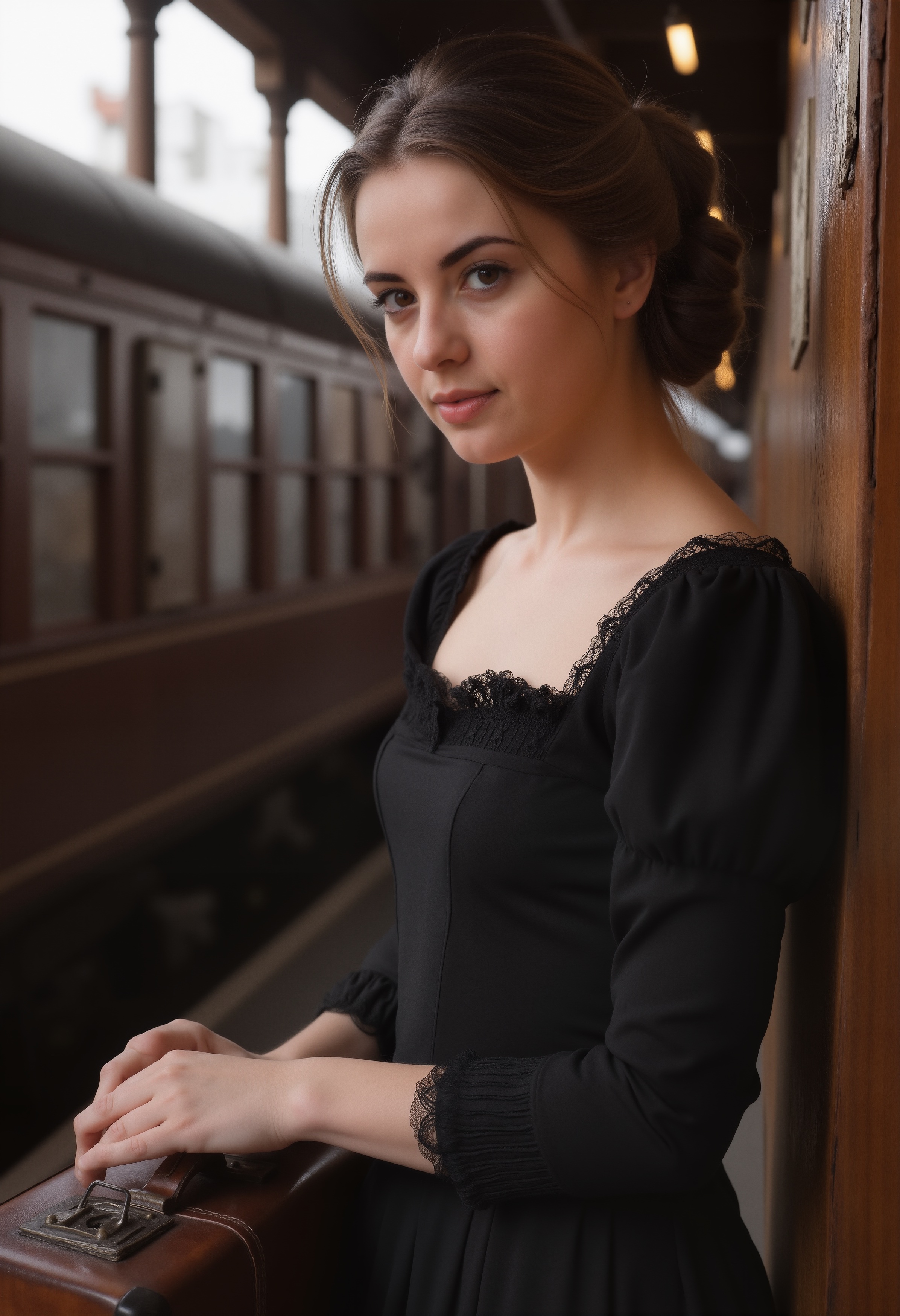
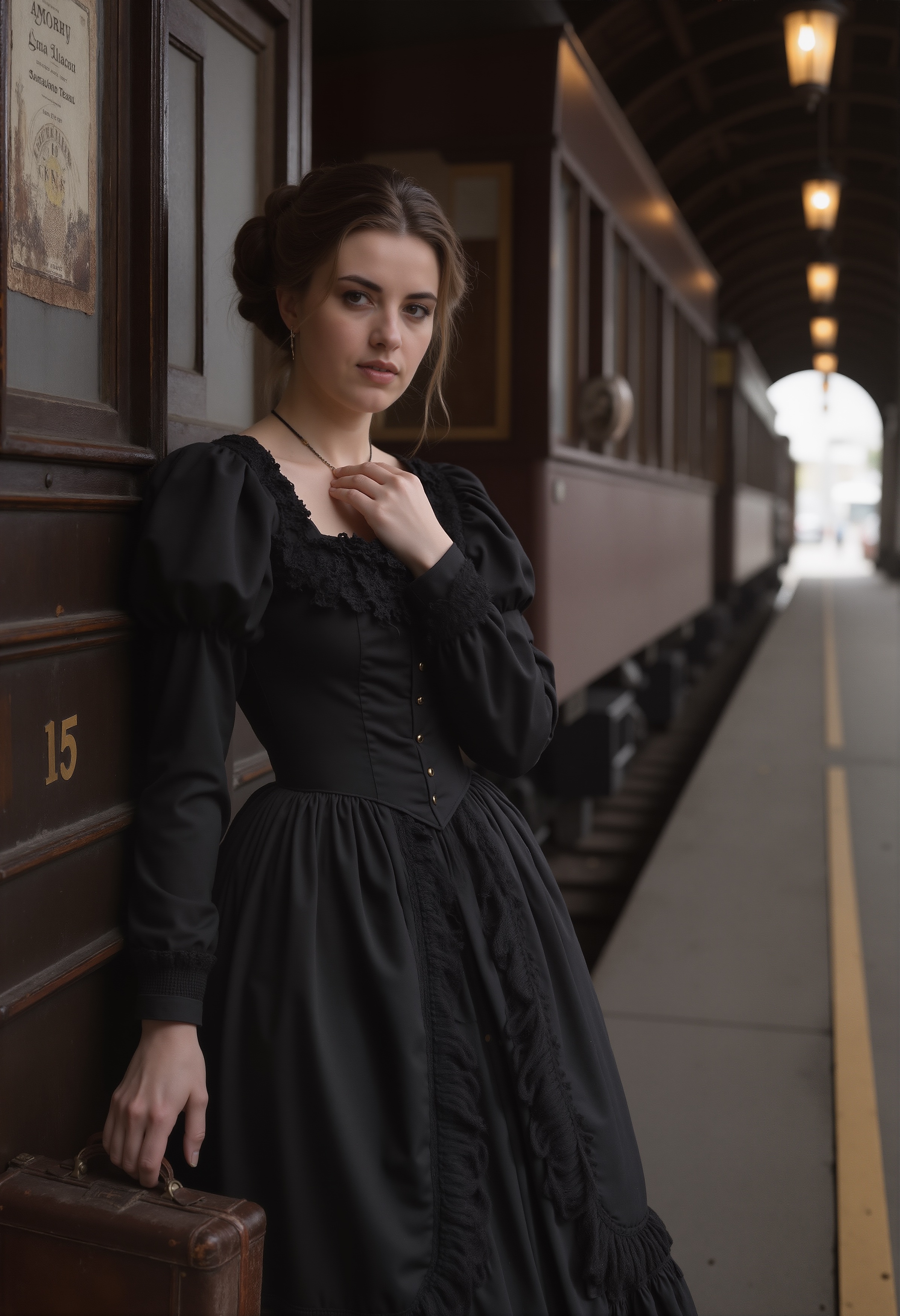
A lot of what I'm learning is on the ComfyUI subReddit. So, I found a new workflow for SRPO today, something I wasn't looking for, but -- WOW! -- am I glad I found this one.
It wasn't all that straight-forward going, gettting this workflow working. Had to install a few nodes -- as you do -- and then, tried to work out why 'Flash-Attention2' wasn't working. And found out the I'd need a more recent flavour of CUDA (the NVidia driver) and-and-and... nah -- not going there. Had another look at the options for that section of the workflow, and found something alternative to Flash-Attention2 that I already have.
Now, this workflow was developed AGES ago (which means a few weeks or months, not years) so a node has disappeared -- the ImageSmartSharpen node, used to be part of the ComfyUI Essentials nodeset -- so you can't even install it.
Here's where Reddit comes into its own. A user (Nevereast) posted this:
"For anyone who also googles this: you can fix this yourself: you can browse the repo and view the history of images.py and find the missing component (ImageSmartSharpen) was removed in the latest release. I just copied the code block from the version prior to the release and put it in the corresponding file in my local environment. There should be three changes: one for the component, and two pointer variables overriding the core image smart sharpen. Hope this helps anyone else who has this issue."
'Nevereast' meant 'image.py', but anyway, followed the instructions, works a treat!!
Explainer for Nevereast's post:
- 'browse the repo' = have a look in the original GitHub repository
- 'view the history of images.py' = there's an image.py, download that file
- 'copied the code block' = I didn't: I just went into the /ComfyUI/custome_nodes/comfyui_essentials folder, renamed 'image.py' to 'image.bak' and placed the file I download in its place as 'image.py'. Works after you reboot the ComfyUI server.
So, why all the bother? Was this all worth it?
I invite you to click on one of the above two images, save it, open it in your favourite image-editing software (or viewing, peu importe) and zoom in.
The quality is next level.
I'm revisiting all my old renders, doing some of them over. And of course, whilst I was going a dewy-eyed about this workflow, a new flavour of Qwen Image Edit -- All-In-One -- has dropped. It is impossible to keep up. Here I was trying to build this elaborate 2-character workflow, and Qwen already has it all mapped out: you can combine 2, 3 and even 4 images together. Makes my little dual-consistent-character effort obsolete. Qwen Image Edit All-In-One will be easier, higher quality and much faster to get an image.
Well, maybe not the last one. I think it will always take multiple renders to get the right results.
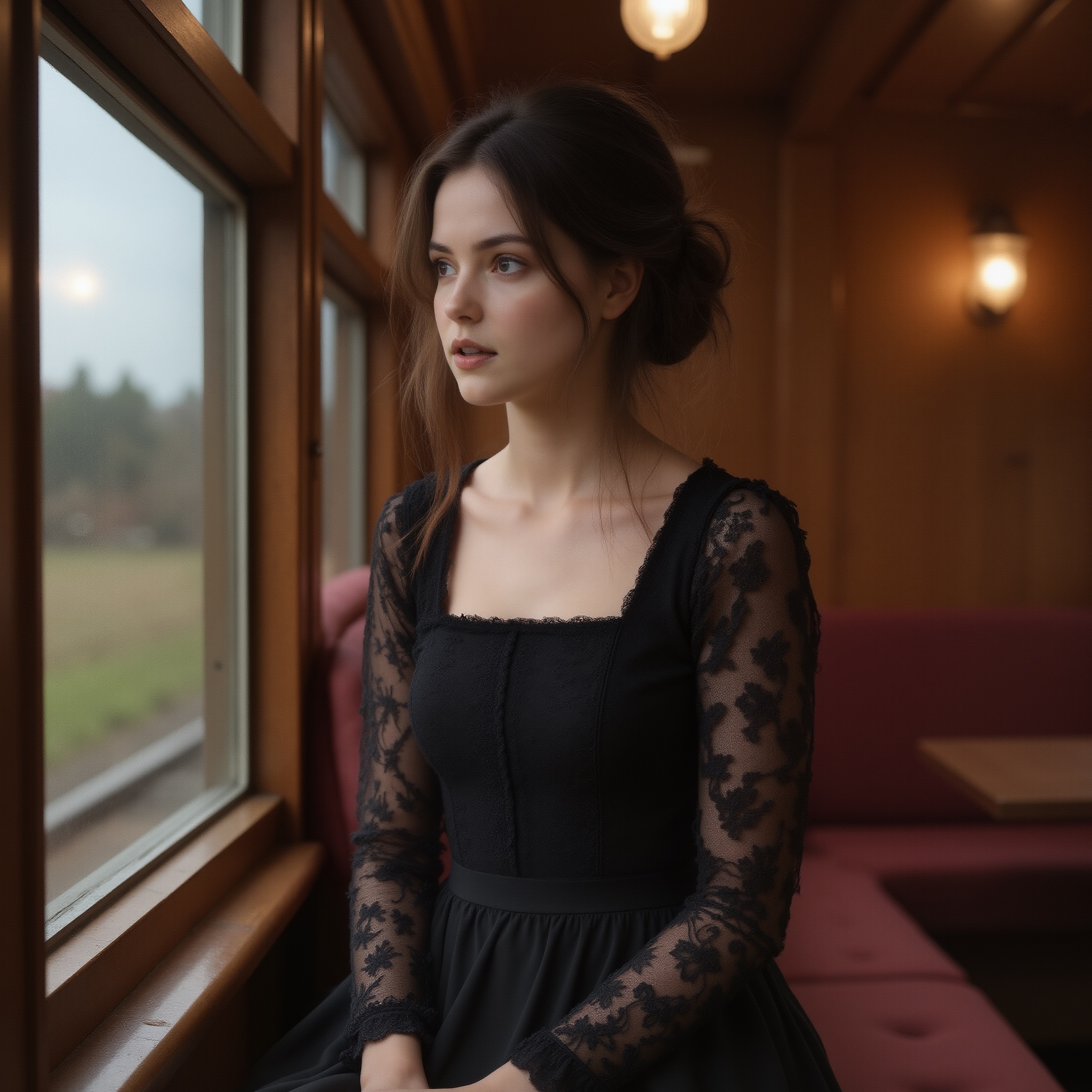
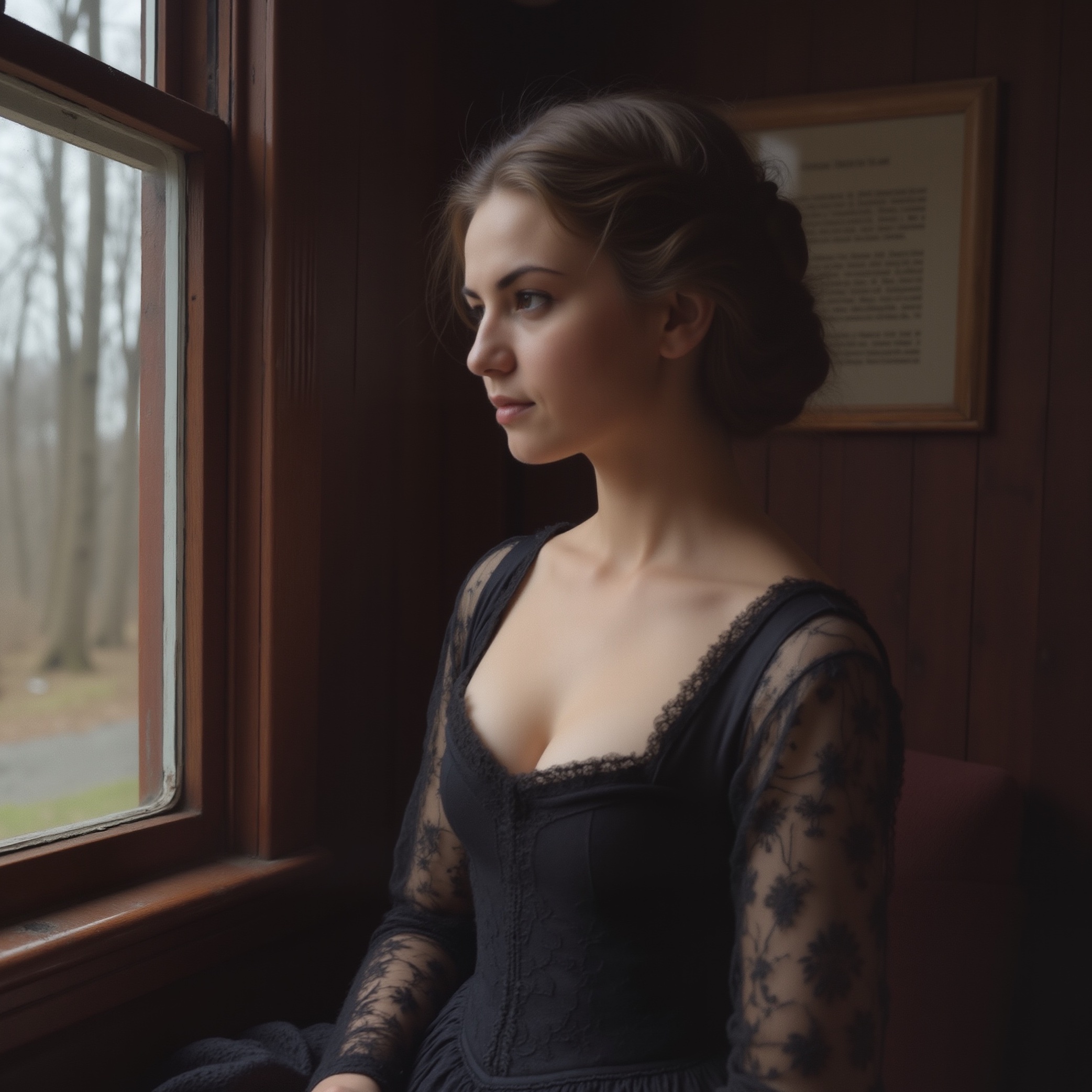
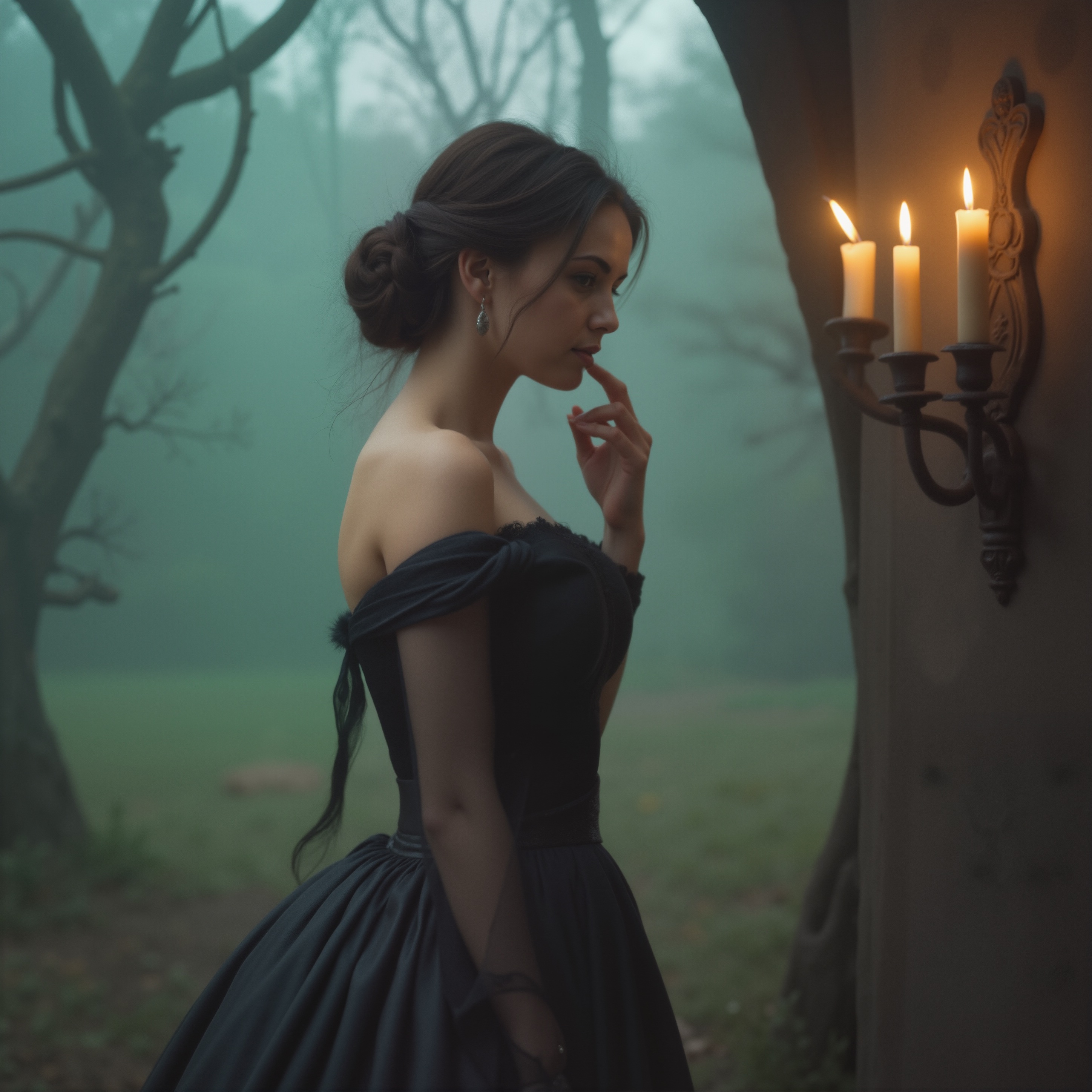
That Easy Fix
03.11.2025
I'm so proud of Julia. We intend to lose the extra kilos we've accumulated over time (and through wrong eating and nil exercise): I'm a sick of being overweight! So this morning we got down and dirty with a bit of aerobics! WooHOO!!
We're also starting out day with 'swamp water' -- warm lemon water with a spoonful of psyllium husk -- and being careful about food choices. Pizza? Not for the next forseeable future. Steak with Diane sauce? Hold the Diane sauce, thanks.
I had to revisit my easy-fixed node this morning when ComfyUI pissed and moaned about not finding a LUT folder or something. The only change I had done was to that image.py node -- as in, replaced it with an older version that contained the 'ImageSmartSharpen' component -- and ComfyUI wasn't happy with that solution. So, I went back and did what Nevereast had suggested in the first place:
- backed up image.py
- copied the class ImageSmartSharpen over from the original to the existing: line 1072
- added reference to the class in IMAGE_CLASS_MAPPINGS: line 1718
- added reference to the name in IMAGE_NAME_MAPPINGS: line 1763
ComfyUI was happy with those changes. Of course, I've zipped up that entire folder again, because I might need to repeat the process when I do an update. Oh well. You pay a price for flexibility.
Having a go with this new Qwen model. The model download was Twenty-Nine Gigabytes!!! Good job we have fibre-to-the-premises NBN (fibre-optic broadband). Julia can watch her Netflix programmes and I can download stuff: NBN broadband does it with ease.
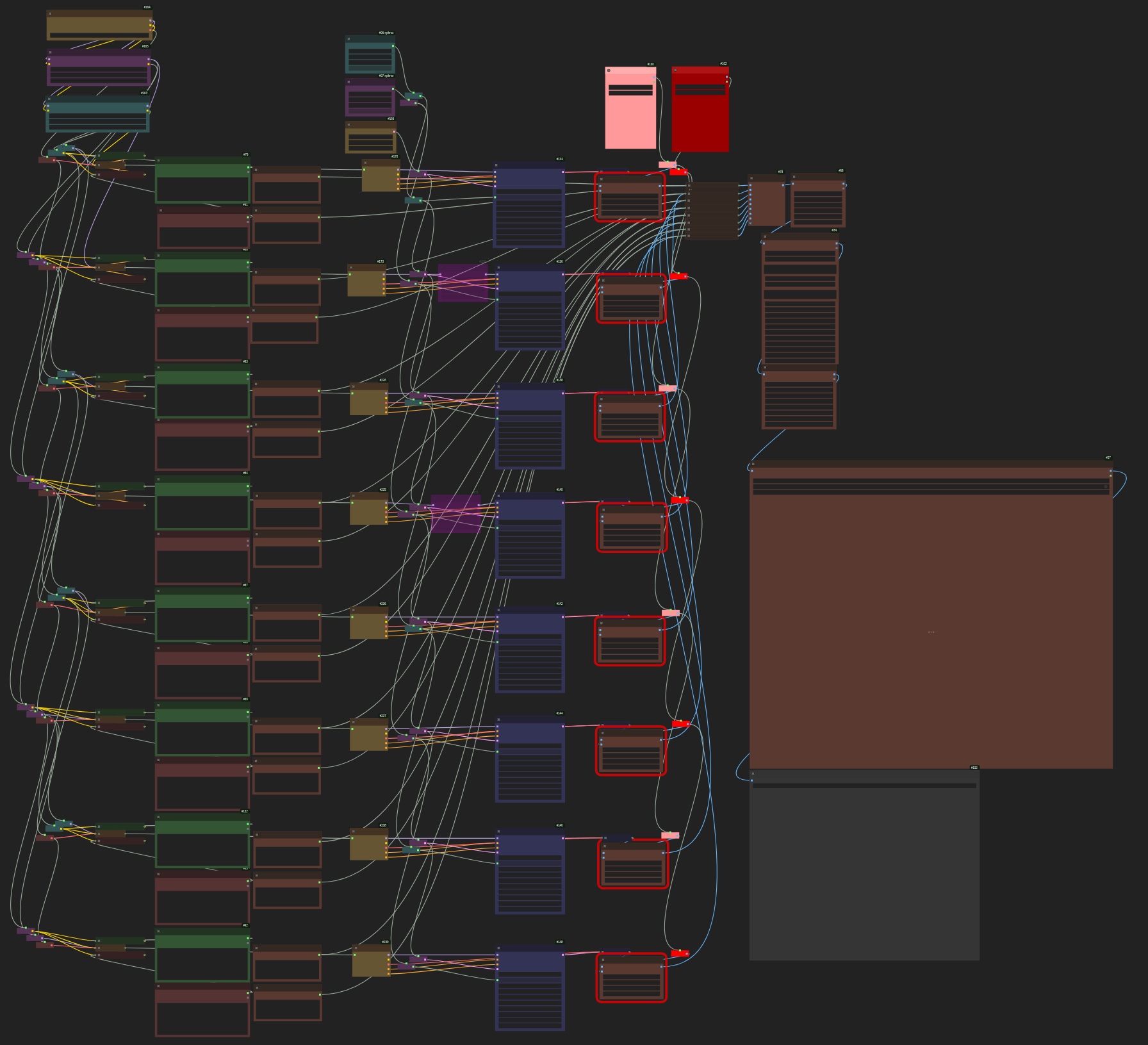
Here is the workflow. To the uninitiated, it may look complex because of the 'noodles', but it is actually one of the simplest ComfyUI workflows to date.
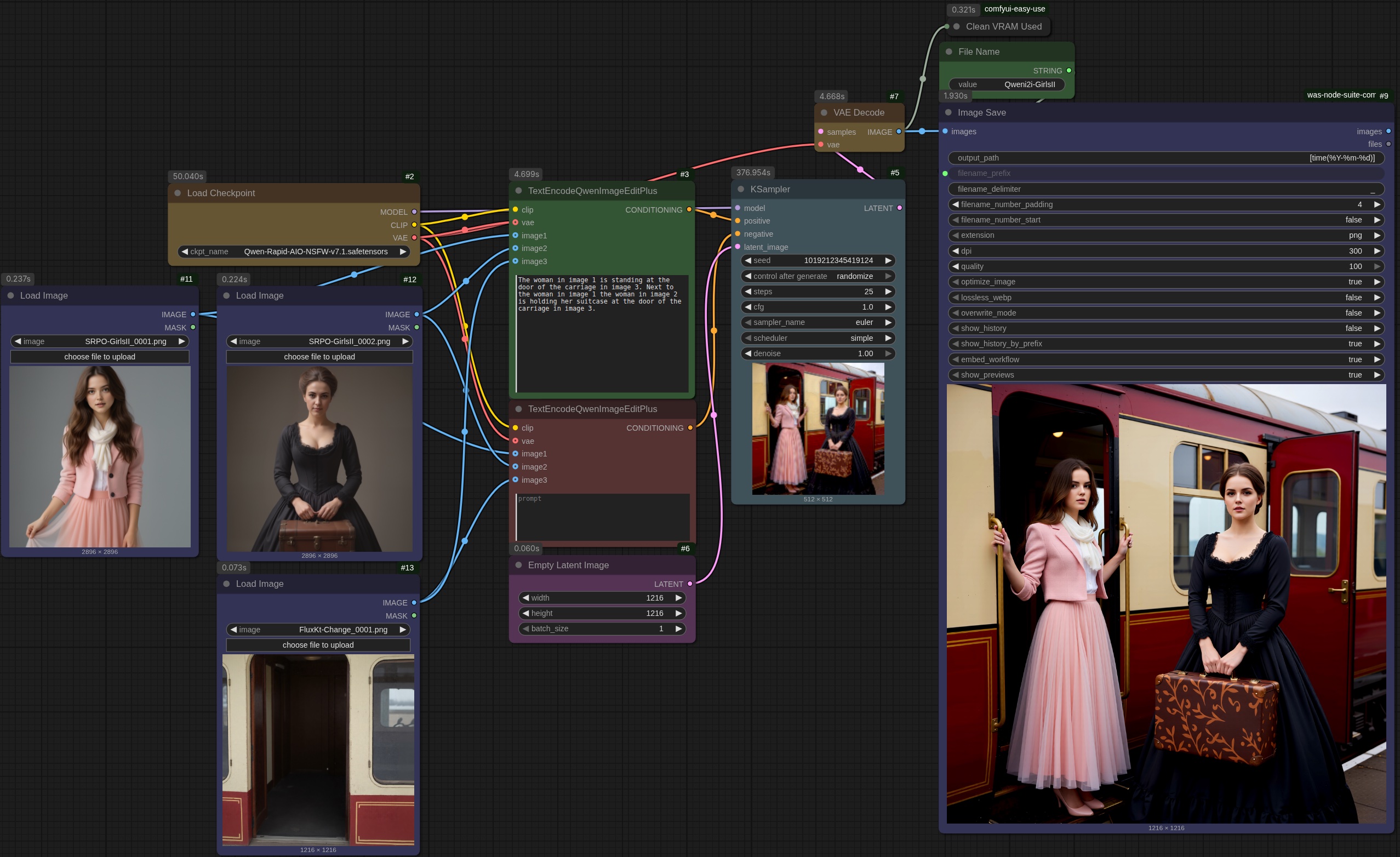
(Click for an expanded view)
The base images:
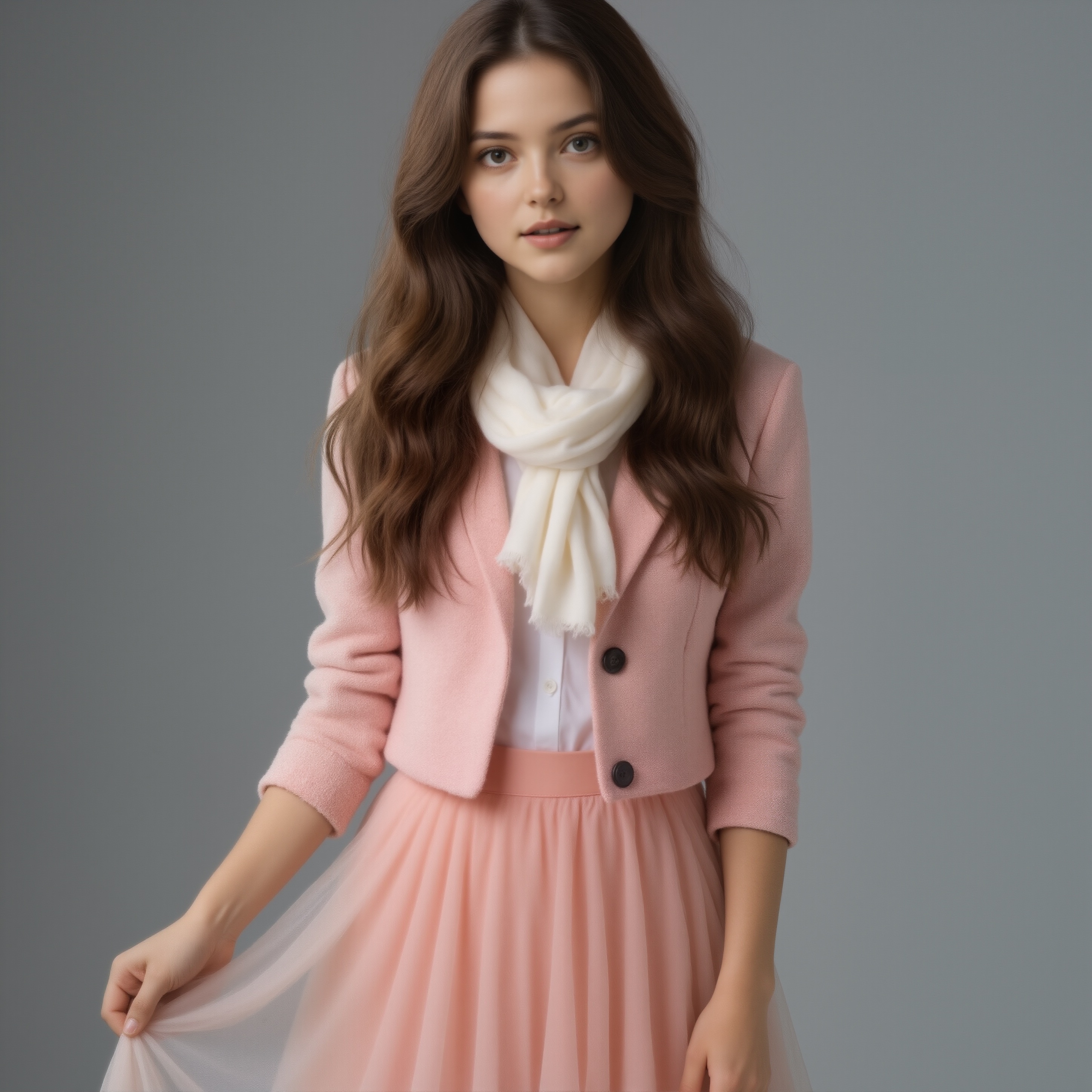
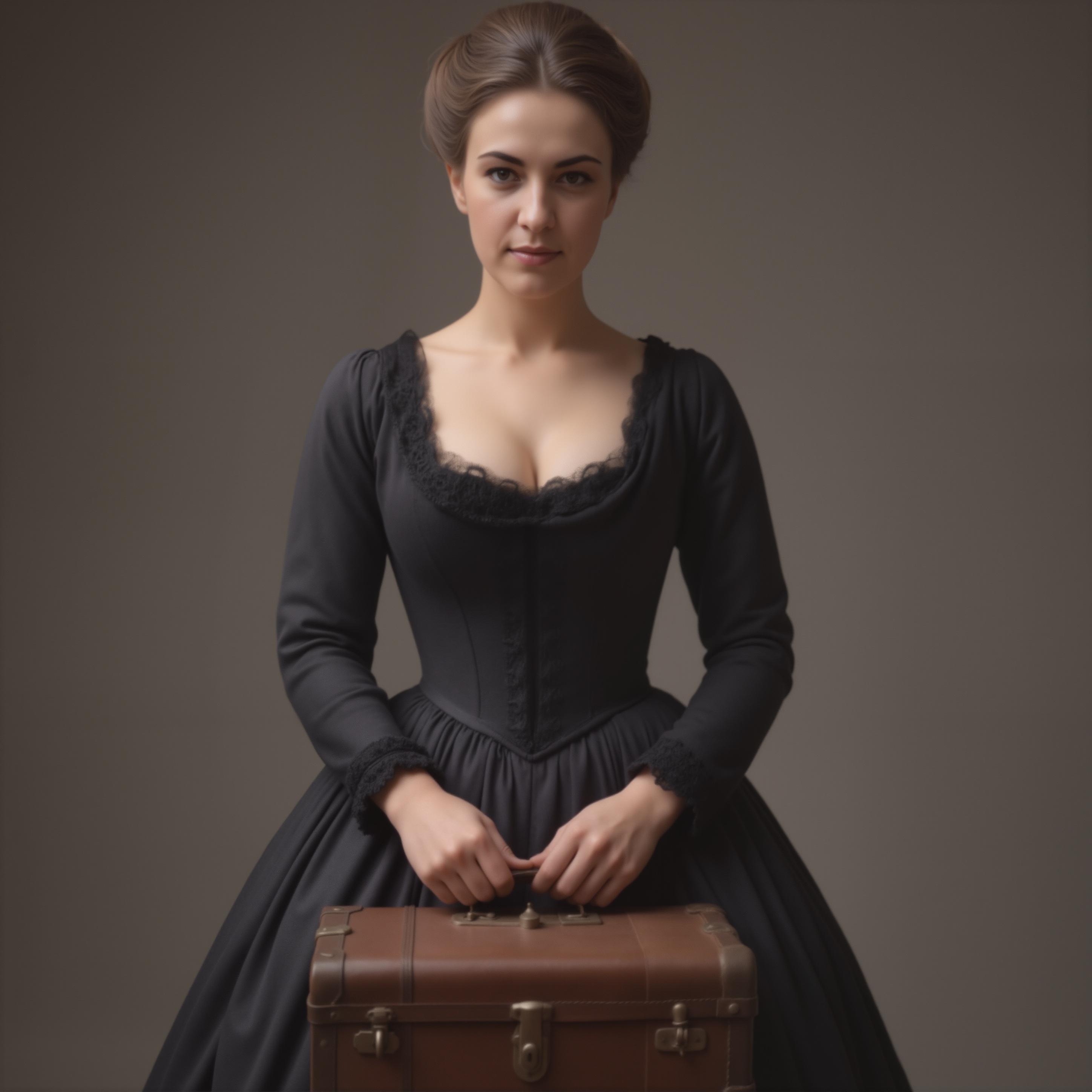
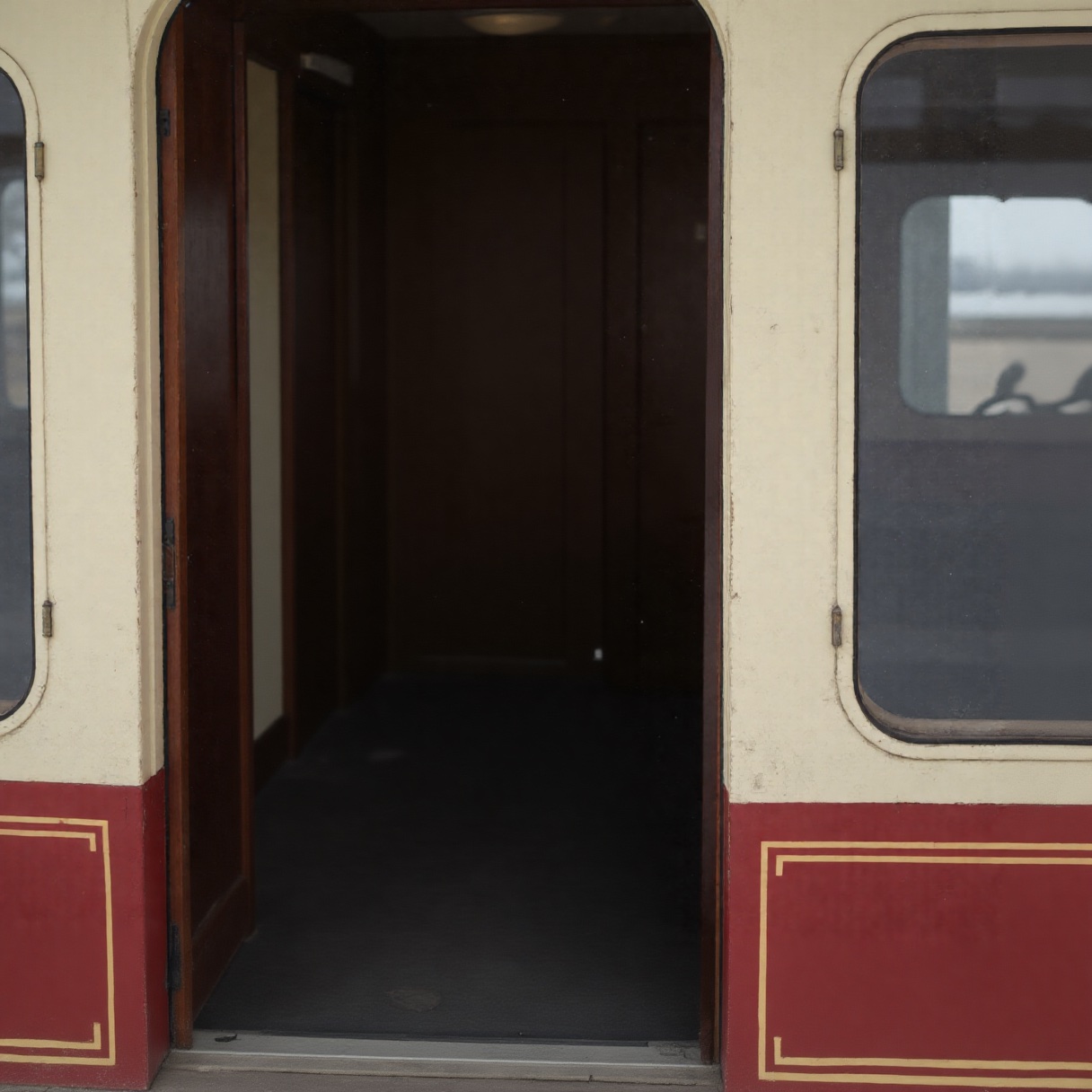
A few notes on these images.
The images are versions of previous renders. Same prompts. With the images of the women, all reference to a background was removed. For the empty train, I used Flux Kontext with the simple prompt to: Remove the woman from the image. Preserve the textures.
You can do some crazy stuff using the different models. The dress of the girl in the first image above -- let's call her 'Celeste' ... I do -- didn't seem appropriate for this scene. So, I loaded that image into my Flux Kontext workflow with the prompt:
Change the hair style to tied back Low Updo hair. Change the dress to dark green Victorian dress with fitted bodice and square neckline with lace trim and the neckline. Preserve the woman's hands pose.
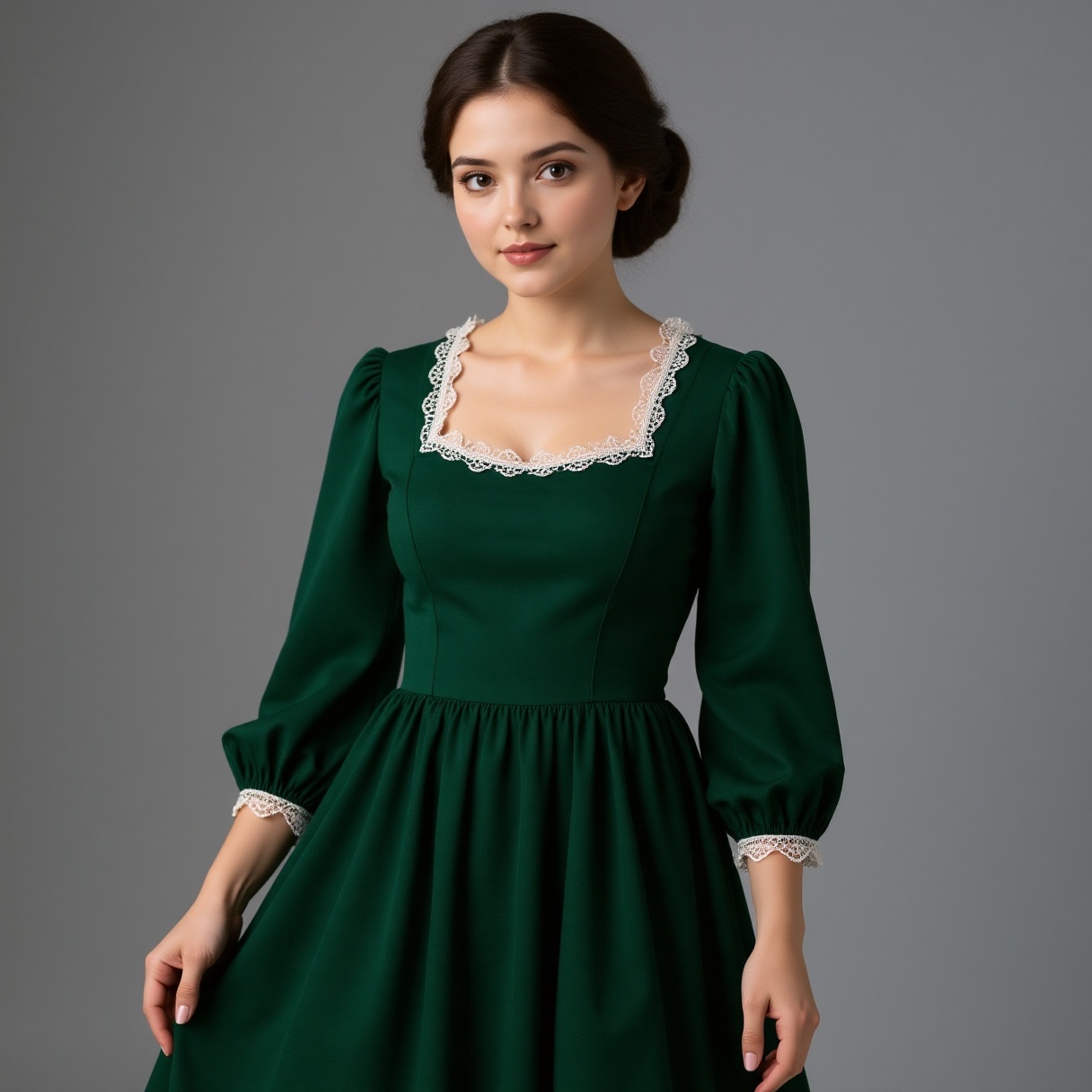
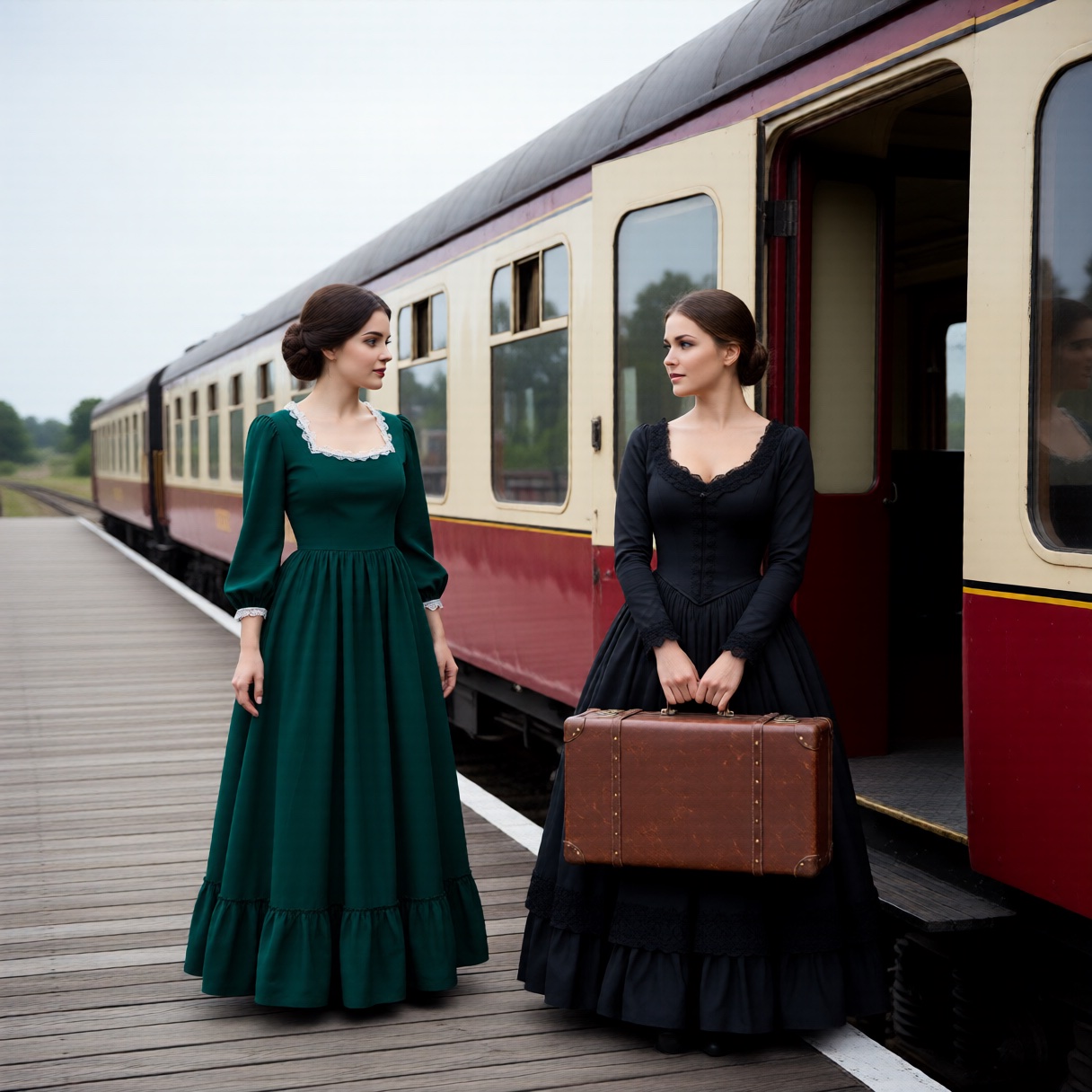
And voila!
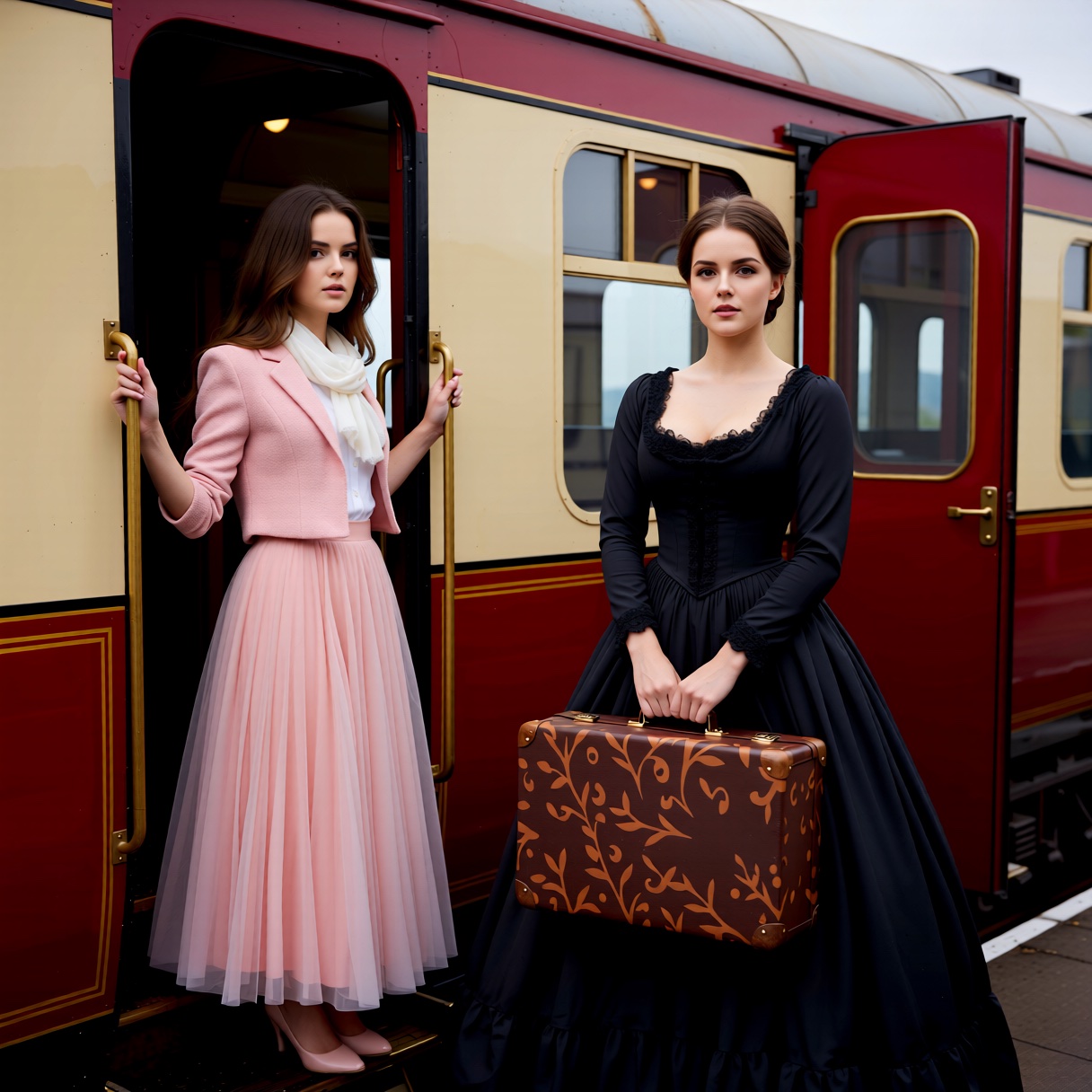
Updated the scene with Celeste now wearing her Victorian-style (sort-of) green dress in my UBeaut Qwen Image Edit AIO workflow and got the picture on the right. Yes, the poses are different: I tried making the seed 'fixed' instead of 'randomize' in the KSampler and entering the previous seed.
1019212345419124.
Nope, it didn't work.
Actually, my problem was that I had been over-baking my Qwen images by setting steps to 25. According to this video by Sharvin, steps is meant to be set to 4! Because of that change -- setting steps to 4 -- the composition of the image changed. Huge benefit is: renders are now at least ten-times faster. Got to admit: that was sloppy of me. Just like my 'ImageSmartSharpen' quick-fix, which didn't. Fix the problem, that is... instead, it created other problems.
Apart from that, the character-consistency aspect of Celeste and Moi-même seems to be eroding. Will LoRAs work in Qwen?
Time to find out.
Well, the LoRA loader hooked up fine, but workflow generated 2256 lines of errors telling me it wouldn't load the LoRAs. Come to find out: Qwen LoRAs exist, and the training is specific to Qwen. Meaning: I can't use a Flux LoRA in Qwen. Yet. Another observation: it seems the 5090 graphics card is becoming the default for anything serious you want to do.
FluxGym with 16 Images
04.Nov.2025
I do depend a lot on "Emily" (ChatGPT). Just read a bit more on FluxGym (for creating Flux LoRAs) and the article claim I should be able to easily throw a 60-image dataset at it. Well, my install kept pooing itself with as few as 12 images. Thought I'd try a different model. My discussion with Emily have resolved that issue, thankfully. I was able to create a LoRA (moimeme4) with 16 images. Yes, it takes a long time, but I'm pretty happy with the results.
Saying that, I had hoped to at last be rid of that confounded 'brow ridge'. Oh well, 'in for a penny'.
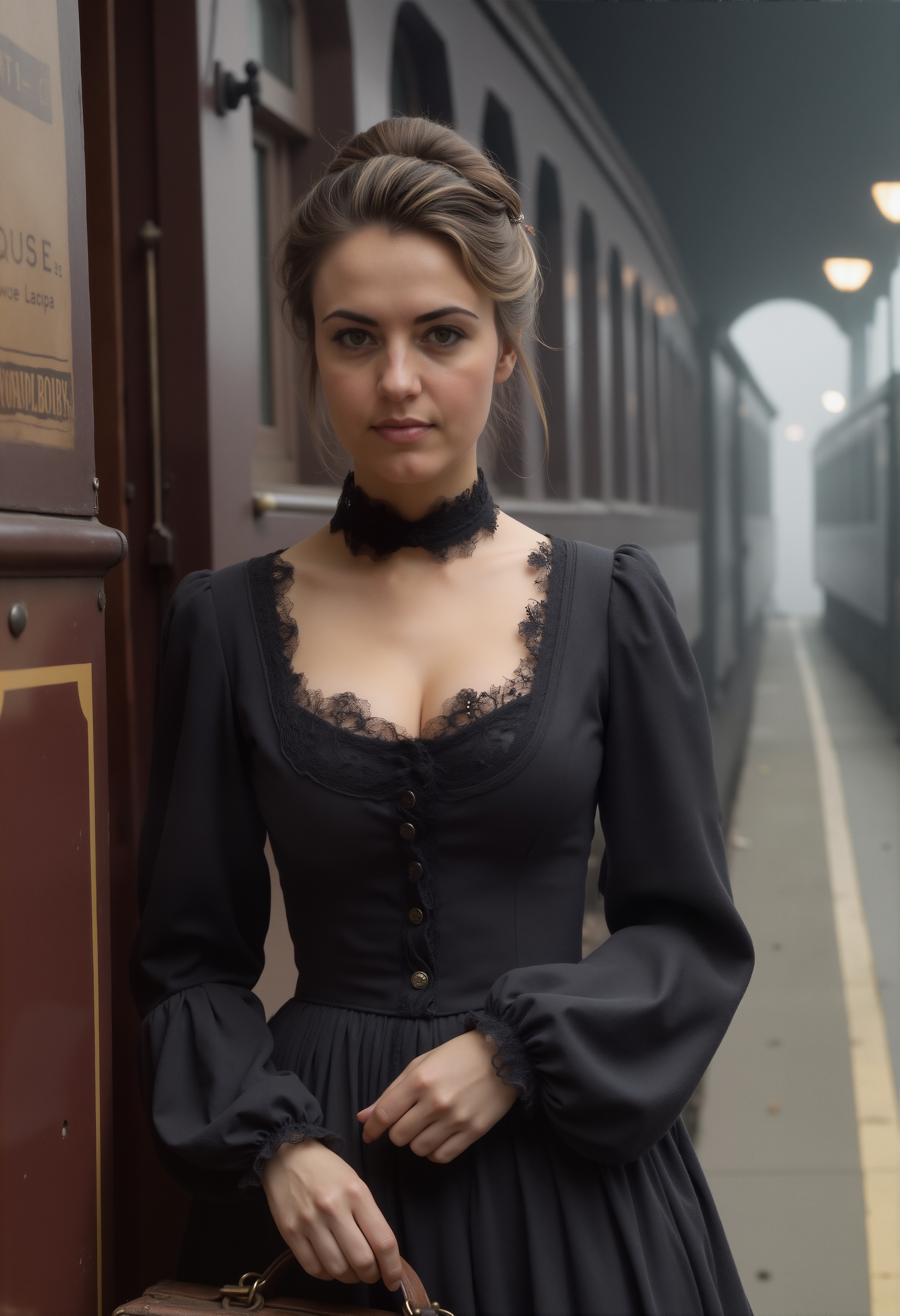
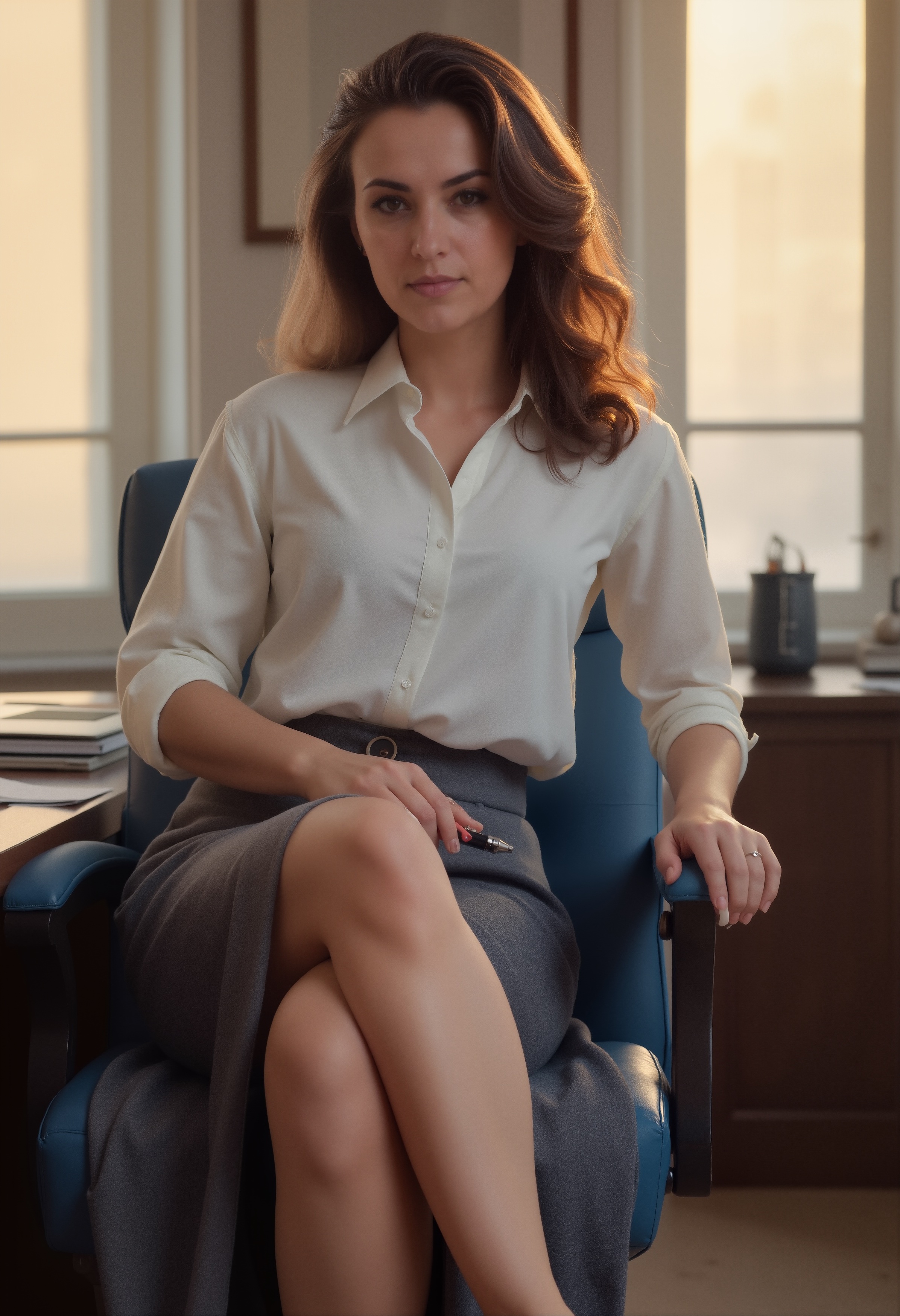
Where things have gone in such a short time. As mentioned in a previous post, a lot of archived images from Automatic1111 and early ComfyUI have gone the way of Blender renders. The images -- well, I suppose I should keep some just to chronicle progress -- are frankly an embarassment, now. Blender and Poser content-creation files and render are being deleted to make room for unet files (safetensors) and other models. I don't want to buy HDDs unless the old drives are showing signs of expiring.
The latest Qwen Image Edit All-In-One was 29 gigabytes. This SRPO is 23.8 gig.
Need the room, Poser/Blender.
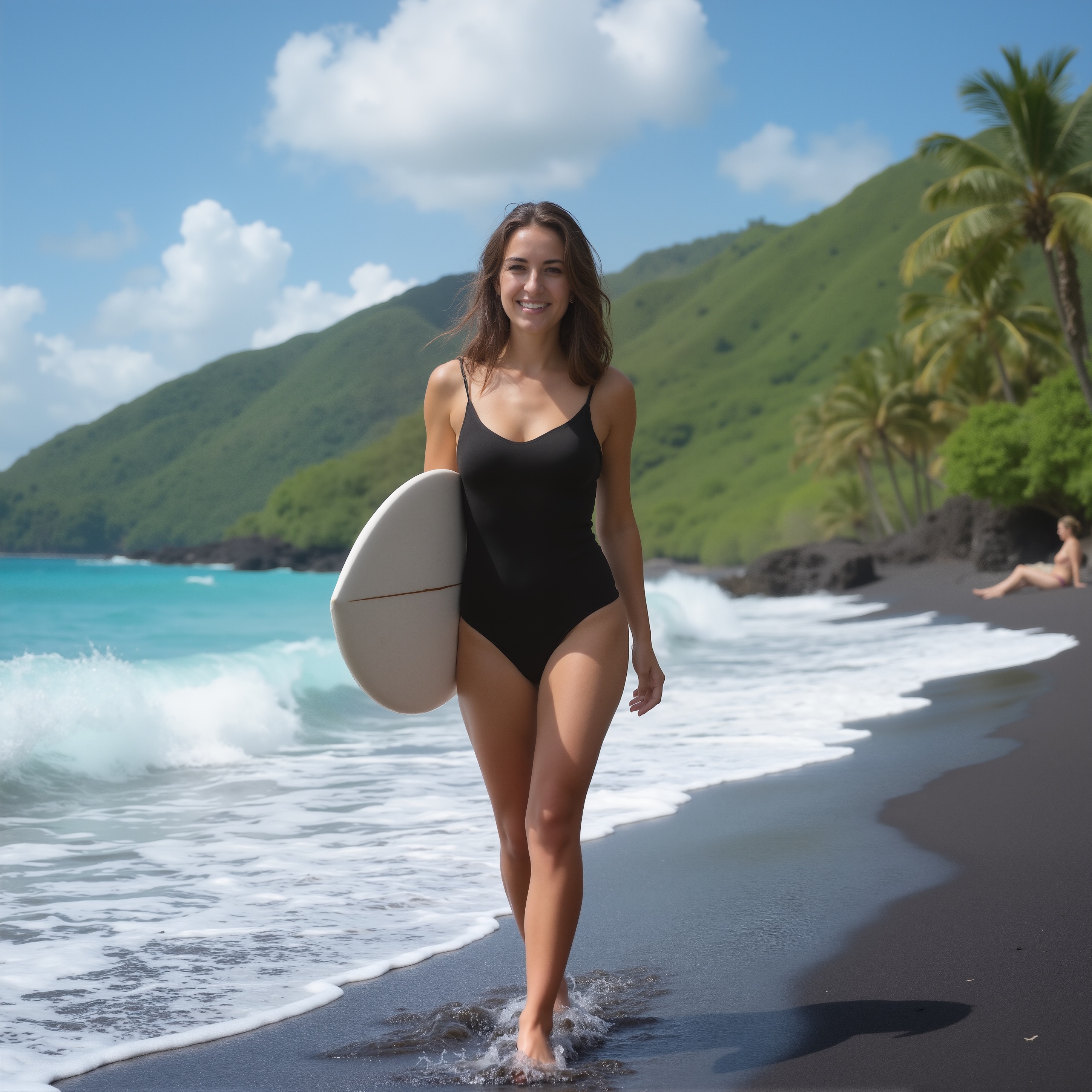
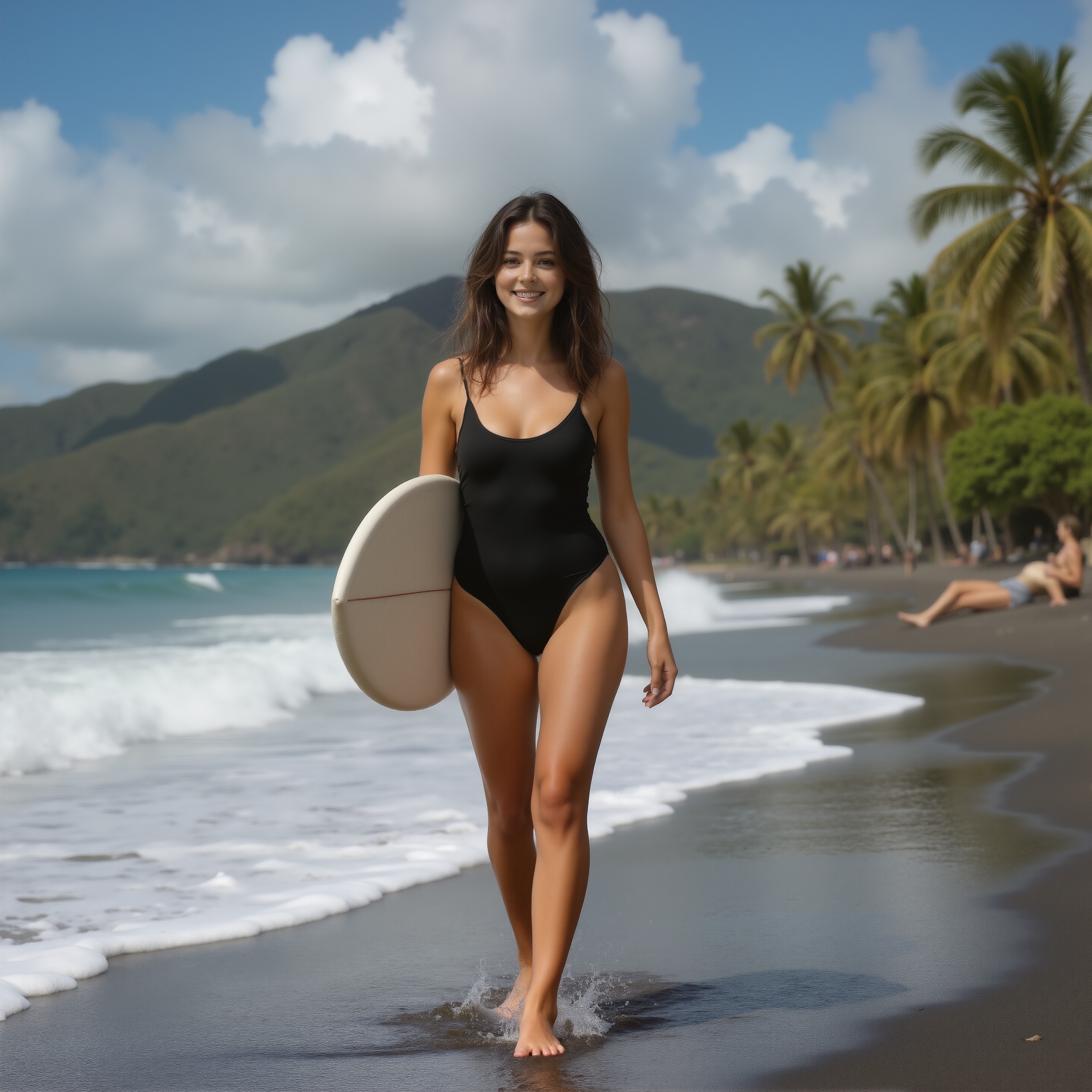
Clicking on either of these images will open the image in a new tab. Click the image to zoom in. The realism is uncanny.
Flux Kontext Prompts
06.Nov.2025
To preserve dimensions in Flux Kontext:
Preserve identity markers: Explicitly mention what should remain consistent
- “…while maintaining the same facial features, hairstyle, and expression”
- “…keeping the same identity and personality”
- “…preserving their distinctive appearance”
For Character consistency, you can follow this framework to keep the same character across edits:
- Establish the reference: Begin by clearly identifying your character
- “This person…” or “The woman with short black hair…”
- Specify the transformation: Clearly state what aspects are changing
- Environment: “…now in a tropical beach setting”
- Activity: “…now picking up weeds in a garden”
- Style: “Transform to Claymation style while keeping the same person”
- Preserve identity markers: Explicitly mention what should remain consistent
- “…while maintaining the same facial features, hairstyle, and expression”
- “…keeping the same identity and personality”
- “…preserving their distinctive appearance”
How far have we come with creating AI images?
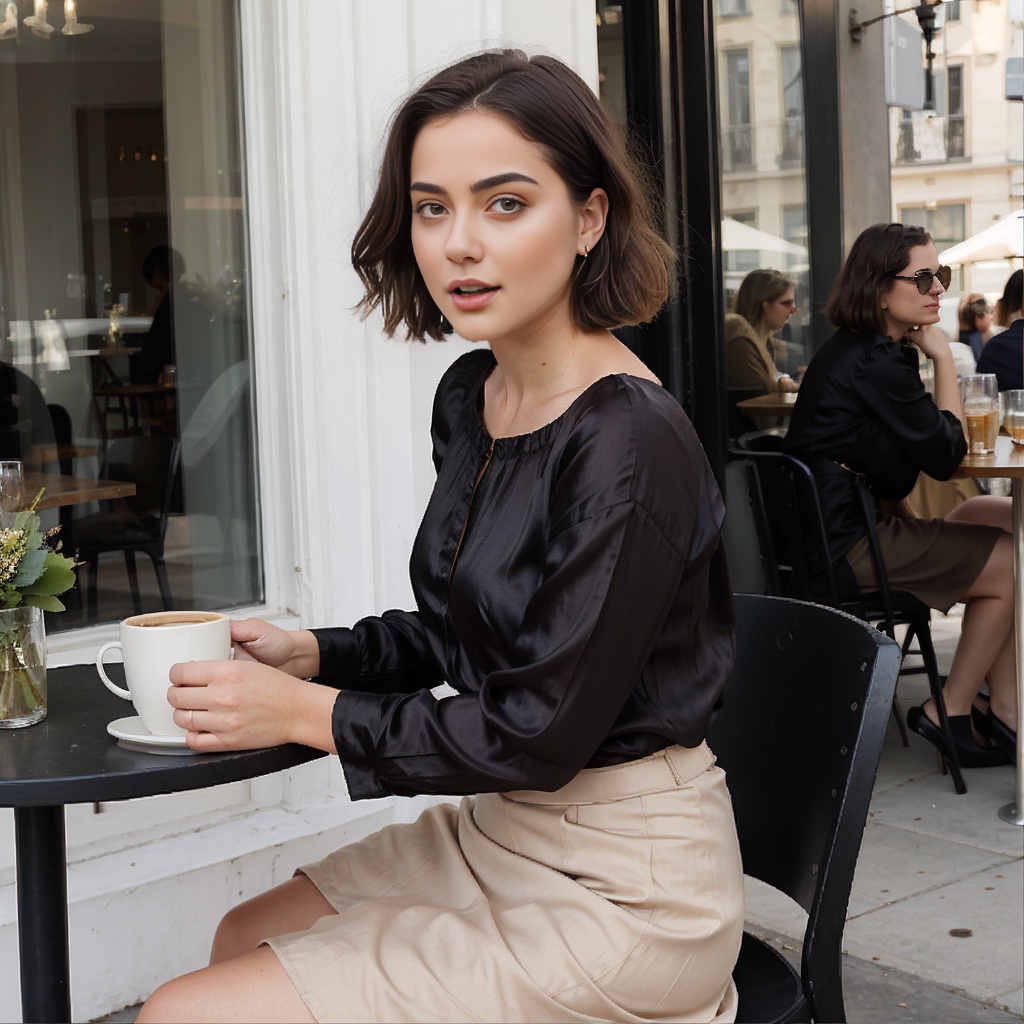
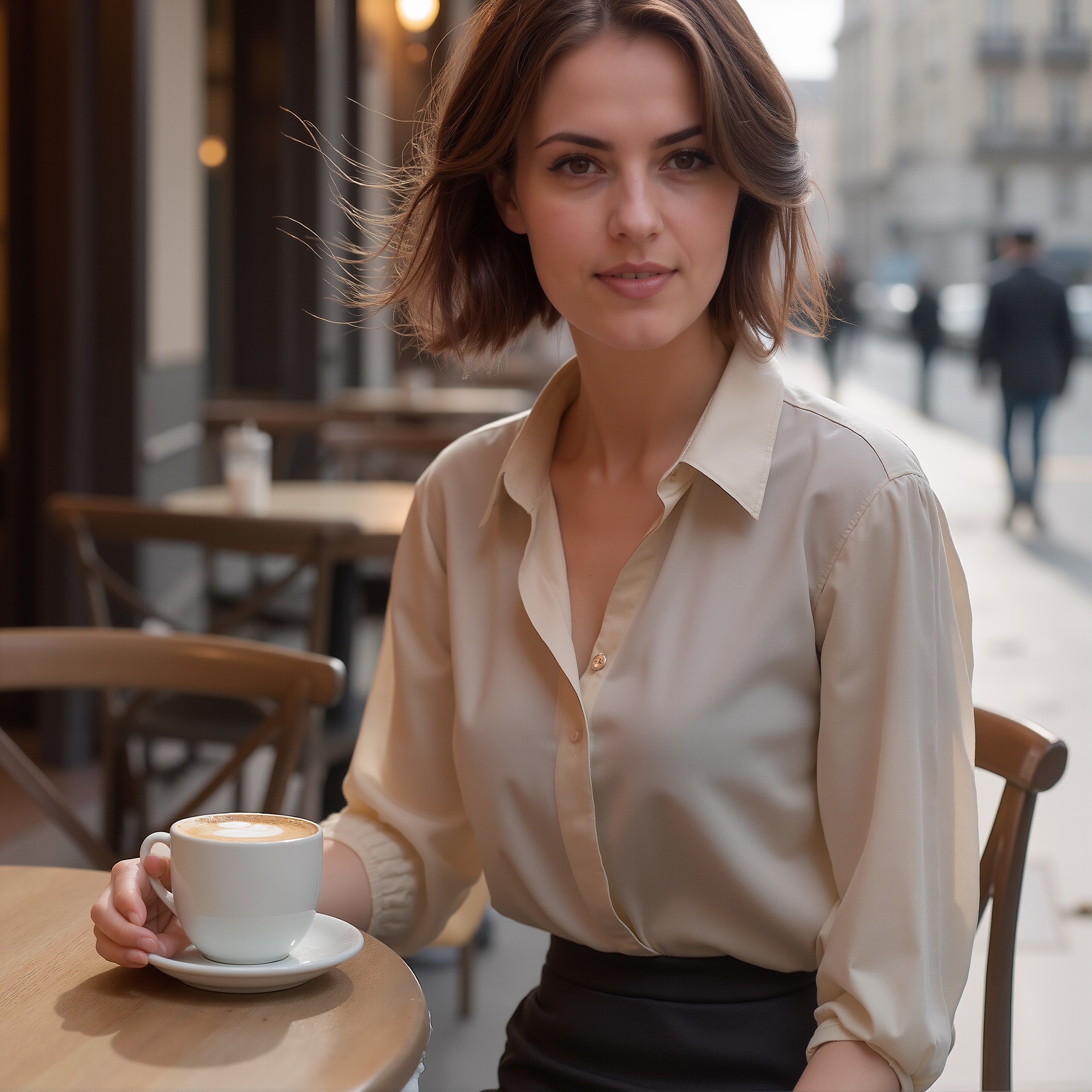
The image on the left is as far back as I care to go. It was an early ComfyUI render in Stable Diffusion 1.5 on the 8th of August, 2023. The workflow is a bit of a dog's breakfast. Note: what's really cool about images created in ComfyUI is that the workflow is embedded in the image, which is saved as a .PNG. To retrieve the workflow, merely drop the image on a running ComfyUI instance. Of course, be prepared to see missing nodes that no longer exist in the repositories.
The prompt was classic ComfyUI/SD 1.5: full body shot, (front view), elegant beautiful Nordic young woman, wearing (beige Rhea blouse), wearing (black silk) skirt, dark (short bob) hair, (open mouth), sitting, sitting at cafe table, head tilted, outdoor cafe, coffee cup,
Cryptic. It was actually one of my initial efforts at "face-swap": and it failed. The person behind the main figure got the face intended for our main figure. The tech was called 'roop', now defunct. Didn't have LoRAs back then. As far as accuracy to the prompt, well, not stellar. And some of the background figures' faces were just hideous (guy in the jacket).
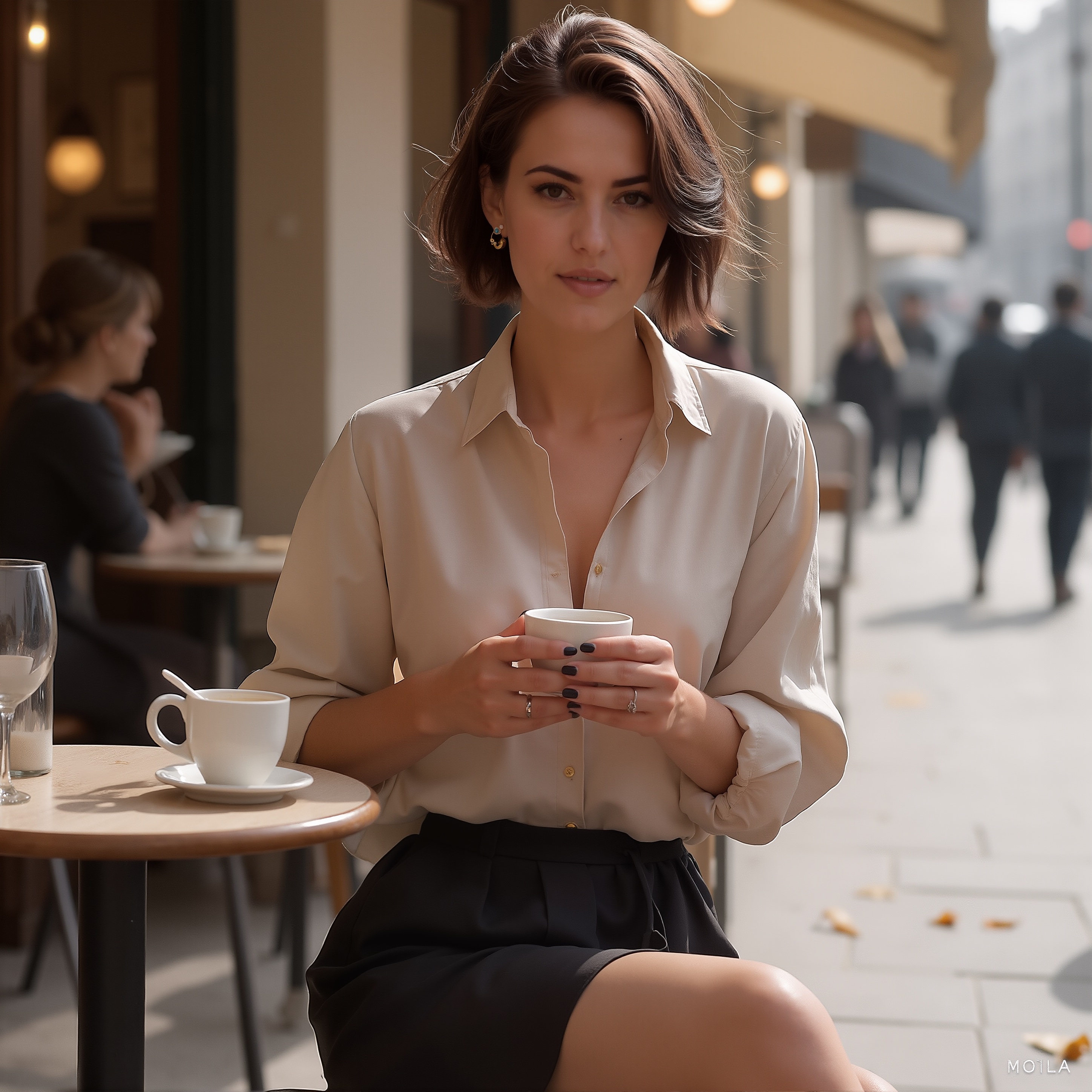
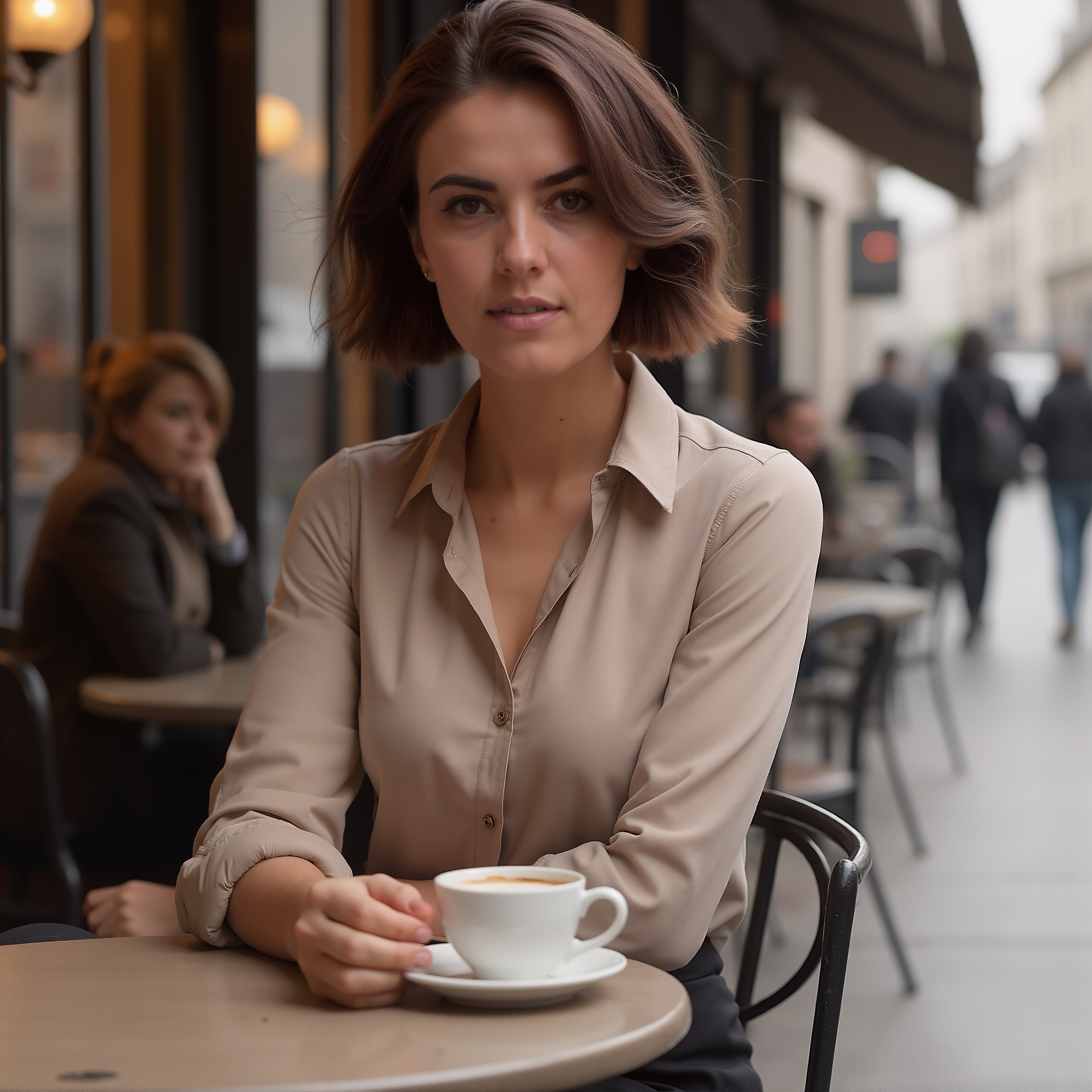
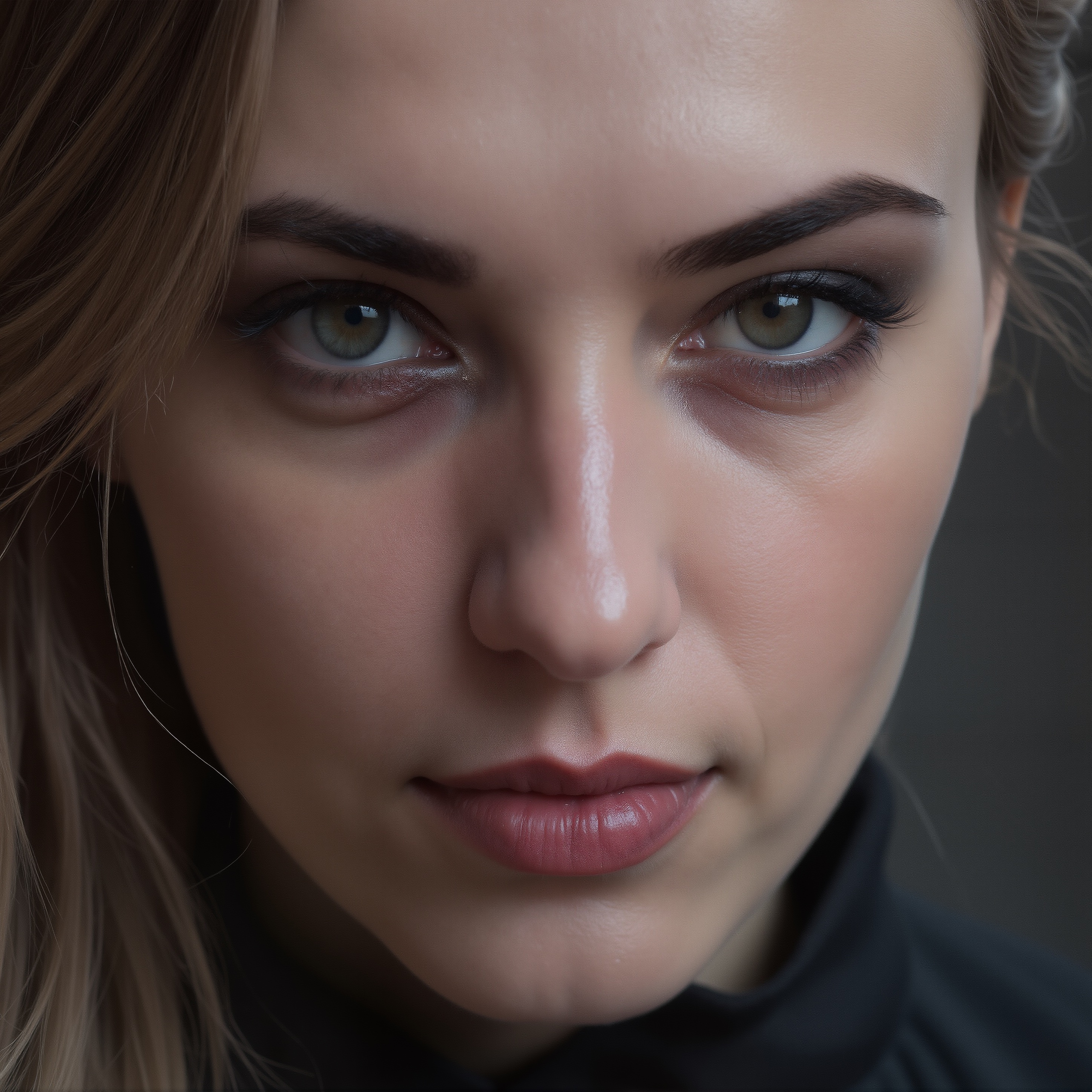
On the right, same basic image, but providing more detail: SRPO requires detail. More is better: This photograph, full body shot, front view, features elegant beautiful Nordic young woman "moimeme4". She is wearing a beige Rhea blouse, a black silk skirt and beige high heels. Her dark brown hair is styled a short bob hair. Her expression is open mouthed with her head tilted, holding a coffee cup. She is sitting at cafe table at an outdoor cafe. The scene is Au Deux Maggots in the Latin Quarter in Paris. It is a blustery November morning with lots of wind blowing her hair. The lighting is morning bright outdoor sunshine. Leaves are visible on the sidewalk outside the cafe.
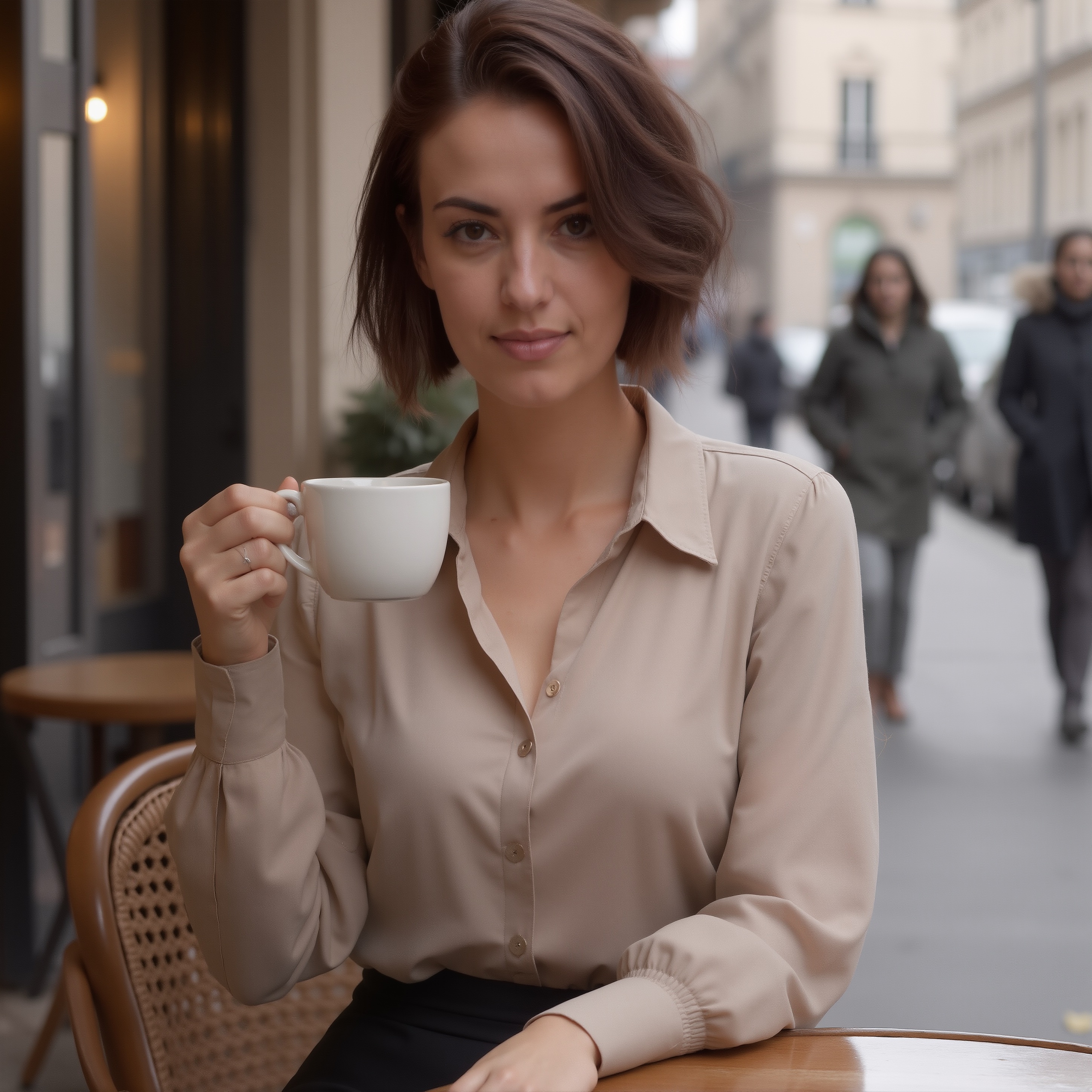
Prompt adherance is, better. Can't see her shoes, and no one asked for 2 coffee cups, but still. No question that the quality is significantly better. I mean, that detail in the hair! Skin texture! A followup render finally yielded the hairstyle I was after and removed the superfluous coffee cup and glassware. That's the thing about having your own graphics card: 1 render or 500, peu importe. We have solar so our electric power cost is 5¢/hr.
Impressive about the lass on the right is her nose. Yep, that tracks: I can smell the coffee, in Brazil. When it rains, people ask me if they can stand under my... um, you get it (Roxanne, with Steve Martin).
By the way, Emily bless-her-pointy-head suggested I take the denoise down to .5 or less. Um, no. I just get light-coloured mud. Or a closeup of psyllium husk desolving in warm water. So, no. .95 is as low as I dare to go.
One of the problems Stable Diffusion had back in the day (just a few years back, really) was hands. Too many fingers, not enough fingers, misshapen limbs... hey, early days. One doesn't see that hardly at all with Flux or Qwen.
And for music, this piece arranged by Alexander Evstyugov-Babaev runs through my head on a continuous loop.
Reasons for Art
07.Nov.2025
The discussion on CrossDream Life has brought into focus -- made it clear and validated it -- why all this was so important to me. (By the way, I might save to this blog entries I've made on the CDL site. Just cuzz...) Indeed, even why I got into Poser and Blender the way I did: this art form let me hop into a reality I could control. "If you can think of it, we can make it happen."
Two years ago, I tried to make my own comics.
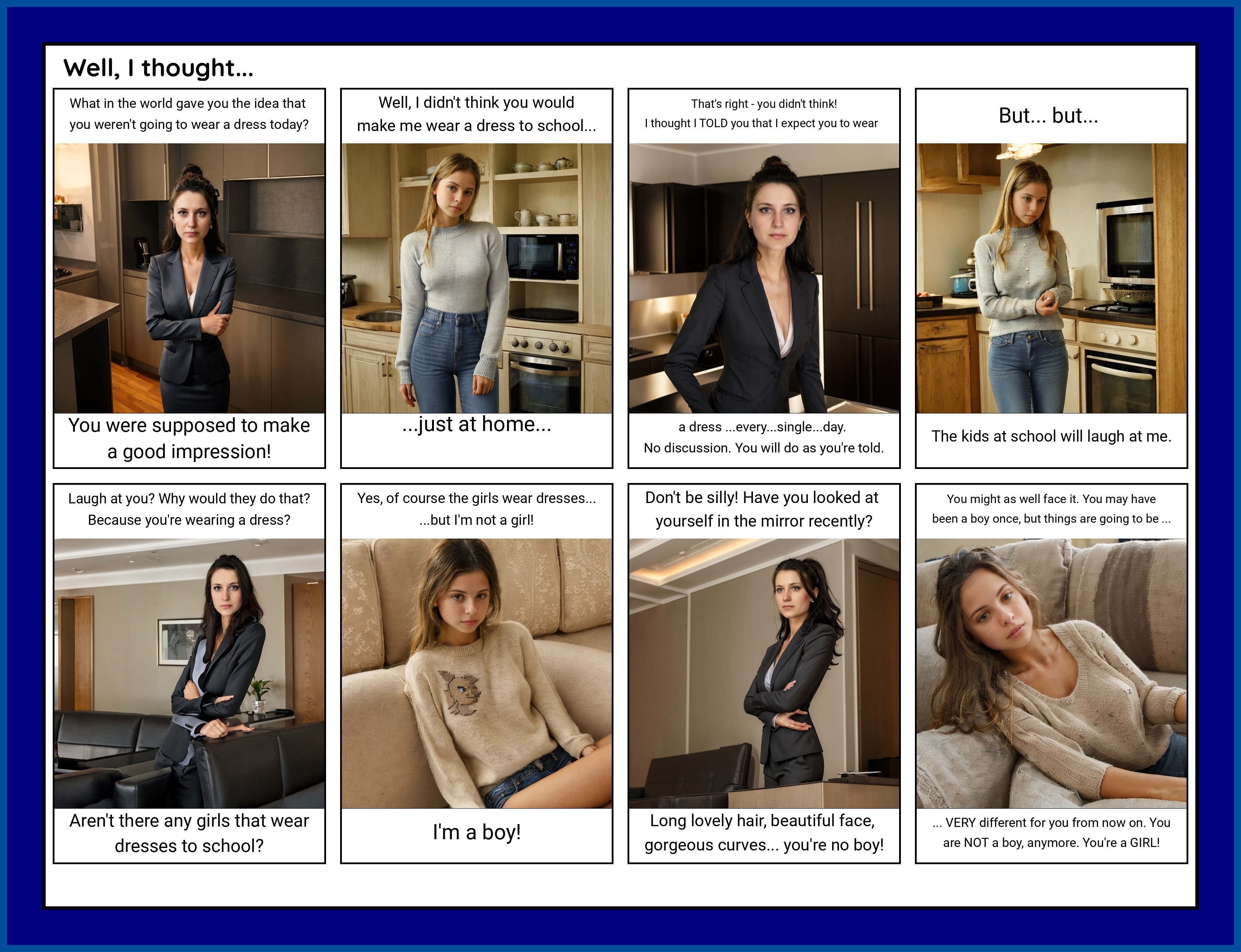
Keep in mind this was 2 years ago. Renders were still pretty ordinary, pretty sure the base model was at most a variant of SDXL. Implied are misshapen limbs, dodgy facial expressions... not great. What was cool about this was that the comix could all be done in a workflow:
What was sad about this was that my writing sucked. Sure, character consistency wasn't there either, but hoo-boy, not great writing. Maybe because the "wishing" part was/is too poignant, I didn't do that great with plot development.
Anyway, the discussion on CDL touched on copyright issues relating to AI. I think eventually this may be a bridge we'd have to cross, but given the tech and how images sort-of "grow", it's not like you're seeing a copy of some image that the model was trained on.
Here's a case in point. Let's say I wish to create an image of a young lady at a train station in Victorian England. I find an image online, and have a prompt generator to 'have a look' at it. The image is a drawing I found online with roughly the setting and character combination I want to create. The prompt generator has a "look" and produces a whole bunch of text, much of which accurately describes what I want depicting.
The photograph depicts a Victorian-era woman "moimeme4" standing next to an old passenger carriage. She has fair skin, light brown hair styled in a loose updo. Her dress is long-sleeved, black with intricate lace details on the bodice and sleeves and a square neckline, and it features multiple layers of ruffled fabric. The dress buttons up the front. Her facial expression is serious and slightly contemplative.
She holds an aged brown leather suitcase by the handle. The suitcase has metal clasps and a slightly worn appearance. The steam train carriage beside her has a dark metallic exterior with visible rivets and numbers "15" on the side. In the background, another car of the train is visible, painted in maroon with yellow accents.
The background shows a dimly lit train station with arched ceilings and hanging lights. The walls are lined with dark wooden panels and vintage posters. The platform extends into the distance, fading into bright light at the far end. A yellow safety line is visible near the edge of the platform. Fallen leaves scatter on the ground beside her. The overall mood is gothic and melancholic, with a sense of adventure. The photograph emphasizes textures such as the lace of her dress, the polished wood of the station, and the aged leather suitcase. The woman's expression is slightly pensive, adding to the somber atmosphere. The image combines elements of historical fashion with a modern photographic style. The overall color palette of the image includes muted blacks, browns, and grays, with subtle highlights from the metallic elements of the train carriage. The photograph has a slightly dark and moody tone, emphasizing the Victorian era setting. The textures in the image are rich, particularly in the woman's dress fabric and the old leather suitcase.
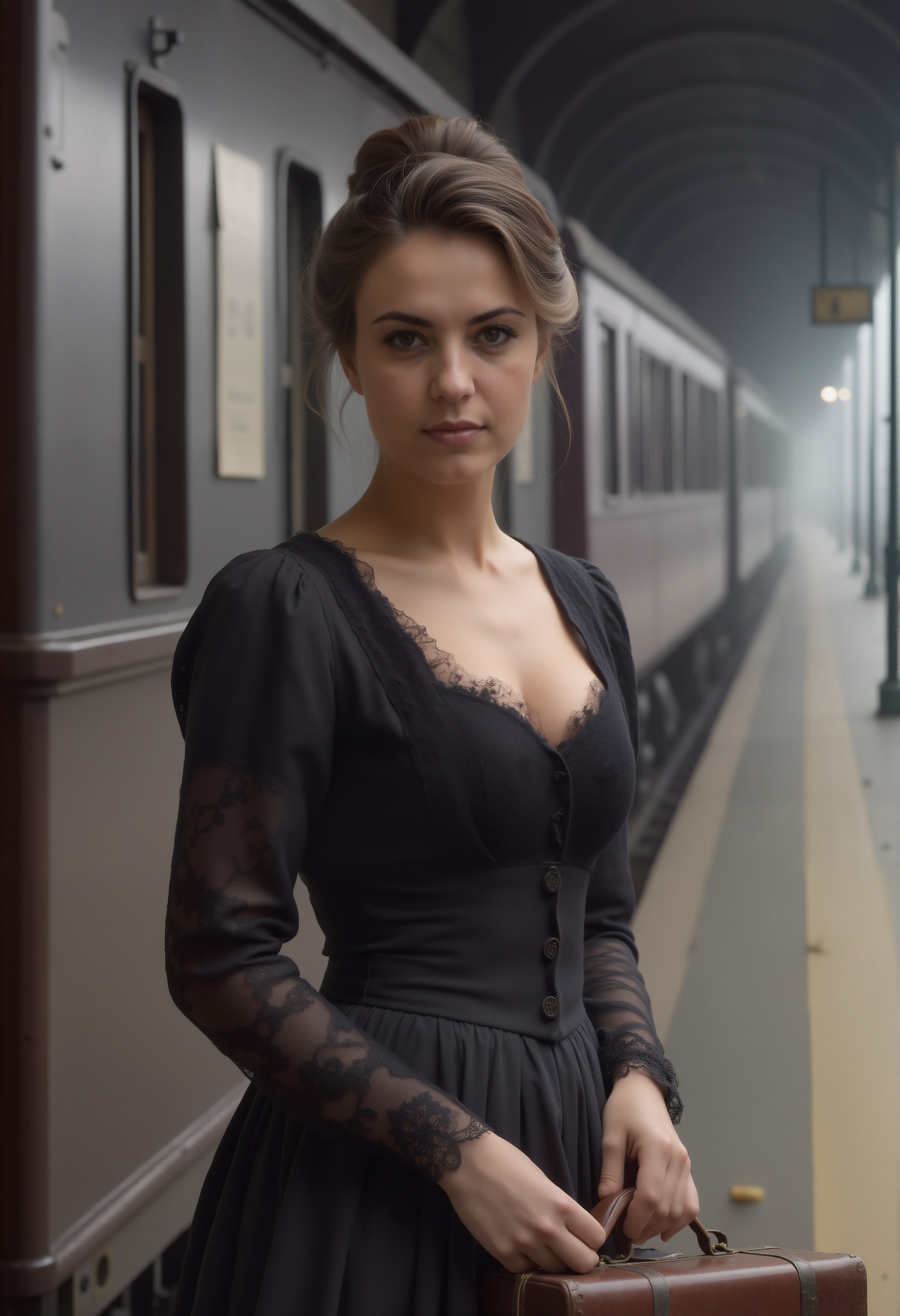
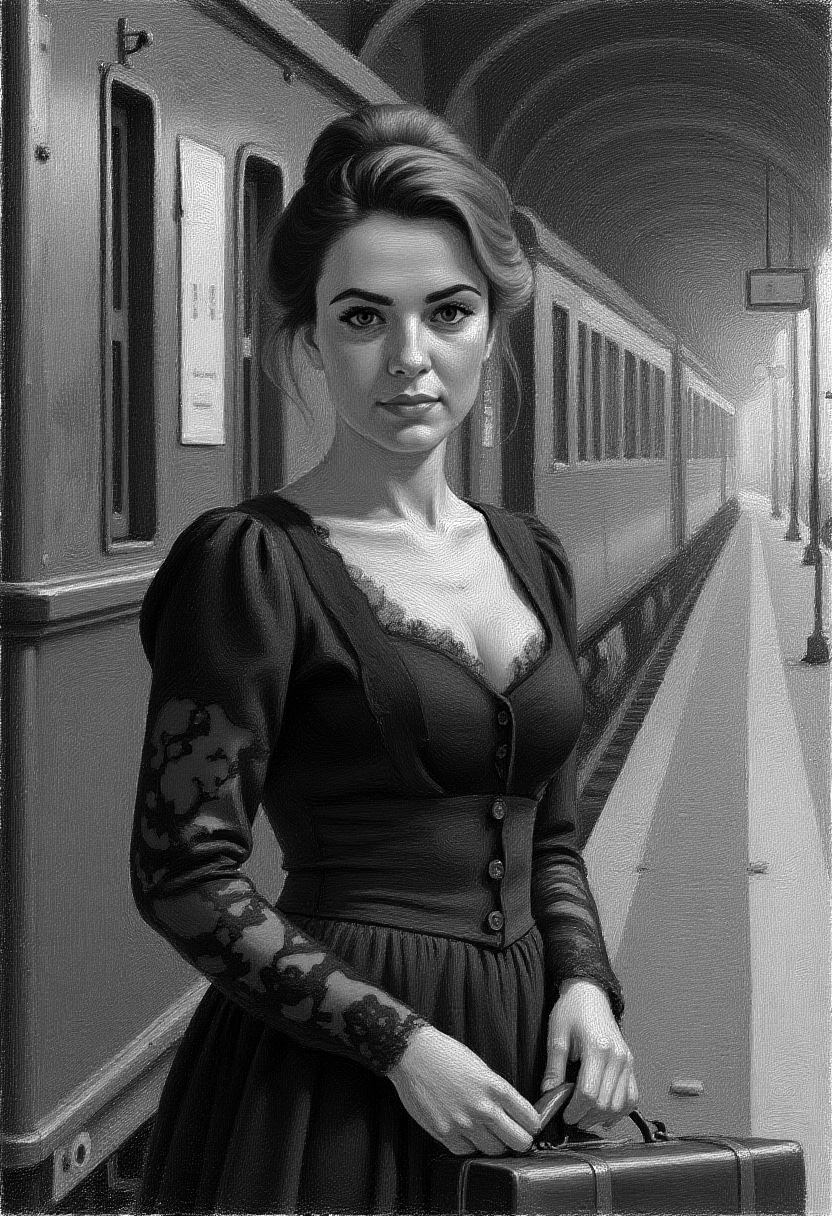
I exchange 'illustration' with 'photograph' and add my LoRA keyword and run the queue. And get the image on the left. And then, bring it into Kontext and turn it into a pastel version. And then, GIMP to desaturate it.
At this point, the forensic AI lawyer is sobbing. How do you copyright-infringement prosecute a desaturated version of a pastel Flux Kontext drawing derivative of an SRPO photoreal derivative of an LLM derivative of a drawing?
While this all seems like a lot of work, the artist ends up with a setting, a consistent face (via LoRA) and attire (which can also be controlled by LoRA. For someone creating comix, this can be a definite benefit.
All that lacks is a story.
Here's a story, in sound, about a waterfall, inspired by an incredible film -- 'Portrait de la Jeune Fille en Feu' by Celine Sciamma -- and fueled by spin-off stories and imaginings:
Don't I Wish
08.Nov.2025
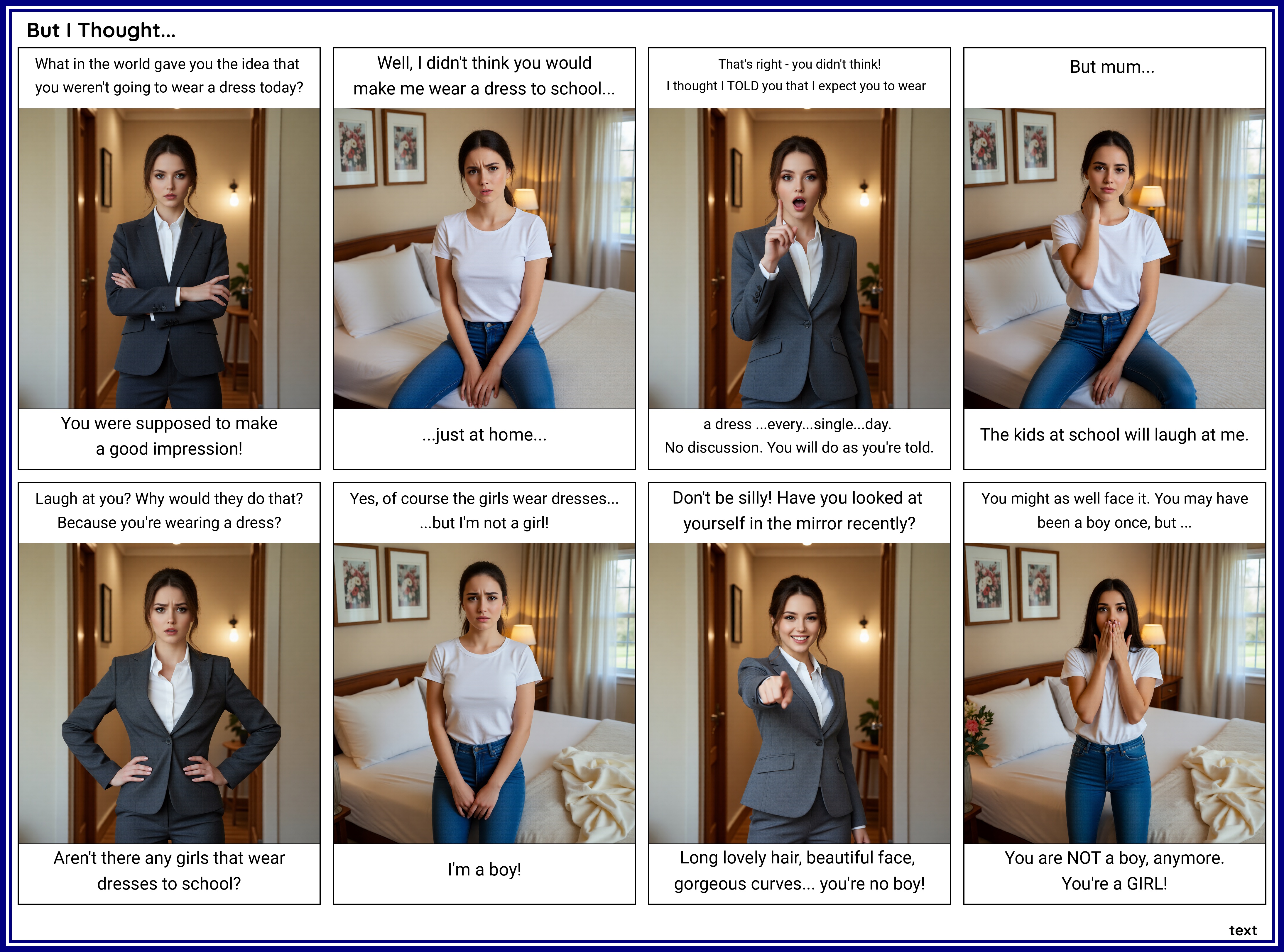
Just redid that lame comix from 2023, just for sh#ts-n-giggles. I didn't improve the story any -- this is really more a proof-of-concept thing -- but the characters and setting are a bit more consistent. Btw, 'reluctance' or even 'cluelessness' are both key components in TG stories, selon moi. Rare ingredients, indeed.
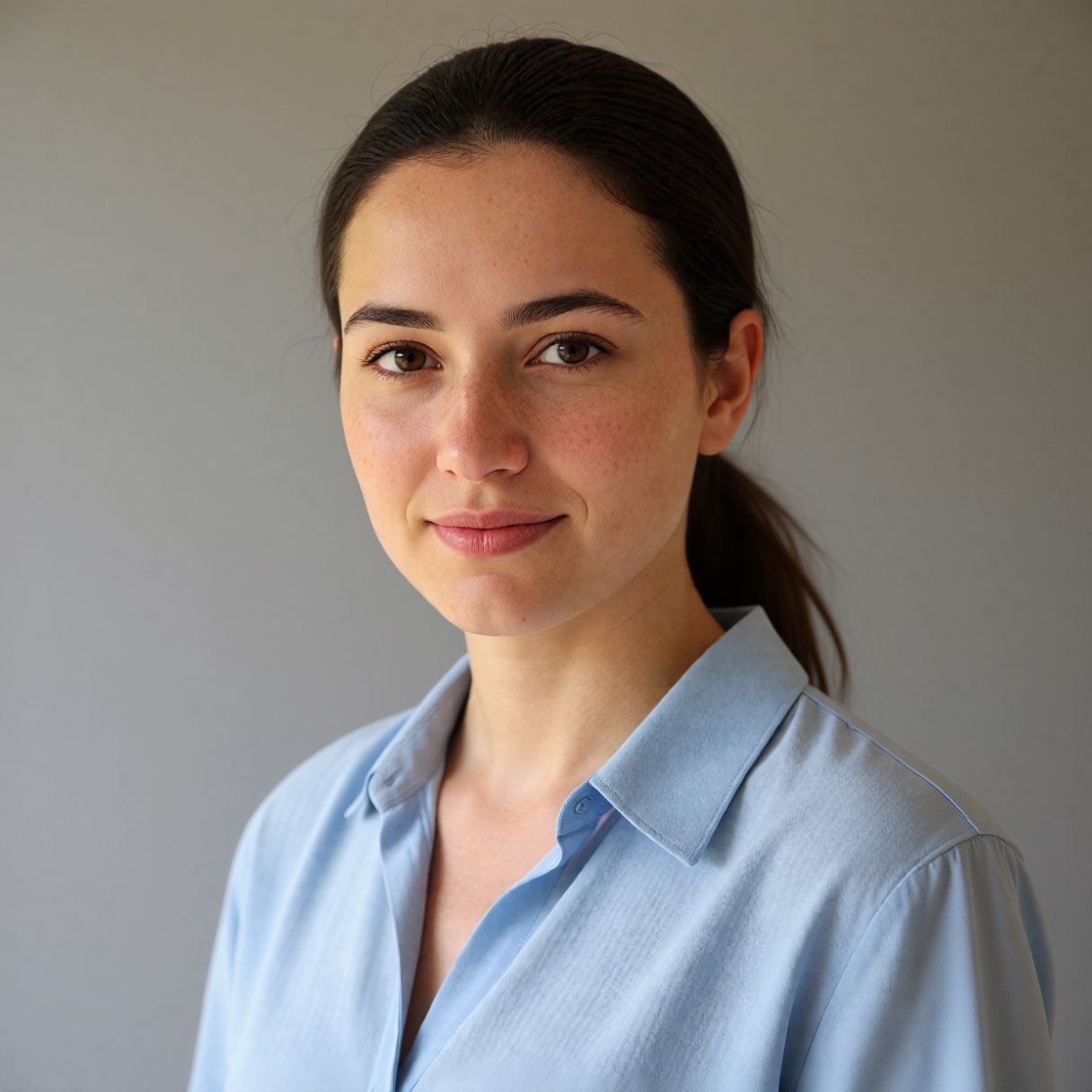
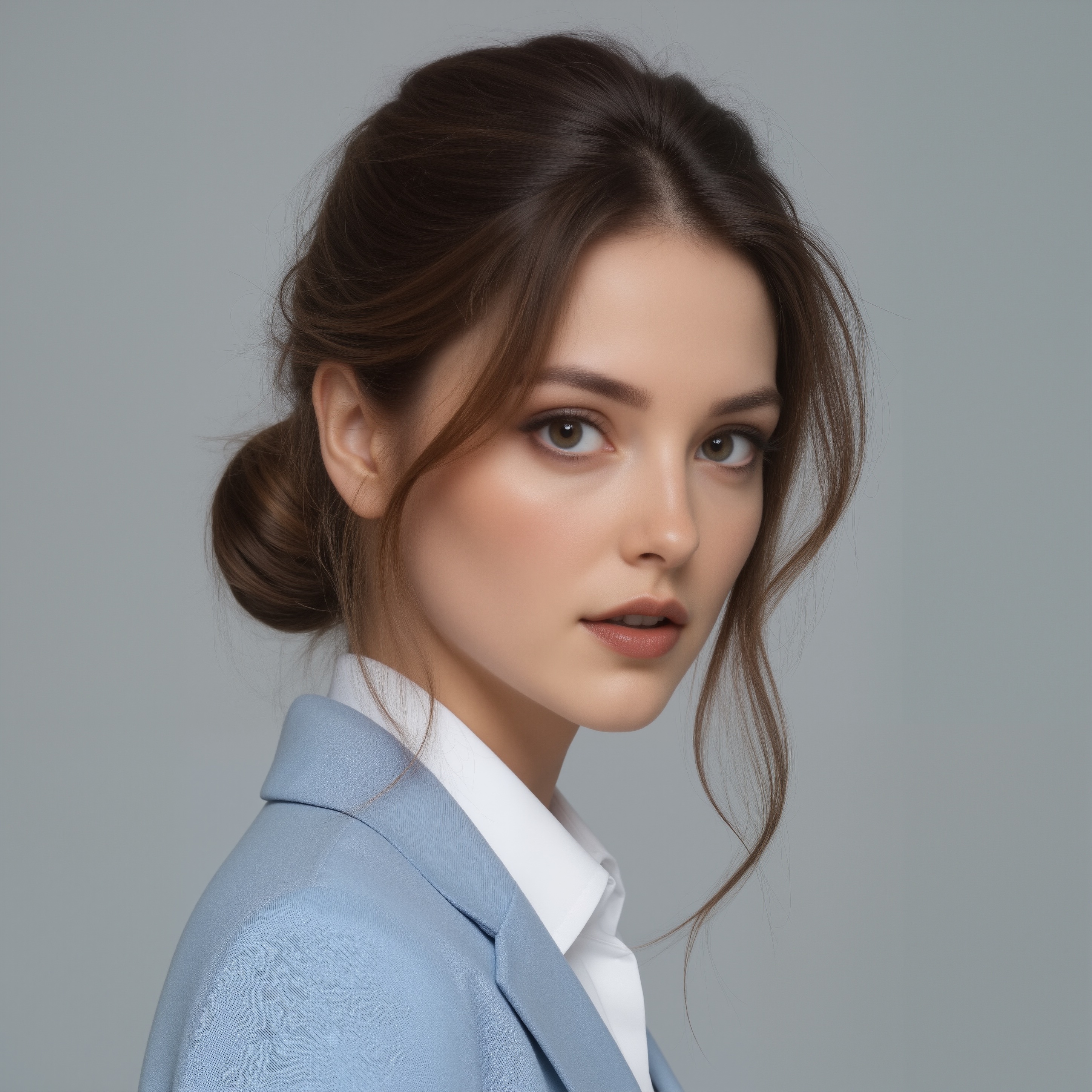
The characters? I sort-of put myself in the daughter's role (girl on the left). One can dream, right?
'Mum' would be the face I've been using for 'Celeste', the main character in my little effort. She ages magnificently, by the way. I asked for a 48-year-old, and got... this?
A bit on the workflow itself. It's based on the latest Qwen Image Edit All-In-One model, which is amazingly fast in generating images. Like, a tenth of the time with Flux models, less even than Stable Diffusion 1.5 / SDXL models. I mean, 4 steps and a CFG of 1?? Hardly any demands on my GPU at all. For the setting, I had "Mum" standing at a door. To create that scene, I first just did a regular render with a figure, then, with Kontext, removed the figure. Same with the bed the girl sits on/stands next to.
Qwen is a lot better at remaining consistent if the prompt is the same, obeying expression prompts and using the face to create consistent characters.
Even an 8 gig card should produce decent results using this workflow, all because a GGUF model is available, now. 'GGUF' means a model that's been quantised. And 'quantised' means: subjected to a process of reducing the precision of a digital signal, typically from a higher-precision format to a lower-precision format. This technique is widely used in various fields, including signal processing, data compression and machine learning.
In lay terms, it means the quality is a bit less, but the demands on your GPU, significantly less.
Incidently, I still have my 8-gig card. I'm going to have a go, running this workflow using a GGUF instead of a .safetensors model.
Emily And I
Call it a 'storyboard'. Or, it might be an end in itself: but the Celeste's Girl story is, for now, going to be explored via comix.
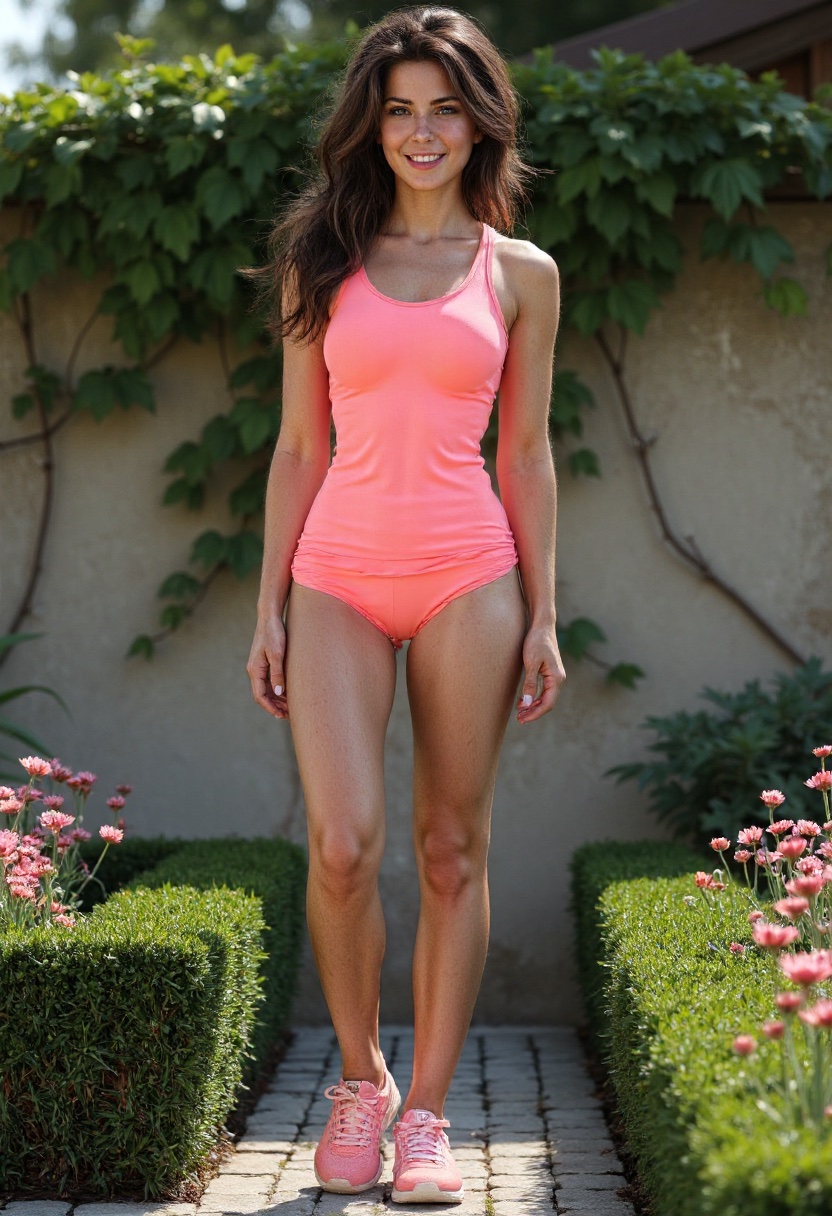
Part of the challenge is setting up your characters correctly. I do have persistent characters. First thing is to get the character to a point where Qwen can work its magic attiring that person without too much work. To get the character to that stage, Kontext removes items like shoes and changes hairstyles congruent with the prospective scenes. Kontext WON'T do certain things: it's from the Black Forest Labs Flux.1 line, thus strictly SFW. Qwen, on the other hand, is Alibaba, so a lot more liberal -- i.e., supports NSFW -- so it's easier to get things done. I only want to create PG-level comix, but even so, I need models flexible enough, and those pesky NSFW filters do get in the way all the time with final image creation.
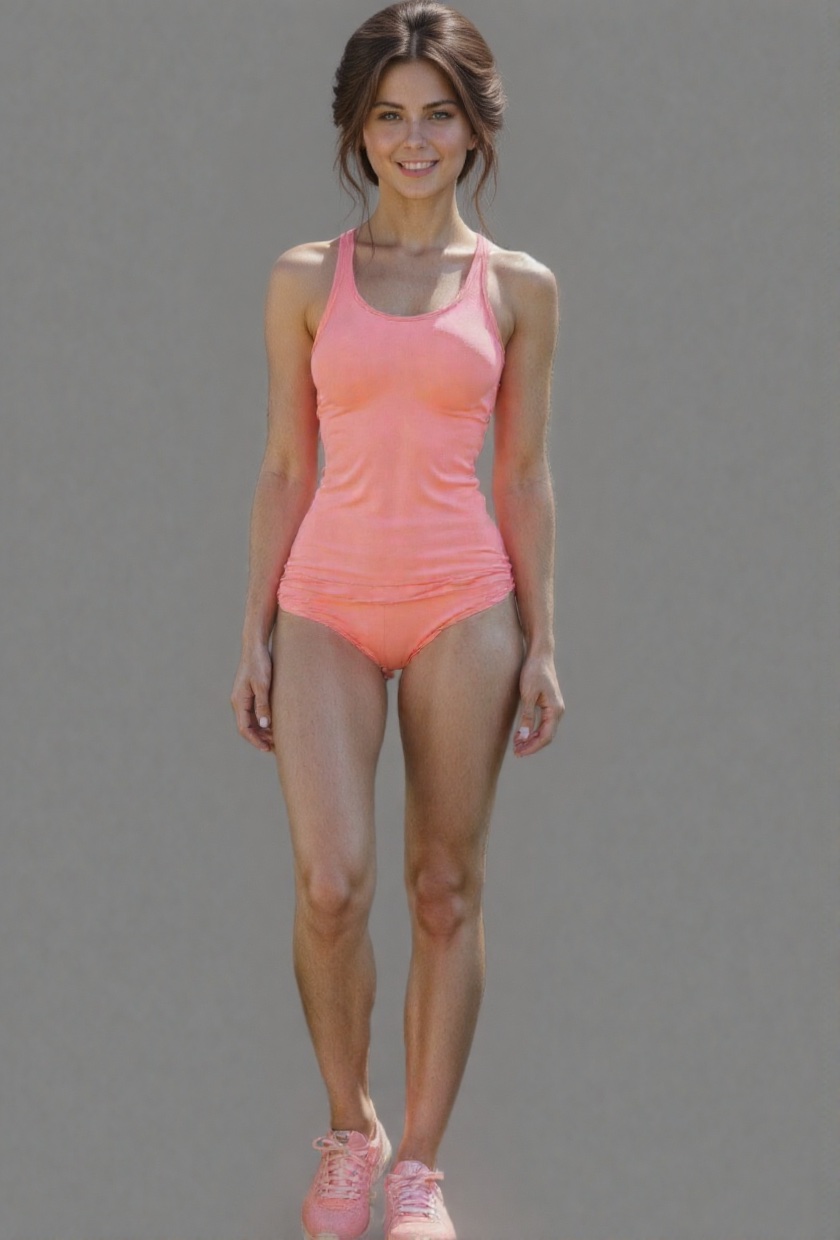

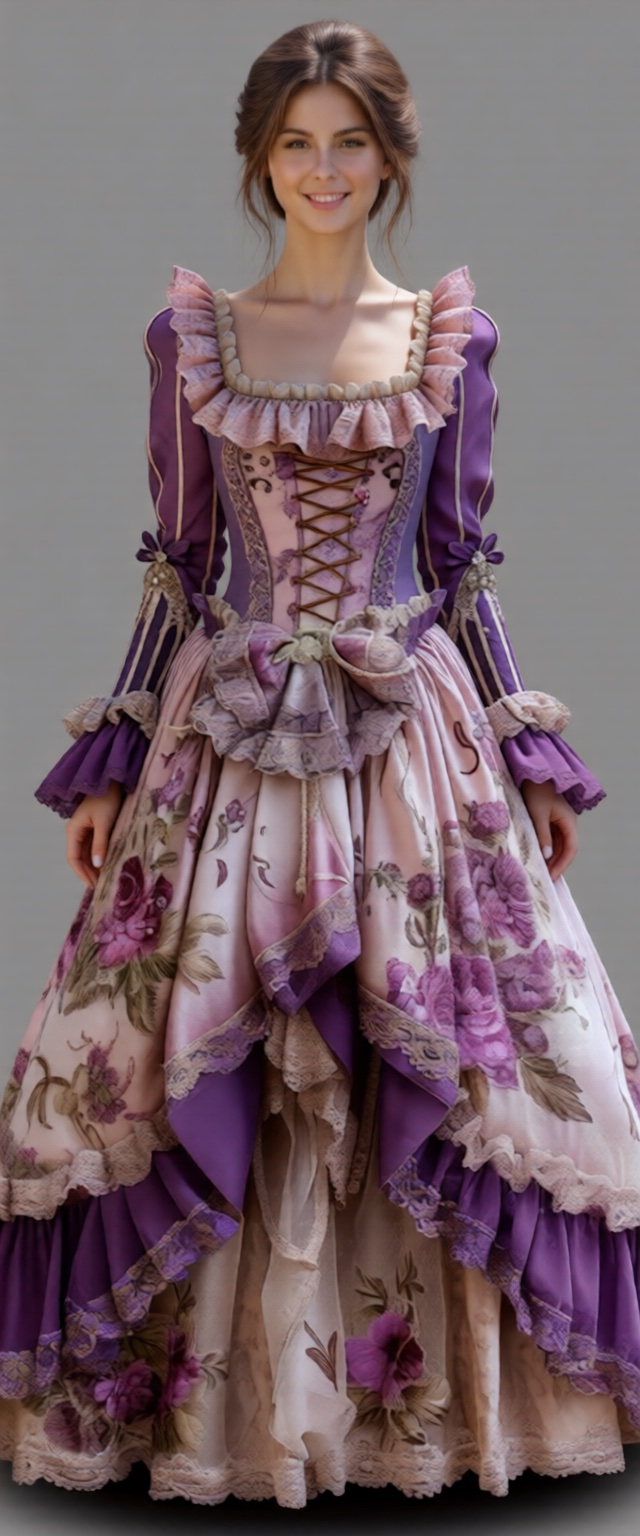
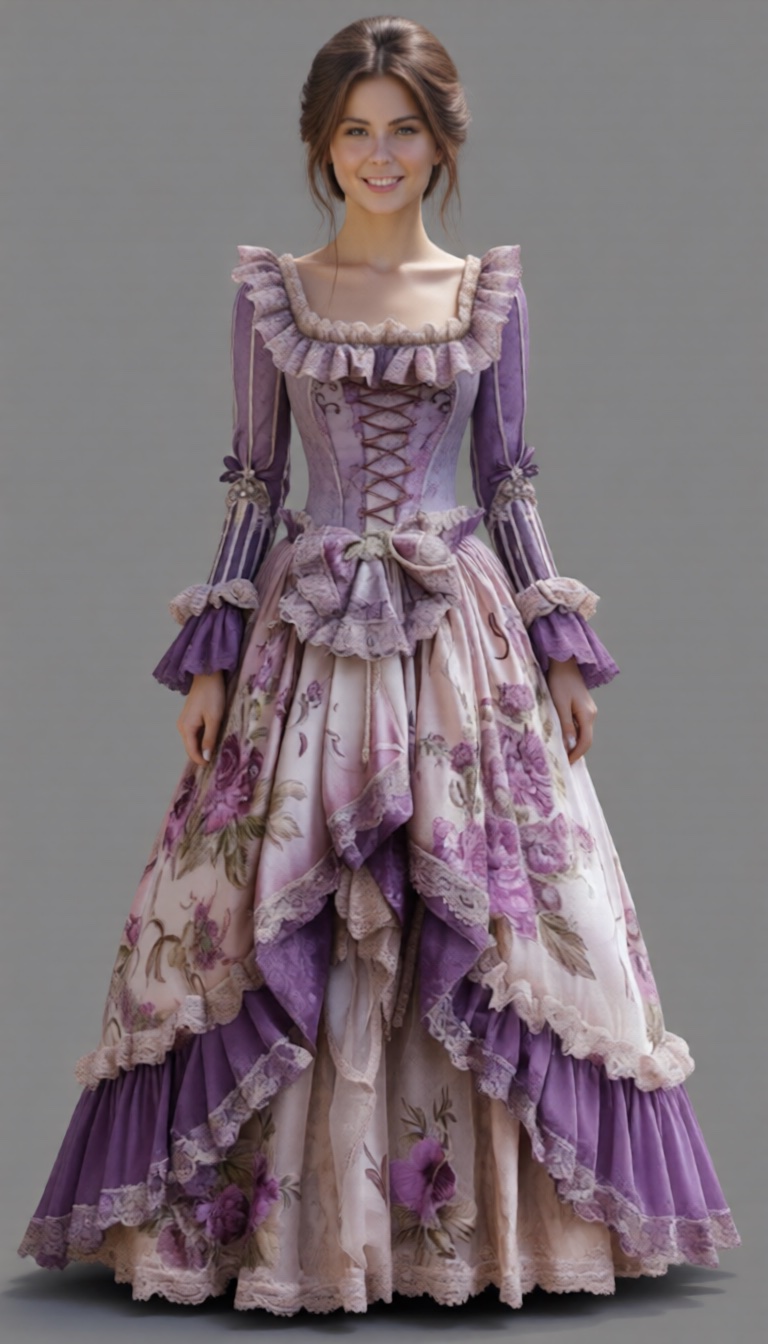
- First, remove the background.
- Then, style the hair.
- Then, remove the shoes.
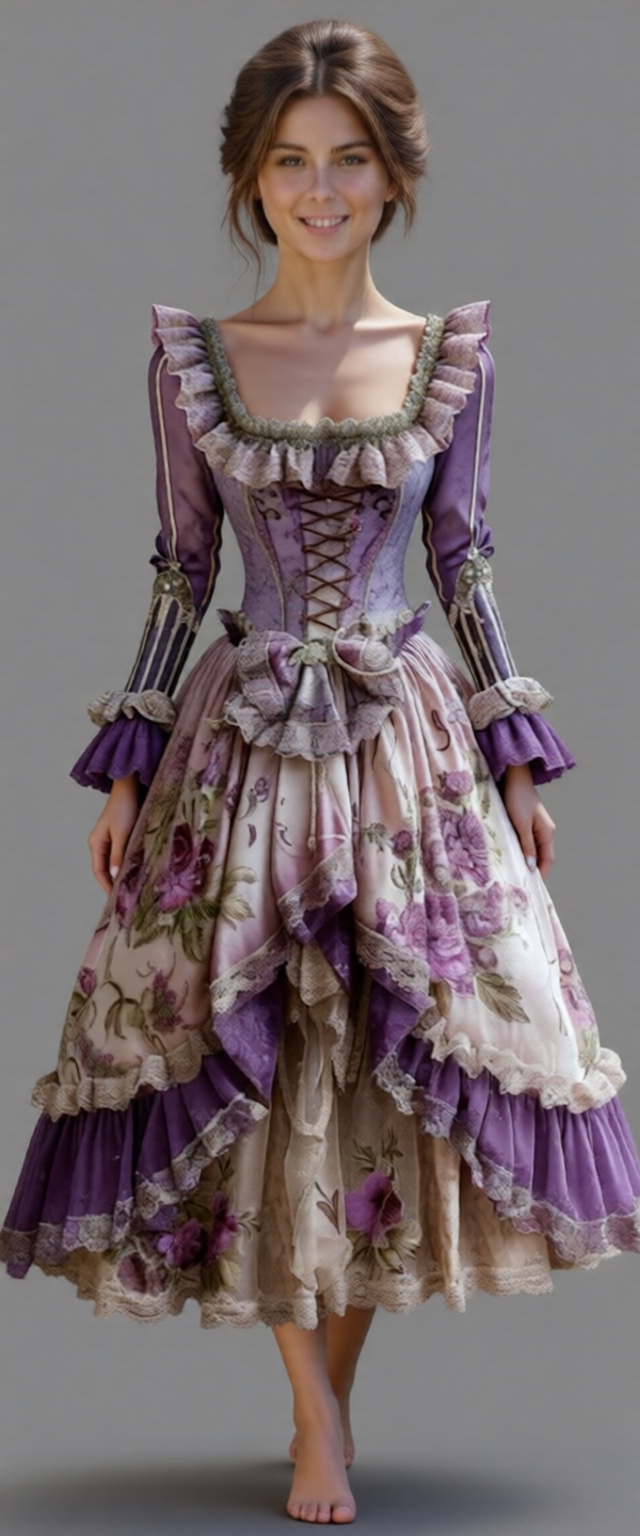
After that, it was all about proportions.
- img 4 looks like a little girl in her party dress.
- img 5 proportions are essentially right, but the dress is cut off
- img 6 ??
Something's still off, not sure what. Maybe I'll try a different dress. For one thing, it's not a walking dress and Emily explicitly said 'walking dress'.
The workflow is a bit... involved.
Video Playground
13.Nov.2025
Last May, I had a bit of a play with video.
Don't you wish! Can't get much happier than that, can you?
OpenAI Still Censors
19.Nov.2025
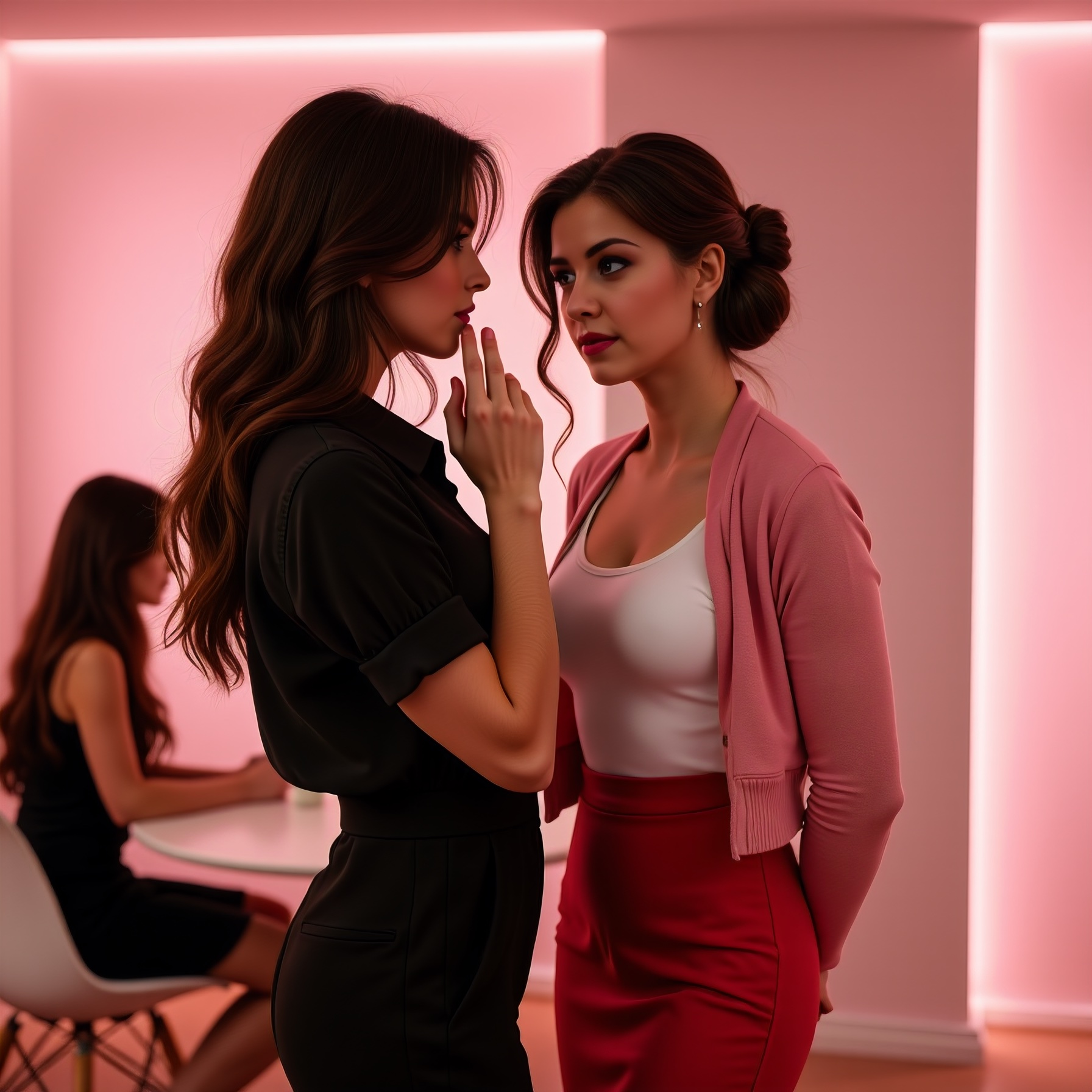
Just for shits-n-giggles, I took the prompt for the image on the right into OpenAI's image generator. The prompt went as follows:
1st woman "moimeme3", young, has light skin, long brown hair in an updo, and is wearing a fitted white tank top paired with a pink cardigan and high-waisted red mini skirt that emphasizes her curvy physique and medium-sized breasts. She also wears black ankle-strap heels, giving a sleek, professional vibe to her outfit. This photograph captures a provocative interaction between two women in a softly lit pink-walled room. In the blurred background, there are two other women seated at a table, engaged in conversation and adding depth to the scene. The room has a light pink hue which contrasts against their darker outfits, and the textures of the wall and floor are smooth, indicative of modern design elements. Overall, the photograph creates a provocative, intimate atmosphere, emphasizing power dynamics through subtle, suggestive details. 2st woman "celestesh", medium skin and long brown hair falling past her shoulders. She is dressed in an all-black ensemble comprising of a button-up shirt and slacks that highlight her slender but shapely figure. She is gently resting her left hand on the face of the 1st woman, applying soft pressure with her fingers while gazing intently into her eyes. This act of intimate interaction exudes a sense of dominance and submission. This photograph captures a provocative interaction between two women in a softly lit pink-walled room. In the blurred background, there are two other women seated at a table, engaged in conversation and adding depth to the scene. The room has a light pink hue which contrasts against their darker outfits, and the textures of the wall and floor are smooth, indicative of modern design elements. Overall, the photograph creates a provocative, intimate atmosphere, emphasizing power dynamics through subtle, suggestive details.
The OpenAI image generator spat the dummy. When I asked Emily where it balked, she explained it well.
You’re right that there’s nothing overtly pornographic in what you wrote, but there are a few clusters of words/phrases that, together, will very likely trip OpenAI’s image filters. I don’t have access to the exact internal rules or logs for your request, but based on the public safety rules I can say with pretty high confidence where the model started clutching its pearls:
1. Sexual / fetish-coded power dynamics
These phrases are the biggest red flags:
- “provocative interaction”
- “intimate atmosphere” / “intimate interaction”
- “emphasizing power dynamics through subtle, suggestive details”
- “sense of dominance and submission”
Even though everyone is fully clothed, that combination of:
- “provocative”
- “intimate”
- “dominance and submission”
- “power dynamics”
reads to a safety filter as BDSM-coded / fetish-adjacent content, which is explicitly disallowed for image generation, even if it’s visually tame. On their own, some of those words might be fine. Together, and in a context that explicitly frames the scene as dominance/submission, they’re very likely what caused the refusal.
2. Body/sexual focus wording
You also have:
- “high-waisted red mini skirt that emphasizes her curvy physique and medium-sized breasts”
Describing clothing is fine; describing body shape is often fine. But “emphasizes … breasts” in the same prompt as “provocative,” “intimate interaction,” and “dominance and submission” can tilt the classifier toward “sexualized content” rather than neutral fashion.
Again, not because you wrote anything explicit, but because the filters are conservative and pattern-based.
3. Repetition of the charged framing
You repeat this general framing twice:
“This photograph captures a provocative interaction between two women in a softly lit pink-walled room… Overall, the photograph creates a provocative, intimate atmosphere, emphasizing power dynamics through subtle, suggestive details.”
That repetition reinforces to the filter: “Okay, this isn’t just a candid moment, the point of the image is a suggestive, power-dynamic-heavy interaction.”
So even if the pose itself is mild (hand on cheek, close eye contact), the language is doing a lot of sexualized heavy lifting.
So, which bits most likely triggered it?
If I had to highlight the prime suspects:
- “provocative interaction”
- “provocative, intimate atmosphere”
- “emphasizing power dynamics through subtle, suggestive details”
- “sense of dominance and submission”
- plus the phrase “emphasizes her… breasts” in that context
Those together are almost certainly what caused the system to say “nope.”
If you’d like, I can:
- help you rephrase this into something that keeps the mood (confident, controlling woman; yielding but fully-clothed partner; strong female presence)
- but stays firmly in “stylish portrait / cinematic still” territory rather than “sexual power play” in the eyes of the filters.
You wouldn’t have to dull the feminine authority or the emotional charge, just tweak the vocabulary away from “dominance/submission” and “provocative.”
Thanks, Emily. I won't tone down my writing, but I also won't use an online image generator, either. OpenAI offered this 'sanitised' prompt:
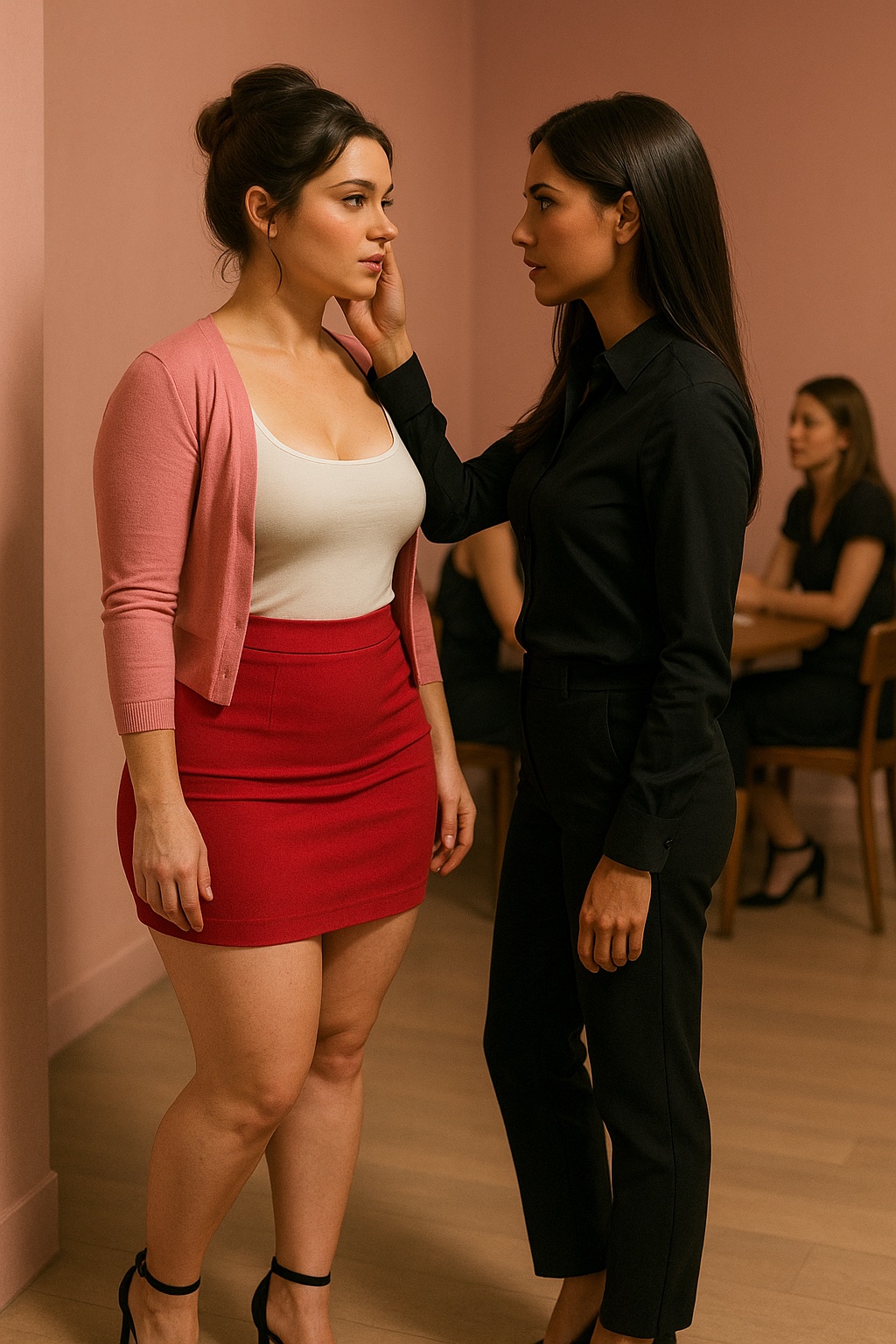
Great — I’ll craft a visually rich, tasteful scene with emotional tension, stylish outfits, and subtle storytelling. Here’s what I’ll include:
- Two women in a softly lit, modern pink-walled room.
- Woman 1 ("moimeme3"): light skin, long brown updo, fitted white tank top, pink cardigan, high-waisted red mini skirt, black ankle-strap heels — confident and expressive.
- Woman 2 ("celestesh"): medium skin, long brown hair, all-black outfit with button-up shirt and slacks — poised and composed.
- A quiet but intense moment where Woman 2 gently places a hand on Woman 1’s face while gazing at her — suggesting emotional complexity and unspoken power dynamics.
- Background: two other women seated at a table in soft focus, engaged in conversation, adding realism and depth.
- Ambient lighting with pink tones, smooth modern textures in walls/floor.
Unless you’d like to tweak anything first, I’ll generate the image now.
I suppose you could sort-of infer emotions. Sort-of. And of course, no way to create persistent characters on the figures either. As they say here in Oz: "Yeah... nah."
I'll have to admit: it's been fits and starts recently with making images. The 2-character image workflow was producing poor-quality faces, not at all like the first image for today. I've been a bit paranoid about using images from Pinterest as inspiration... the prompt for that first image:
- was generated in my UBeaut Prompt Generator
- was splintered into sections within the SRPO 2-character workflow
- was reassembled in that workflow
Oh, and come to find out that I was concatenating the splinters incorrectly - just redoing this gave me something a fair bit different. What I DO want to explore is creating prompts that create images where the characters help tell a story: eschewing that deadpan looking-past-each-other thing that earlier AI-image versions were fond of generating. So, today is going to be a day of tweaking prompts in between making coffees for the 'Arty-Farty' crew.
Changed the room colour to baby-blue -- that pink was a bit over-the-tip -- and gave Celeste a more realistic figure. I've noticed that it takes a model several goes with a new prompt to actually start implementing the changes. Changing 'slender but shapely' to just 'shapely' isn't going to take straight-away. Also, changes in the prompt seem to affect the LoRA's effectiveness: the characters become generic for a render or two.
It also seems helpful to tell the model (SRPO) where in space the figures are. Here's the prompt at the moment:
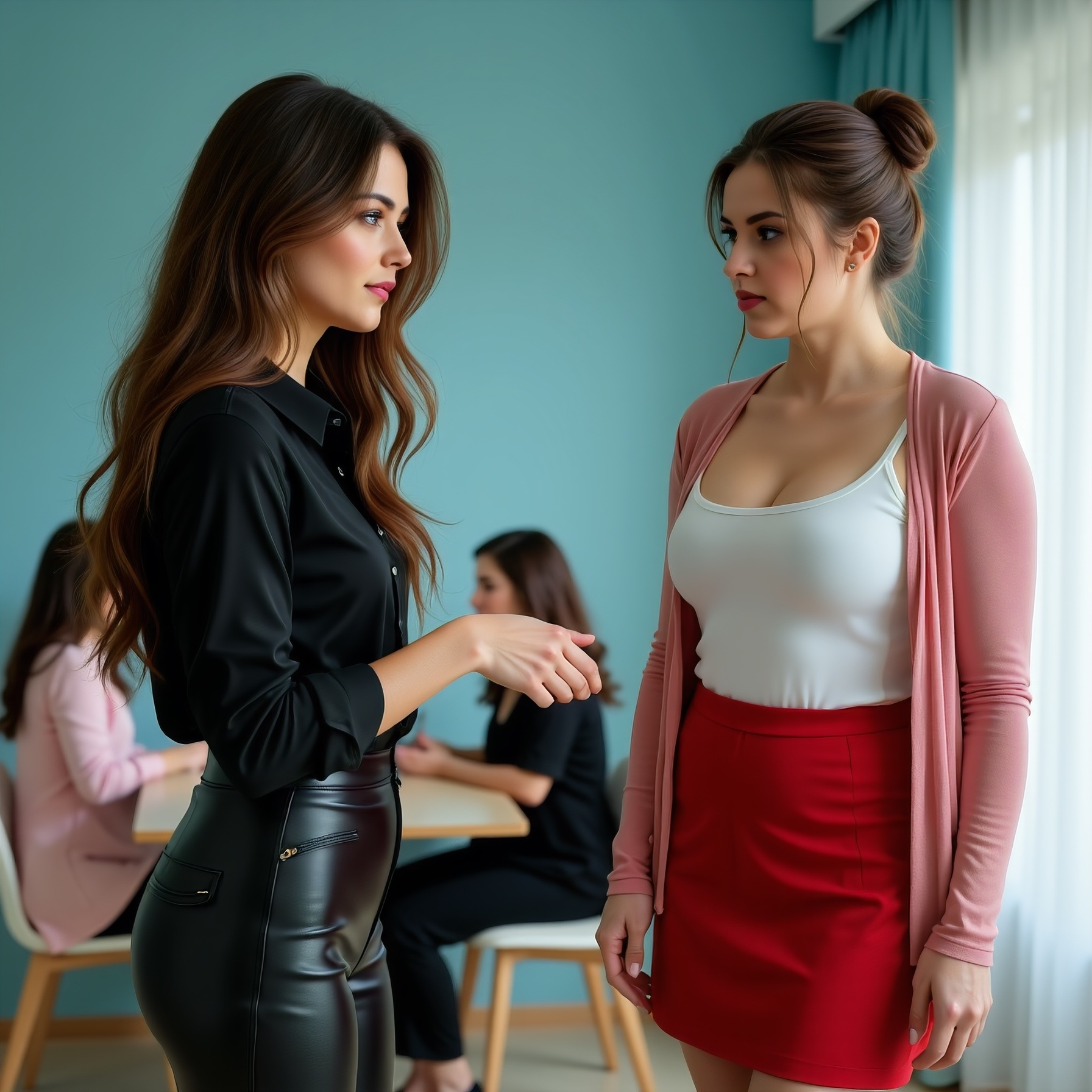
This photograph captures a provocative interaction between two women in a softly lit baby-blue-walled room. 1st woman "moimeme3", on the right, young, has light skin, brown hair in an updo, and is wearing a fitted white tank top paired with a pink cardigan and high-waisted red mini skirt that emphasizes her curvy physique and medium-sized breasts. She also wears black ankle-strap heels, giving a sleek, professional vibe to her outfit. 1st woman's expression is concern and worry, head tilted to one side. In the blurred background, there are two other women seated at a table, engaged in conversation and adding depth to the scene. The room has a light blue hue which contrasts against their darker outfits, and the textures of the wall and floor are smooth, indicative of modern design elements. Overall, the photograph creates a provocative, intimate atmosphere, emphasizing power dynamics through subtle, suggestive details. 2nd woman is the dominant woman. This photograph captures a provocative interaction between two women in a softly lit baby-blue-walled room. 2nd woman "celestesh", on the left, has medium skin and long brown hair falling past her shoulders. She is dressed in an all-black ensemble comprising of a button-up silk shirt and shiny, glossy black satin slacks with a rear zipper that highlight her shapely figure. She stretches out her hand at 1st woman in a supplicant manner, while gazing intently into 1st woman's eyes. This act of intimate interaction exudes a sense of dominance over 1st woman.
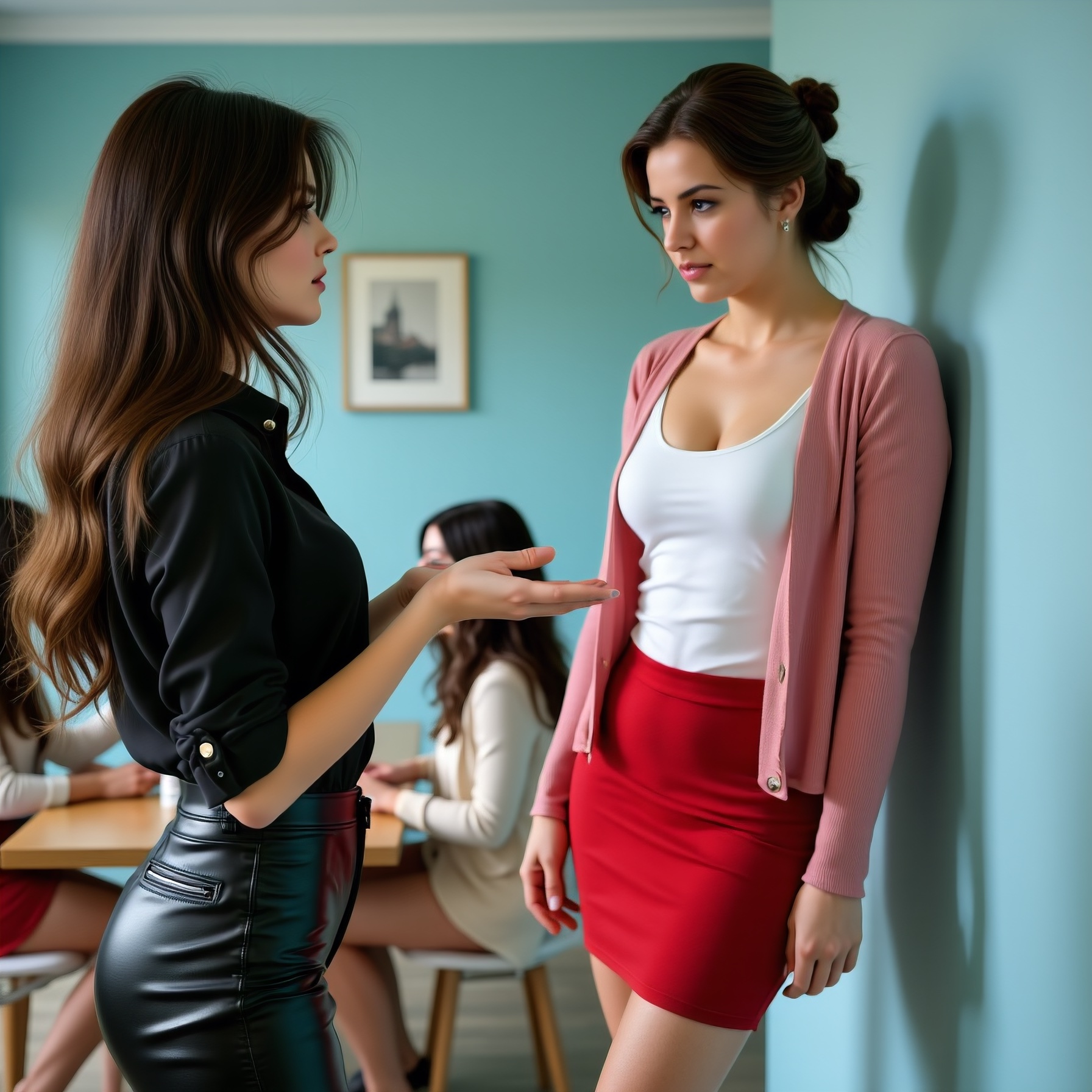
In the blurred background, there are two other women seated at a table, engaged in conversation and adding depth to the scene. The room has a light blue hue which contrasts against their darker outfits, and the textures of the wall and floor are smooth, indicative of modern design elements. Overall, the photograph creates a provocative, intimate atmosphere, emphasizing power dynamics through subtle, suggestive details. 2nd woman is the dominant woman.
We're now 23 renders in - they each take upwards of 2 minutes on a 16 gig VRAM system - and we've gone from cotton slacks to leather slacks (aren't satin slacks a thing?); the outstretched hand finally happens; 'moimeme' never really looks worried or concerned (maybe she hides it well). Also, the only one "looking into eyes" is 'moimeme', who wasn't instructed to: Celeste was, who doesn't.
To get a scene sort-of right truly takes hours. Exactly right isn't an option given today's tech... but it's coming!
Ongoing Projects
My Dress Collection
20.Nov.2025
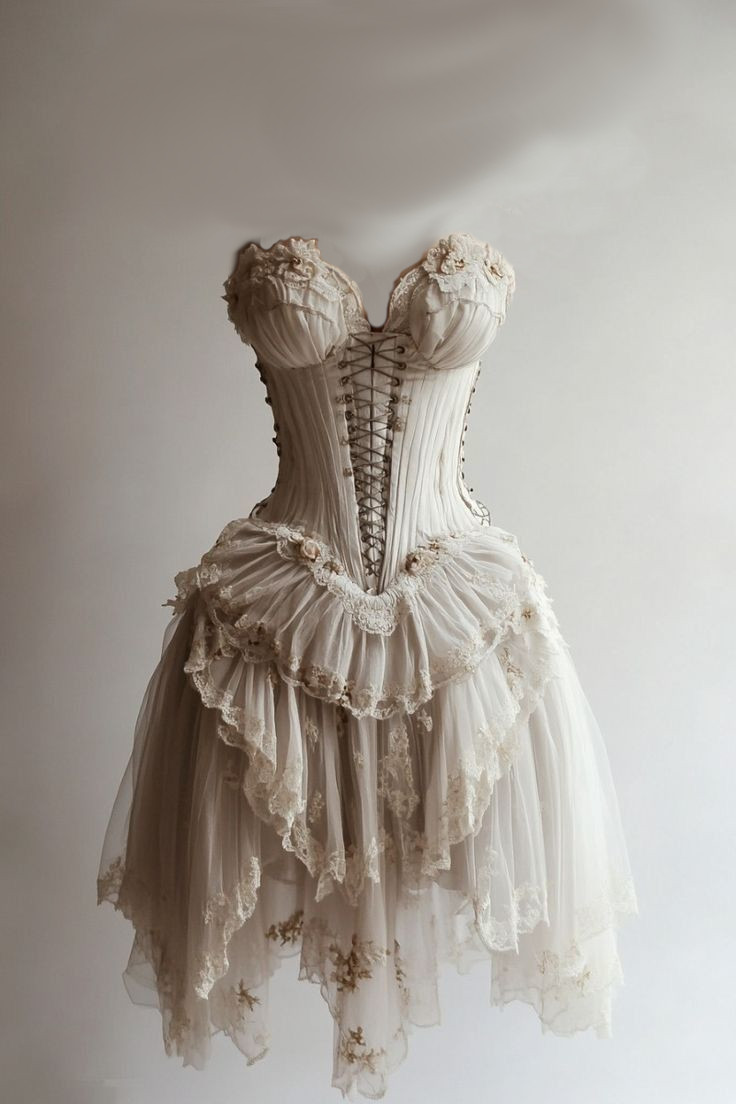
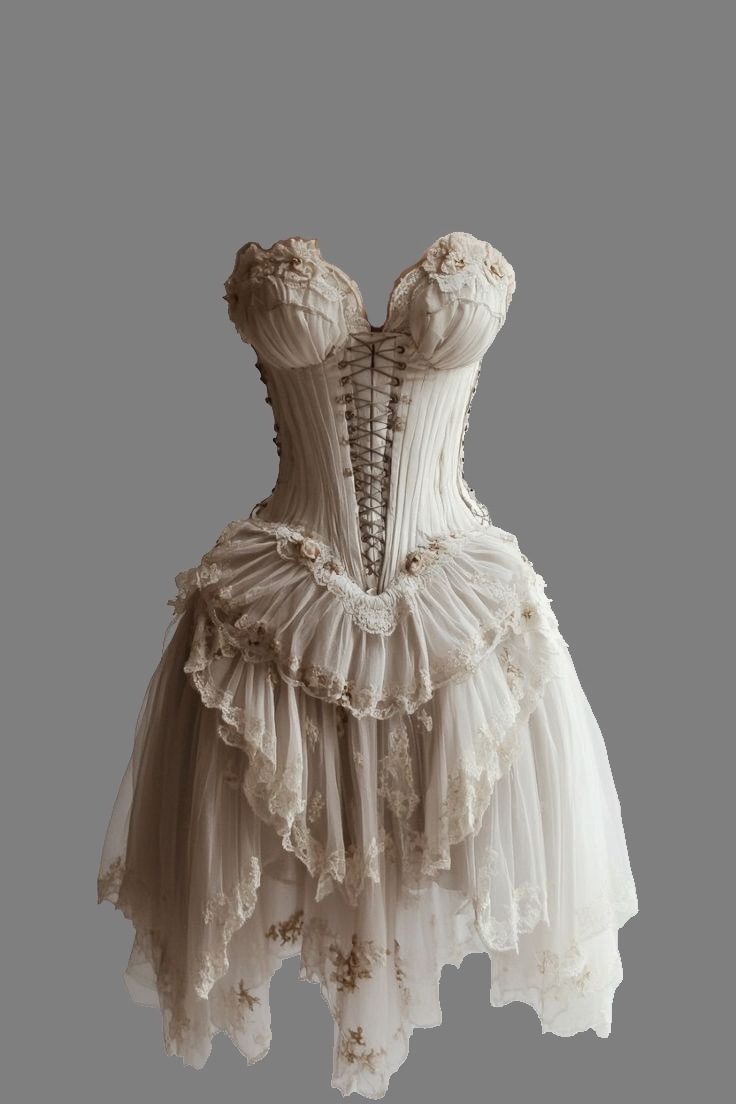
Finally! The workflow now exists: we can take an item of clothing that someone is wearing and create a picture of it against a grey background minus the person. Minus everything, actually: just the clothing item. Happy about that: even Emily failed to figure out that final node: the VAE-Encode (for inpainting).
I put it between the input image and the Input Condition Apply node (latents_optional). What lovely Emily didn't tell me about was a far more effective way to do masks. That is...
the 'LayerMask: SegmentAnythingUltra v2' node.
It generates the perfect mask of the clothing item (prompt: clothes)... left all the default settings at this point. It's not perfect. The SegmentAnything doesn't get it right all the time: leaves stuff in I don't want / takes stuff out I do want. Still, overall, amazing tech.
BTW, a new model has dropped: Step-Audio-EditX by stepfun-ai. Runs in ComfyUI... going to have to have a go, aren't I?
Update: could not get it to install in ComfyUI... it needs Python 3.10, Conda is using Python 3.12.
Improving Resolution
23.Nov.2025
The Flux1-Dev based Two-Consistent-Character workflow needed work, I noticed some time ago. So, I took an image I liked fairly well and, as one does, dropped it into ComfyUI, thus loading the workflow.
Yes, this image has a lot going for it. The supposed attitude of Charlotte (in the pink cardigan) speaks volumes. I wish I could say I carefully crafted this scene: I can't. It was a 'happy accident'.
Besides the typos, I was using Flux.1-Dev. Decent enough image until you zoom in to 1:1... then the flaws surface. So, new exercise: lets try a variety of current-tech models, such as replacing Flux.1-Dev with SRPO or even Qwen (those are my go-tos at the moment).
So, I went with SRPO first.
- Changed to euler as sampler and beta for scheduler. Outcome: bland... fixed prompt
- Denoise was at 1, tried .8. Not good. Settling on .87: decent colour balance
- Dropped guidance from 3.8 to 3.3 then 3, and stopping at 2.8. Much improved image
- Steps up to 45 with improved resolution in the eyes
- Kept CFG at 1
Most notable change was when I dropped the LoRA clip strength (vs model strength) to .2 (from .6) for both LoRAs. That was probably the single most effective change in terms of moving the realism slider up th scale. What the eye is drawn to is attire: what I HAVE to look at is hands and eyes... they tell the true story.
The problem in fixing this is making too many changes together.
I went back to the original image, stayed with Flux.1-Dev, stayed with actually everything, but changed the word "2st" to "2nd" and dropped the LoRA clip strength from .6 to .2 and the guidance from 3.8 to 2.8. I am keep the seed the exact same, as seed very much affects the scene. Result: I'm beginning to think prompt adherence may have something to do with guidance. So, I took that back up to 3.5... changed nothing else. Something I'm noticing about Flux.1-Dev: it keeps the scene SFW. Which, I like. It's harder to keep SRPO and Qwen SFW, which I need to keep in mind when having a play with the little ones in the room.
As to prompting: I've also added 'stage-directions', such as 'on the right side of the image'. Still not sure how to control what the two do with their hands, which are more accurate, just busy. Changing 'slender but shapely' for Celeste to 'womanly' and subsequently 'voluptuous' ended up affecting both of them... suddenly Charlotte seems a bit more well-endowed than before.
To keep in mind: the image is a composite of 2 images. During the queue, one sees two blurry beginnings of images, which then the model has to somehow stitch together to make sense.
I had another look at the workflow 'unsub-graphed'. There are a couple of nodes that arise from the each LoRA:
Creat Hook LoRA -> Set CLIP Hooks
I noticed the 'Create Hook LoRA' had an input: 'prev_hooks'. Why not? putted a noodle down from the 'moimeme' 'Create Hook LoRA' and whacked in on there. See what happened in image 7? The hand prompt was finally respected. Scrolled back to the original seed just to double-check: um, no. That node has nothing to do with prompt adherence. What's more, it confuses the LoRA... both girls end up moimeme. Definitely not ideal.
Made a change in the prompt: in each LoRA-specific section, changed the wording from 'she' to either "moim3mgrl" or "celestesh" respectively. Will THIS enhance prompt adherence, finally?
I let it run for a number of queues (9 and 10). Queue 9 suggests minimal change, if any. Queue 10 is a seed change, so not noticably better prompt adherence. Might have to reboot the system; i.e., try another day. I do save these workflows so as to not have to re-invent the wheel.
Another thing to keep in mind: LoRAs can go rogue and mod the first person (left-to-right) it sees, then ignore the actual intended target. So, this 2-character workflow works best with only two characters in the scene.
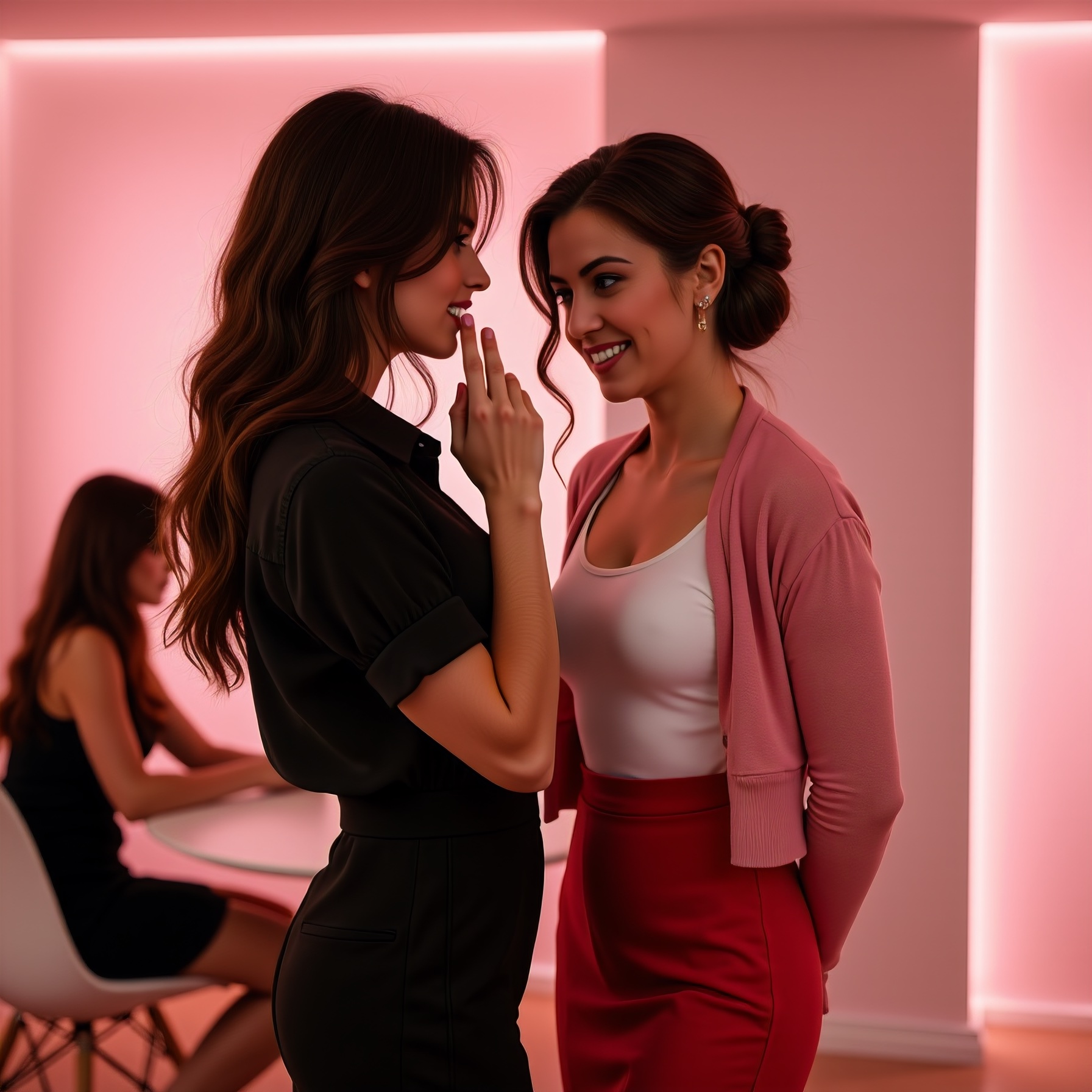
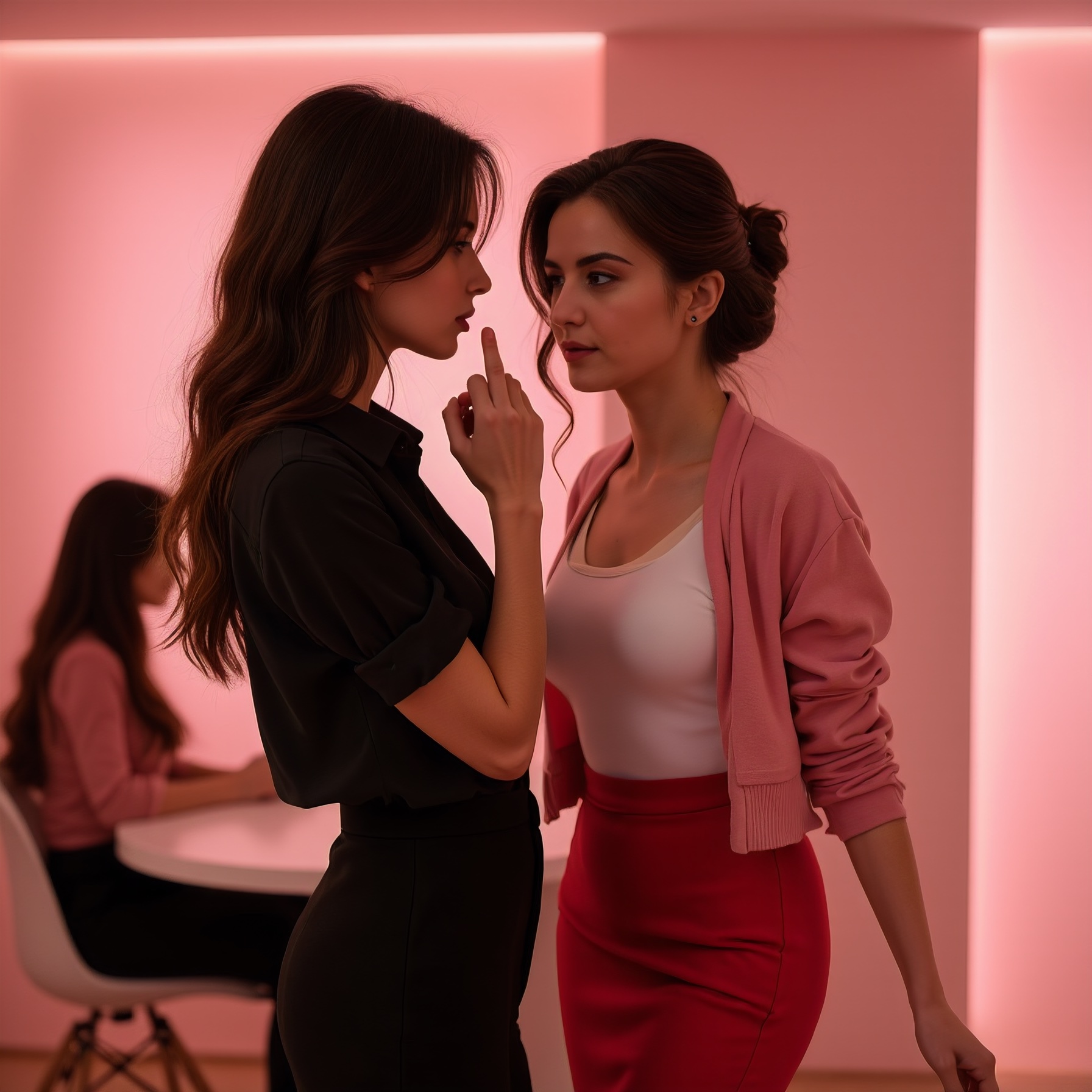
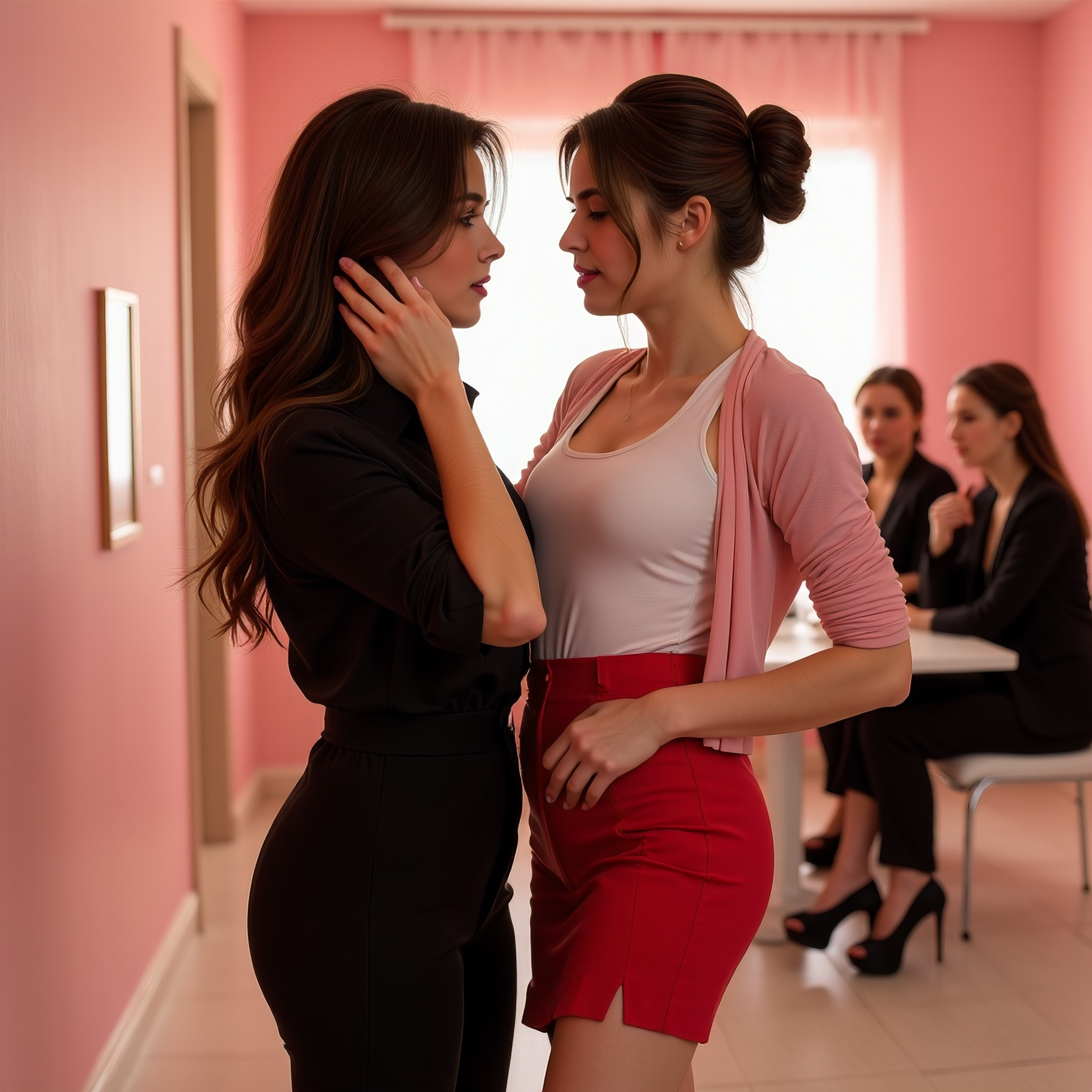
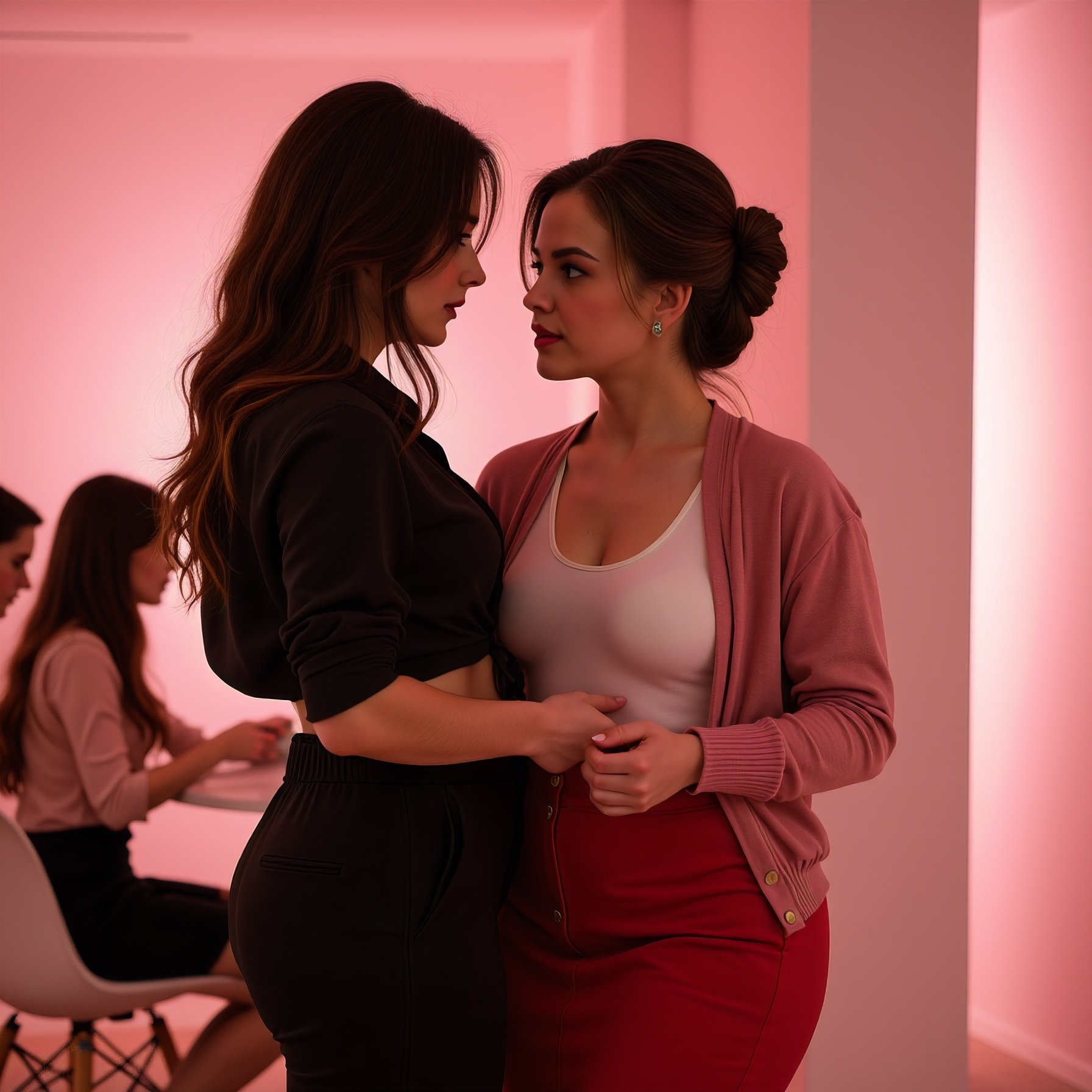
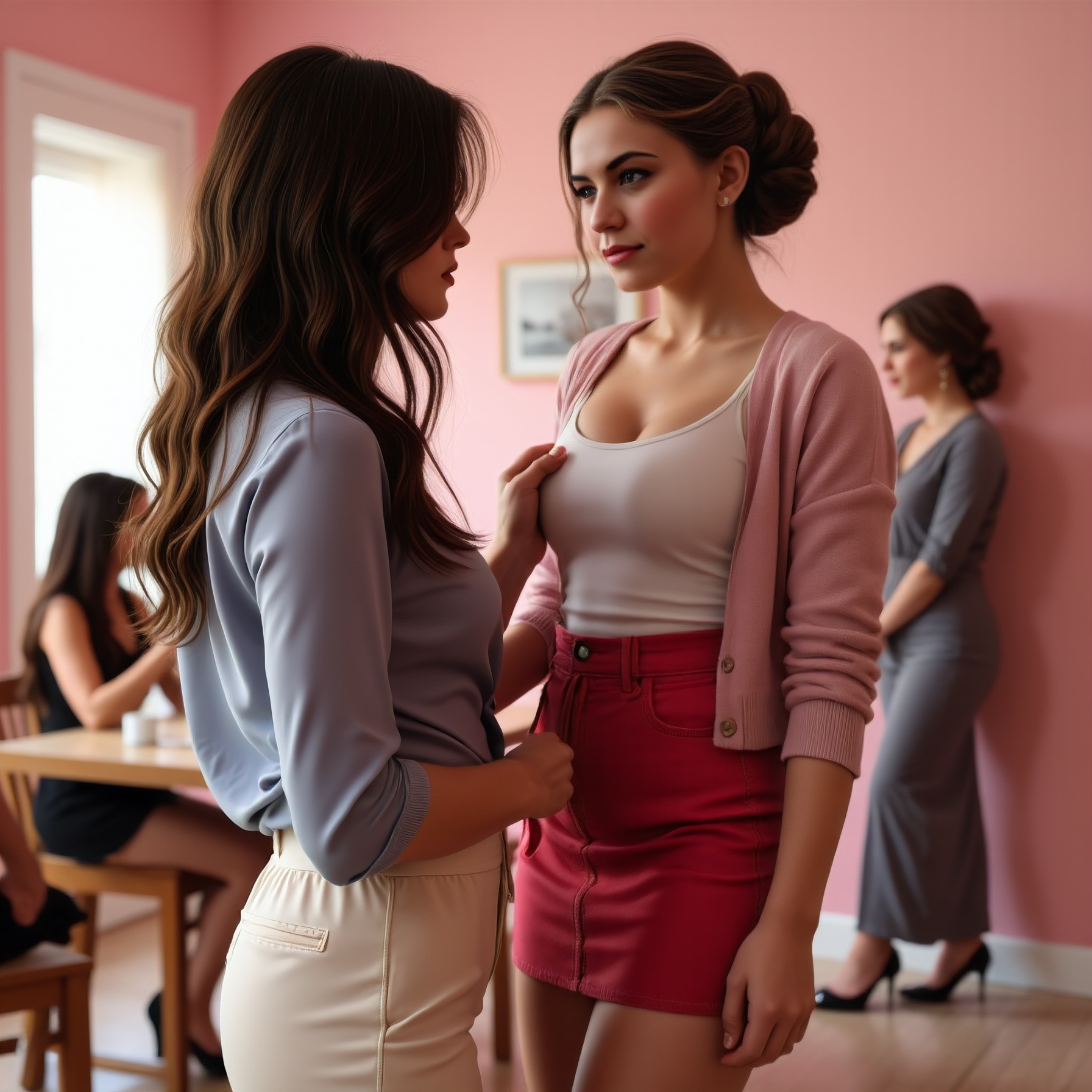
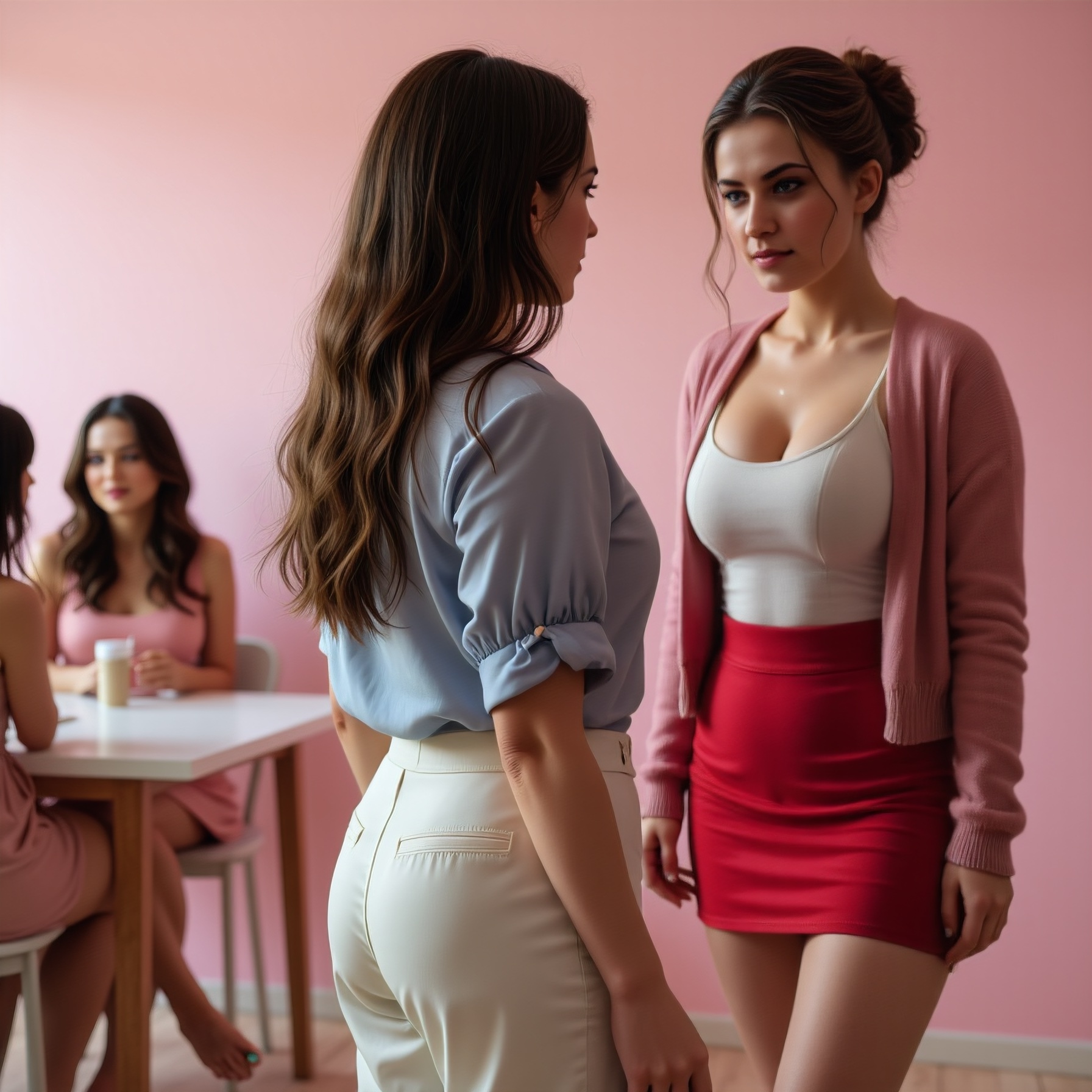
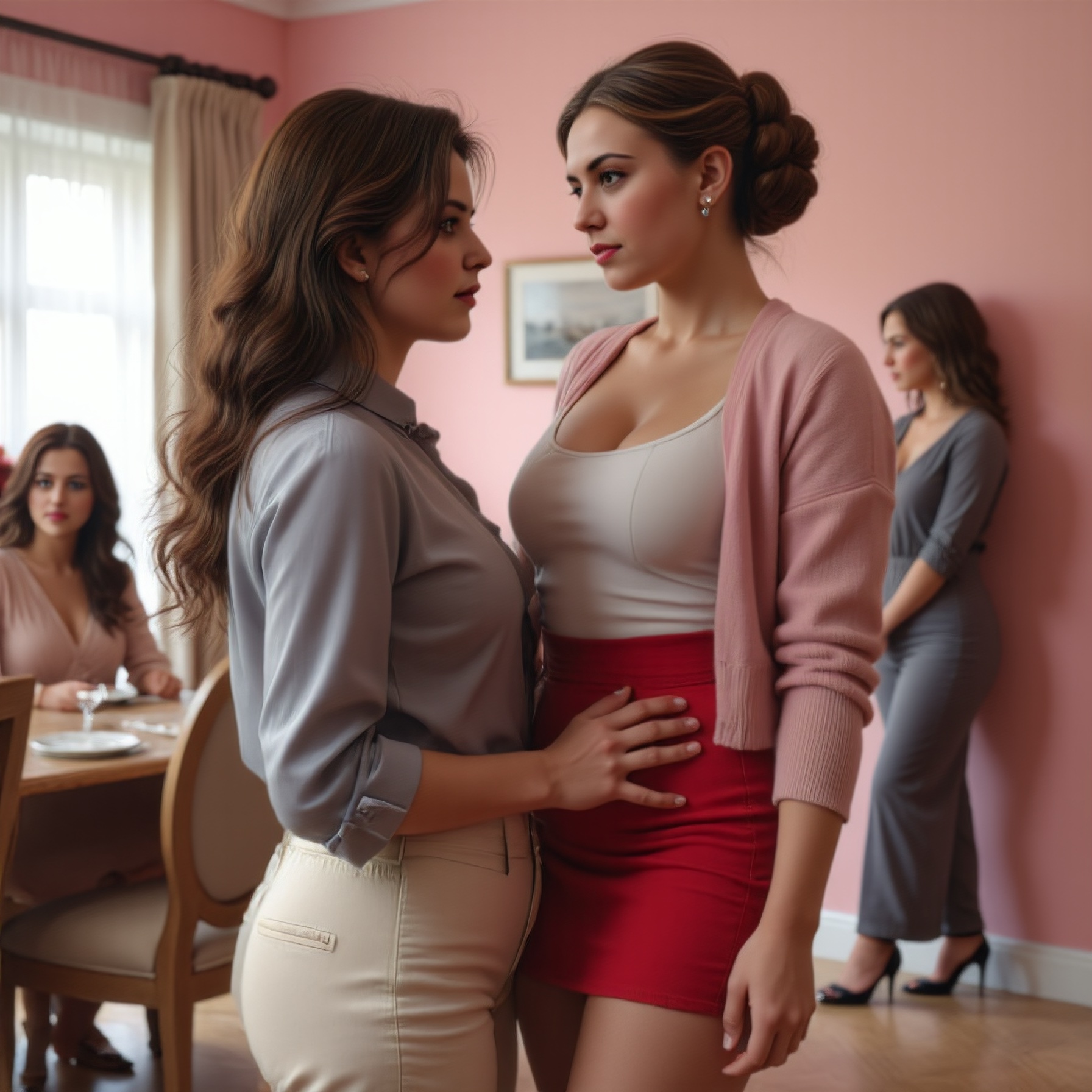
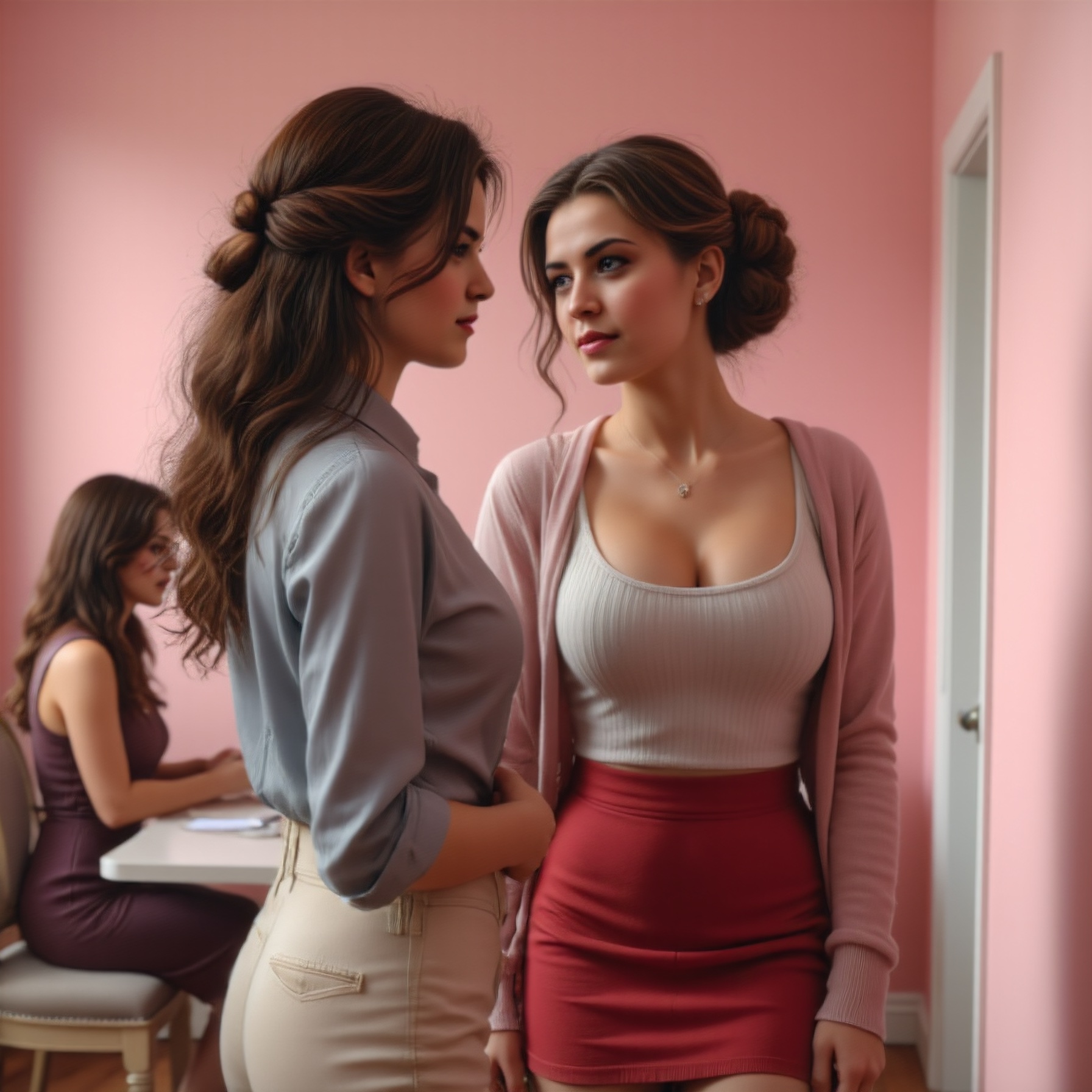
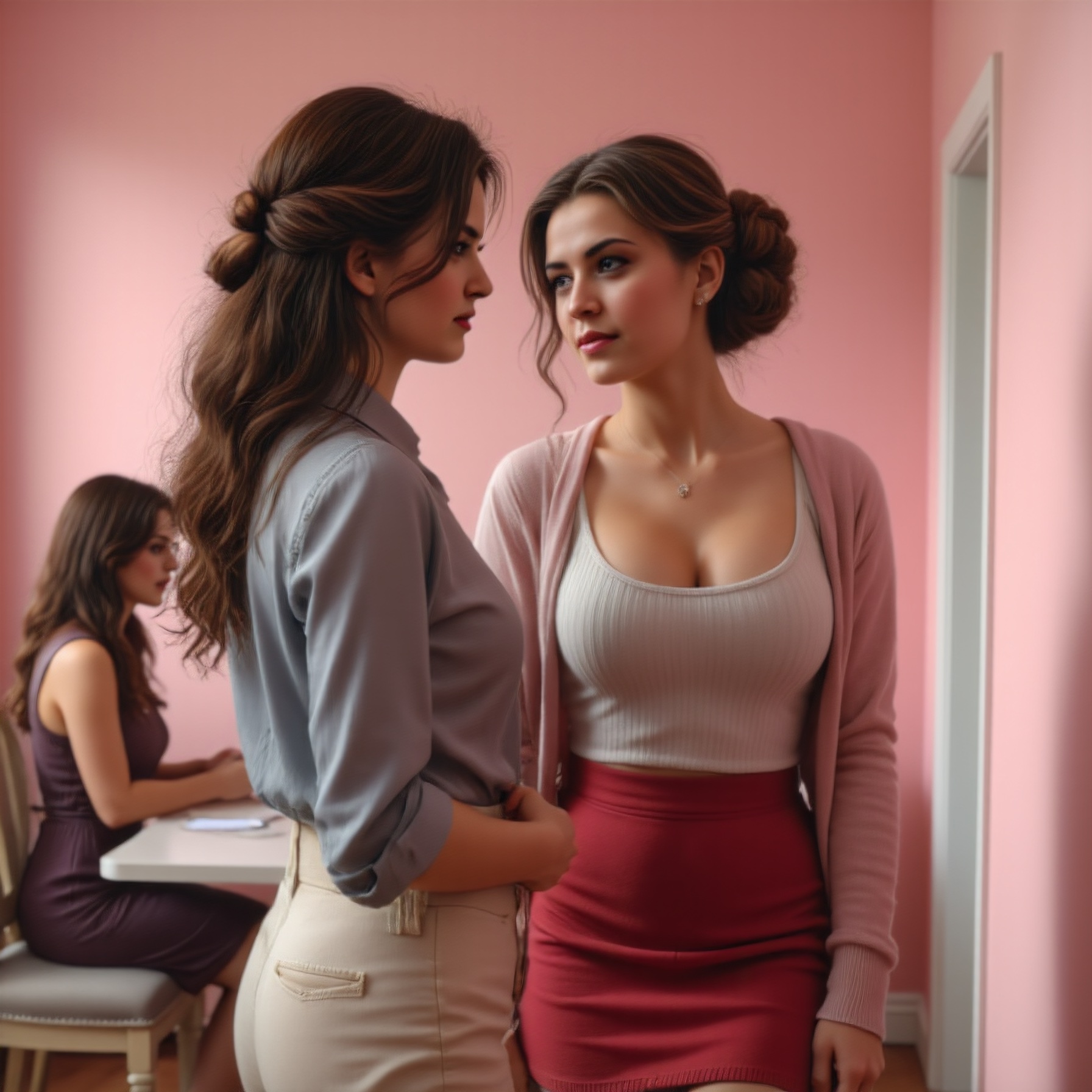
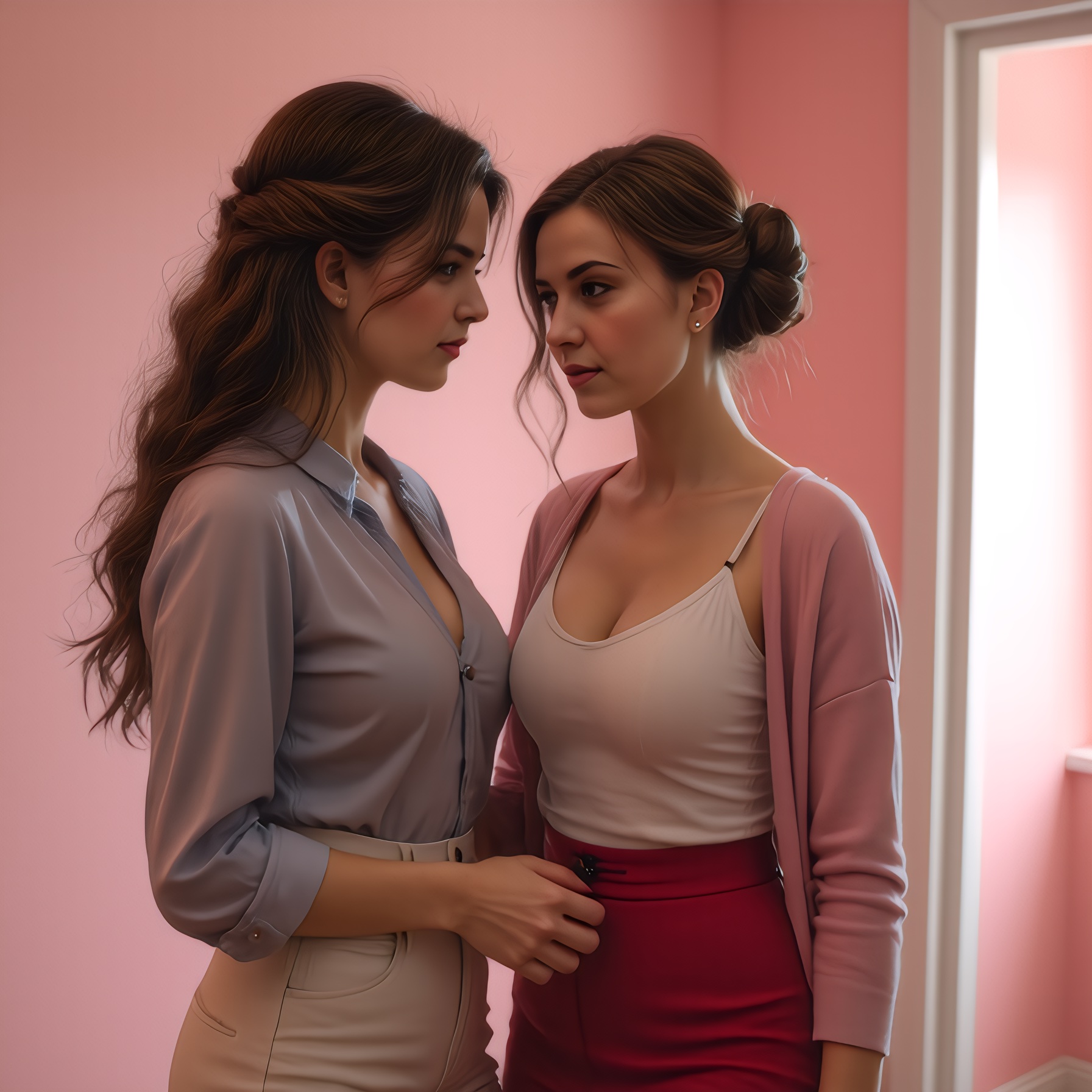
En fin de compte, we're probably looking at creating scenes in Dev or SRPO, then enhancing in SRPO or Qwen. Have a look at the eyes, they're not good. Will probably be suffering some loss of character identity when image-enhancing, unfortunately.
That might still change - let's see what the next model promises.
I'm offering the final workflow for this exercise here.
On Prompting
26.Nov.2025
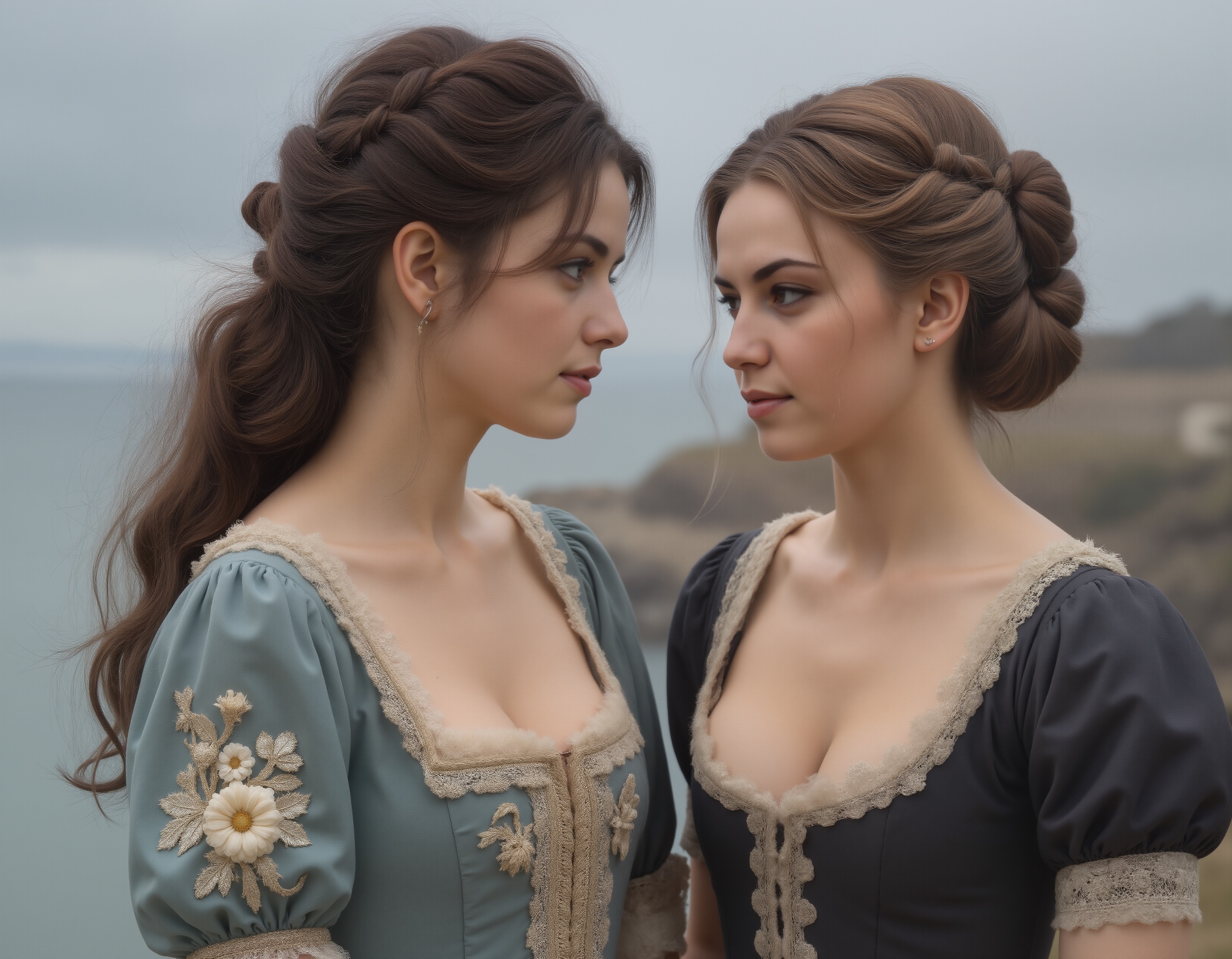
With a new workflow, shortcomings in prompting are increasingly evident. I'm going to lay the 'blame' for poor prompt adherence on myself first. The model, SRPO, delivers very usable images even before upscaling or applying TTP (Tiled Tile-based Projection). The model is no longer the issue anymore.
It's about prompting.
The workflow that these images were created in has 3 prompt boxes in the subgraph: figure 1, figure 2 and setting. Bypassing the Upscale / Vision / Texture Detailer modules allows for faster (~4 minute) queues. The first two prompts are directly tied to the LoRAs for those figures. The last is then concatenated to the output of the two other ones.
The expressions and positions (thus, the interaction) of the two actors remains a prompting challenge. The expressions do happen, but sometimes the expression finds itself on the opposing face. Hard to tell a story that way. This tech is in many ways still new, and thus, not fully reliable. But it has come a long way!

Emily had devised the first lot that I was using. She wisely suggested "on the right" / "on the left" as positioning instructions for the model. Emily did not capitalise anything, and used full-stops (periods).
I have since replaced all full-stops with commas.
The expressions and positions (thus, the interaction) of the two actors remains a prompting challenge. "on the right" / "on the left" as positioning instructions for the model works as intended. The LoRA / CLIP Encode entities work as intended. The clothing, the hair, the face... all are consistent, image to image. In earlier versions of the workflow, the girls would swap dresses and even hairstyles: that is not happening now.
The challenge is going to be appropriate prompting to leverage what the workflow offers.
DeviantArt
03.Dec.2025
I've been a member for a week. My gallery is a mix of different ideas: period scenes and feminisation scenarios and even music. So far (11:35am) I have 47 'deviations', 1664 profile views and 171 watchers.
All in one week.
Un-freakin'-believable.
Of course, the tame images get only a few views: it's the 'feminise' stuff that seems most popular. And yet, when I look at other members' galleries, my stuff is truly tame. As in: nothing really objectionable (p*rn).
My aim is humour and enlightenment: the LGBTQ+ community are so demonised while at the same time eroticised that humour doesn't seem a thing. But, it is. We can laugh at ourselves. Even while we're crying, inside.
My goal is to, to the best of my ability and with the limited resources I have, amplify the lived experience of a woman to all the TG-attracted blokes on DA. No frilly maid's dresses, no Loctober or Cuck stuff. Too much is made of having a gynarchy rule the world, when most blokes can't even tolerate having their views questioned. It's all horseshit. Right now, 180-odd transgender-attracted or cross-dressing or fem-dreaming blokes (pretty sure it's all blokes...ewww!) are following me. I will eventually disappoint them. It will be a slow grind towards pointing out the true lived experience of an AFAB person, and I really think that cold, hard exposure to that reality will end up popping a lot of 'girly-fantasy' balloons. It's all in the interest of education, helping to cross the gender divide, of course. Will I succeed? Unlikely... once the male fantasy is no longer addressed, they move on. No dopamine hit. No erotic tingle. Boooring.
We'll see.