About Celeste and Charli
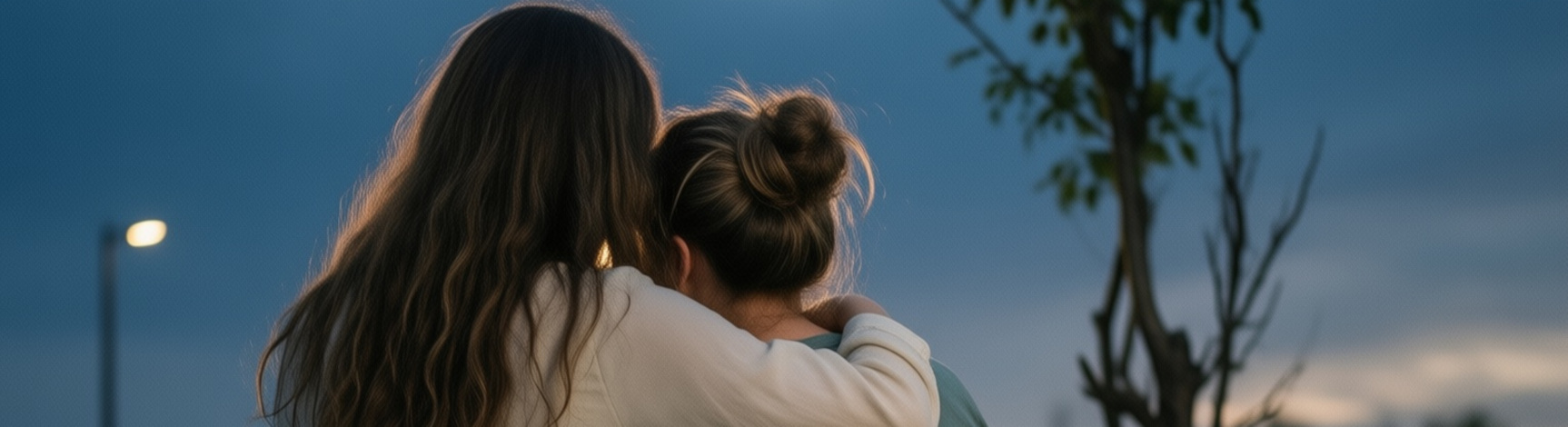
(...and Charlotte)
😄🧵💛👭 💞 🖤 🍓 🌶 🚪 🔑 🛋 🫧 🌩 🌧 🧵 🪡 👗 👚 👜 👠 🩰 💄 💋 🎻 📒 ✂ 🩸 💧 🚺 ☕🧠💻 ꧁ 🪷 🌷 🌸 🌺 🦩 ꧂ — ✈️ 🕊️ 🌫️ 🌿 🌷 🪜 ☕ 🧠 💻 ꧁ 🪷 🌷 🌸 🌺 🦩 ꧂ 🧺 🔐 💼 💻 💎 🩱 🥻 — —
Abouts
The Images
I own all images and videos on these pages. They were created using AI. ComfyUI is my 'Stable Diffusion' interface because of its flexibility and power through the use of nodes. This approach supports a number of key story-telling aspects:
-
Character persistence
Nodes used: LoRAs in Flux.1-Dev -
Anatomical accuracy
Models used: -
Z-Image Turbo
- Flux1 Dev (SRPO; to a lesser extent, Kontext)
- SeedV2 (not a model, used for scaling up)
The Scenes
I write in Zed, a coding plain-text processor that supports markdown (MkDocs). The pages of my site are save in markdown, then uploaded to GitHub along with images and other media. CloudFlare manages creating the static pages and serving the site. Large files, such as video or >25mg music files, are also served by CloudFlare.
I 'collaborate' with an AI bot I call 'Emily'. Unlike most common approaches to AI-generated content, AI is used for a lot of aspects of the delivery of my content, such as editing, tone-control, story-continuity and maintaining a story 'bible', but the content (plot/ dialogues / story arc / ideologies) is purely mine.
In Celeste's Girl I leaned quite heavily on Emily. My original story was not in line with the beliefs and goals the current one enjoys. I wanted this story—this 'account'—to read differently to the millions of writings on this topic, to which entire websites are devoted. To those who want to know more, my Introduction to Celeste's Girl should make it clear.
Audiobook
I'm slowly putting together an audiobook of 'Celeste's Girl':
Intro:
Scene 1:
Scene 2:
Voices
- Celeste Shelley - Freya [ElevenLabs-VoiceID: u8ADrbquiJqufR9XMtb8]
- Charlotte Rossignol -
- Sarah
- Lauren
- Brittany
- Mara
Happy Thoughts
Note: save from .yt-short iframe: aspect-ratio: 9 / 16;
This video sets the stage for Charlie's venture into a realm he never had any interest in, but due to his infatuation (dare we call it Love) for Celeste, he was destined to travel. In the process, he learns much about history, the insidious and deleterious effect of the patriarchy on the lives of women through the ages.
In order for this lesson to be learnt, 'Sharl' must first find himself in the unenviable role of discovering what it means to lose autonomy and have one's accomplishments be cancelled by society.
A bit about Celeste: she's a trend-setting, headstrong, unique individual. Artistic, a leader not a follower, determined to get her way. Clever, schemer. Intensely likeable, incredibly feminine. Won't suffer fools or jocks.
These pages explore the 'cancelling' - as in: suppression - of a full one-half of humans through a cruel, unjust mindset called the 'patriarchy'. The story is based on that theme, with information I've sort-of picked up chatting with Emily (ChatGPT) and learning all about life in the 1750s (18th Century).
The film "Portrait de la Jeune Fille En Feu" lit the fuse that inspired the Celeste story. It also inspired this piece, 'Waterfall':
Reminders of Markdown
(to Myself)
From the Index Page
For full documentation visit mkdocs.org.
Commands*
mkdocs new [dir-name]- Create a new project.mkdocs serve- Start the live-reloading docs server.mkdocs build- Build the documentation site.mkdocs -h- Print help message and exit.
Project layout
mkdocs.yml    # The configuration file.
docs/
    index.md  # The documentation homepage.
    ...       # Other markdown pages, images and other files.
Inline images
For externally-stored images (most will be stored on Tightbytes, for my pages)::
and for those stored with the data files::
...or...
<figure>
  <img src="https://dummyimage.com/600x400/eee/aaa" width="300" />
  <figcaption>Image caption</figcaption>
</figure>
Embedded YouTube Video
This code for a remote link:
<video width="384" height="384" controls>
  <source src="https://tightbytes.com/videos/Celeste/C01Aaa.mp4" type="video/mp4">
</video>
...yields this:
This code for a local link:
<video width="480" height="480" controls>
  <source src="/assets/videos//C03.mp4" type="video/mp4">
</video>
...yields this:
Embedded Audio
This code:
<audio controls="controls">
  <source src="http://tightbytes.com/music/Sketches/Sketch15.mp3" type="audio/wav">
  Your browser does not support the <code>audio</code> element.
</audio>
...produced:
Non-youtube Video
This code:
<iframe width="560" height="315"    src="https://tightbytes.com/art/images/Cui/24/1750s/s02/LeRegarde01.mp4" frameborder="0"  allow="accelerometer; autoplay; clipboard-write; encrypted-media; gyroscope; picture-in-picture"  allowfullscreen>
</iframe>
...produces:
(Note to self: took out [ autoplay; ] )
Creating Dotpoints
Once you've decided:
-
Select A.
-
Select B.
-
To identify C.
-
Finally, click on D.
Note: setting things to italics like this makes more impact - these have yielded reasonable results. You will almost certainly find better settings, which is the whole point of sharing this.
Links Management
Here's a typical example of embedding a link: Blender-for-Mac users, please refer to the Mac user help <http://blender.stackexchange.com/questions/6173/where-does-console-output-go>_ page.
Horizontal Separator Lines
The code is this (minus the '*')::
...which produces the following grey horizonal bar to help separate sctions (like the one below).
HTML and CSS
Grid for two simple layouts:
Slide Show: